
 Bonerboy96 camm22 botron1234 perseusja TheBlacksnack23 Sewafritz MindBender_27 Webbo_ MGIAAG marty2x hockeykingisme19 ColinsMC iballisticscrew Alekelly patri77 Gerskup Piggyguy216 Excowlibur N8DAVIES jactboy6 angel11135 MrSika Hughie28 Nebour OofDxddy Wesston123 Goodrich6 michael_tubasa TheGr33nArrow MrChaat Christimothy craftstuff1 bears84 ErrorNJ Bailey2003K DistortedHeX Checkale1 mattys2020 treeman7890 iwmw B3ASTM0DEPiRATE KillerWolfeCam adsum1204 lokjm1 stormerej Samiboy45 abbttttt Tokoul jacqueline58 walkenCha0s stanoly SnickaNick Suggs13 cojolike SickSik iamanoobtothis LowMater2020 gdawg_325 Murloco Mackenjems
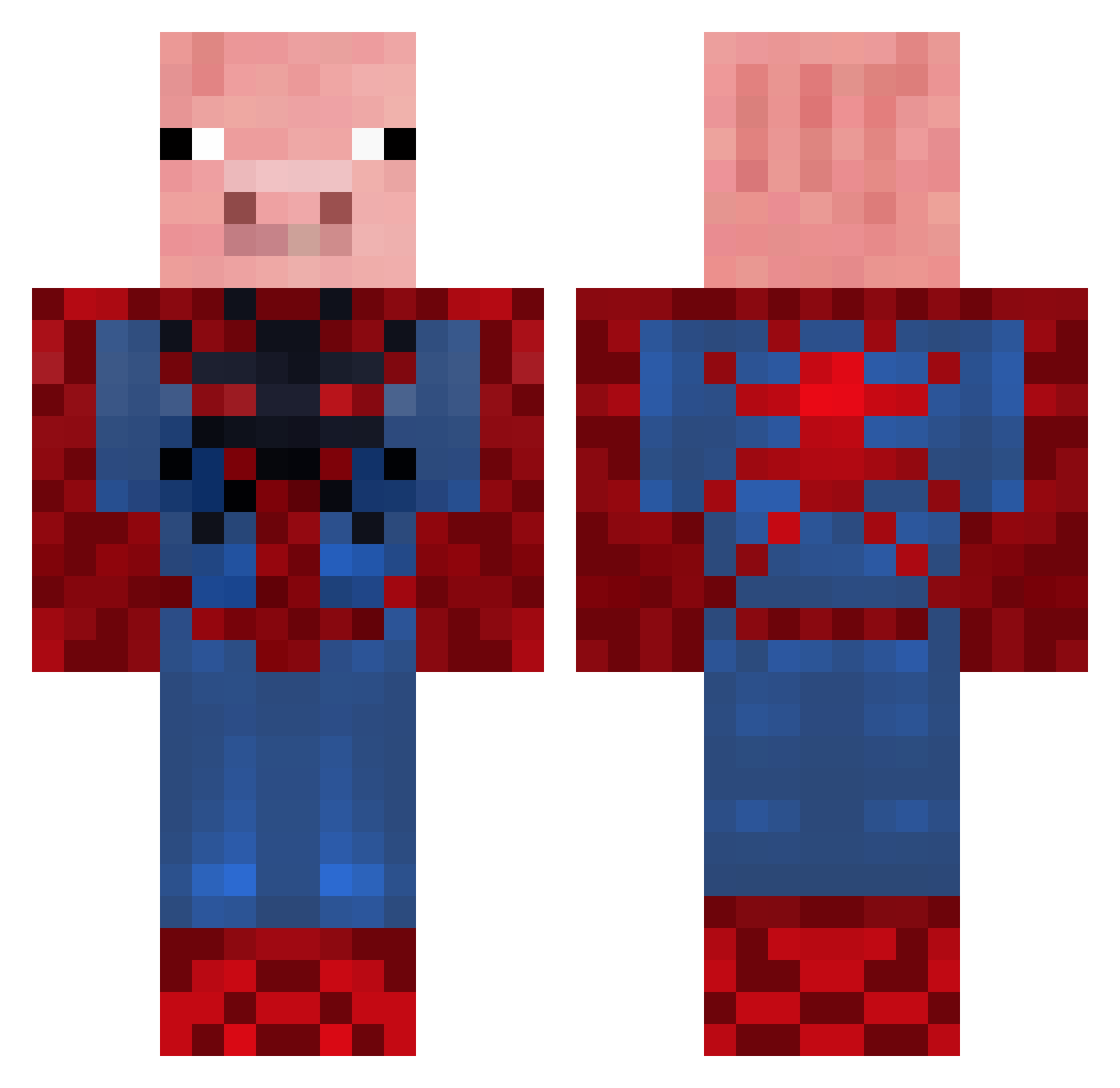
Minecraft skin of doofus_burger. Rotate the 3D model with your mouse or finger to view the skin from every angle, then download it as a PNG file and use it in Minecraft: Bedrock Edition or Java Edition for free. Rate the skin with stars to help other players find the best skins in our collection.
How to install the doofus_burger skin
- Press the Download button above to save the skin as a PNG file.
- Minecraft: Bedrock Edition (PE): open the Dressing Room from the main menu (or tap your character → Edit Character), go to Classic Skins → Owned, press the + (new skin) button, choose the downloaded PNG and pick the Classic (Steve) model. Works on PC and mobile; consoles cannot import custom skins.
- Minecraft: Java Edition: open the Minecraft Launcher, go to the Skins tab, click New Skin, load the PNG, pick the Classic (Steve) model and press Save & Use. You can also upload it at minecraft.net → Profile → Change Skin.
The skin does not show up after import - what should I do?
Restart Minecraft and open the Dressing Room again - imported skins sometimes appear only after a restart. Also make sure you selected the imported skin and picked the Classic (Steve) model.
Which model should I choose, Classic or Slim?
This skin is designed for the Classic (Steve) model. If you pick the wrong model, the arms of the skin will look stretched or squeezed.
Is this skin free to use?
Yes. Press Download, save the PNG file and use it in Minecraft: Bedrock Edition or Java Edition - no payment or registration needed. The skin also works on multiplayer servers and Realms.
More Pig Minecraft skins
More skins
Looking for more? Go back to all Minecraft skins and check the top skins of the week, month and all time, or find any player's skin by nickname.