
partypingu - Minecraft Skins & Skin History
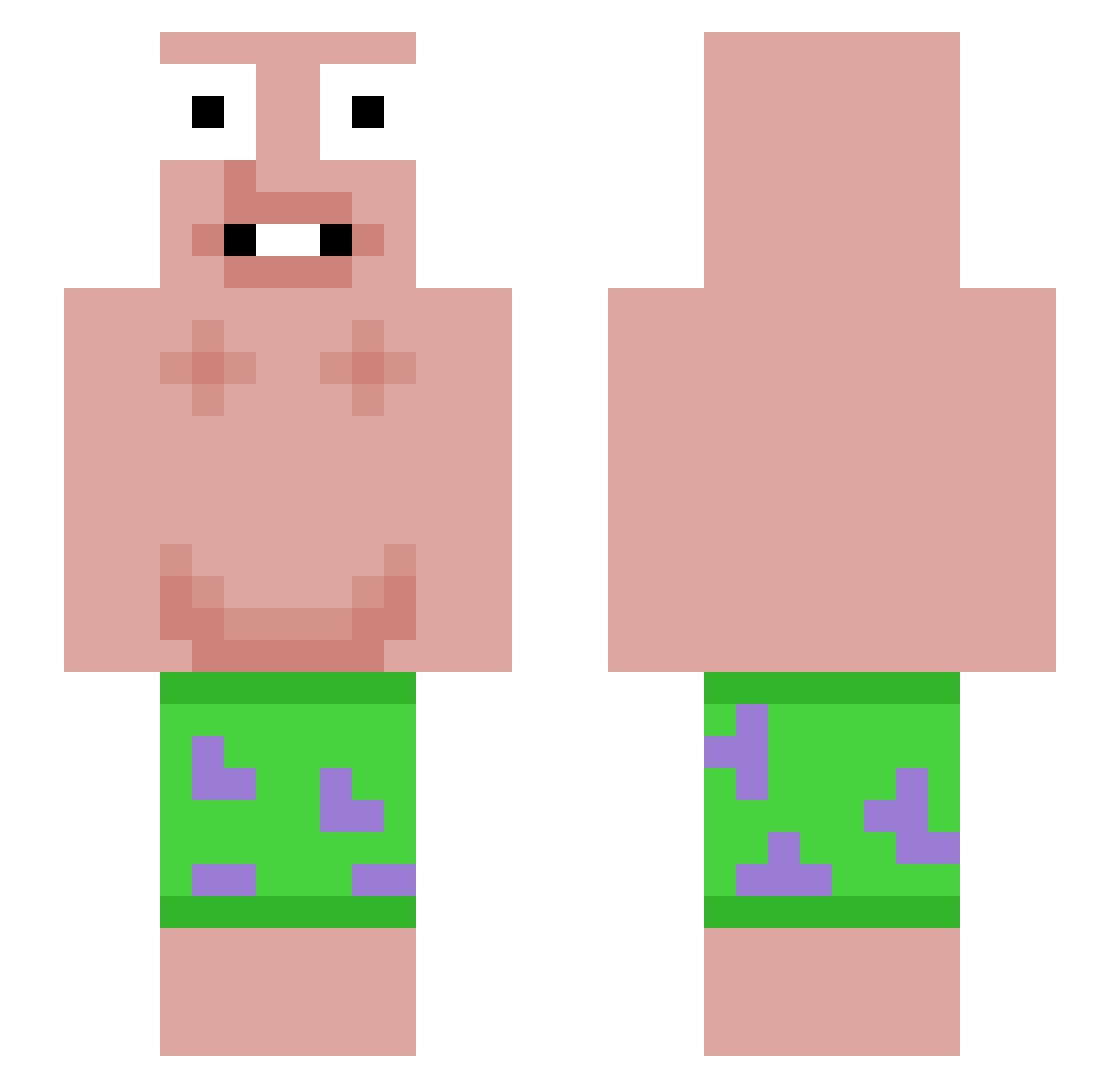
Current Minecraft skin of the player partypingu, loaded from the official Mojang API. Rotate the 3D model with your mouse or finger, then download the skin as a PNG file and use it in Minecraft: Bedrock Edition or Java Edition for free. When partypingu changes their skin, this page updates automatically and the old skin stays in the history below.
Other players with this skin (45)
partypingu was the 26th player we have seen with this skin, first spotted on 21.09.2026. The same skin was seen on these players. Open a nickname to see their current skin and skin history.
 meescraft Vellum__ Bennykwok basta85sx Vimuel sachaxx12 Fruityboy420 odrewww wembanyumyum1 3LIT3STAR HerEx69 TrustInWock rayanothman Janis_11 jeff950614 BliiTz 1Milewskii Rares0311 WHIITE___ WinstonBacon SusiSorglos_ Monkadeez Ciws33dd uron11
 ohana_TW SturmCon XSOE_LLSG yodak1011 moonduckyoon badriman2k slayer00712
 Ledif1 R6DARR F_chris5 Kostis69 Sonz09 _Drewb_ KalleONMalle SixTheGOAT Curlyoncaprisun n0stw n1verNR
 Lxcia0 Scorch101 dooby4life
More Patrick Star Minecraft skins
See all 633 Patrick Star skins
How to install the partypingu skin
- Press the Download button above to save the skin as a PNG file.
- Minecraft: Bedrock Edition (PE): open the Dressing Room from the main menu (or tap your character → Edit Character), go to Classic Skins → Owned, press the + (new skin) button, choose the downloaded PNG and pick the Slim (Alex) model. Works on PC and mobile; consoles cannot import custom skins.
- Minecraft: Java Edition: open the Minecraft Launcher, go to the Skins tab, click New Skin, load the PNG, pick the Slim (Alex) model and press Save & Use. You can also upload it at minecraft.net → Profile → Change Skin.
The skin does not show up after import - what should I do?
Restart Minecraft and open the Dressing Room again - imported skins sometimes appear only after a restart. Also make sure you selected the imported skin and picked the Slim (Alex) model.
Which model should I choose, Classic or Slim?
This skin is designed for the Slim (Alex) model. If you pick the wrong model, the arms of the skin will look stretched or squeezed.
Is the skin of partypingu free to download?
Yes. Press Download, save the PNG file and use it in Minecraft: Bedrock Edition or Java Edition - no payment or registration needed. The skin also works on multiplayer servers and Realms.
More skins
Looking for more? Go back to all Minecraft skins and check the top skins of the week, month and all time, or find any player's skin by nickname.