
pandarhythm - Minecraft Skins & Skin History
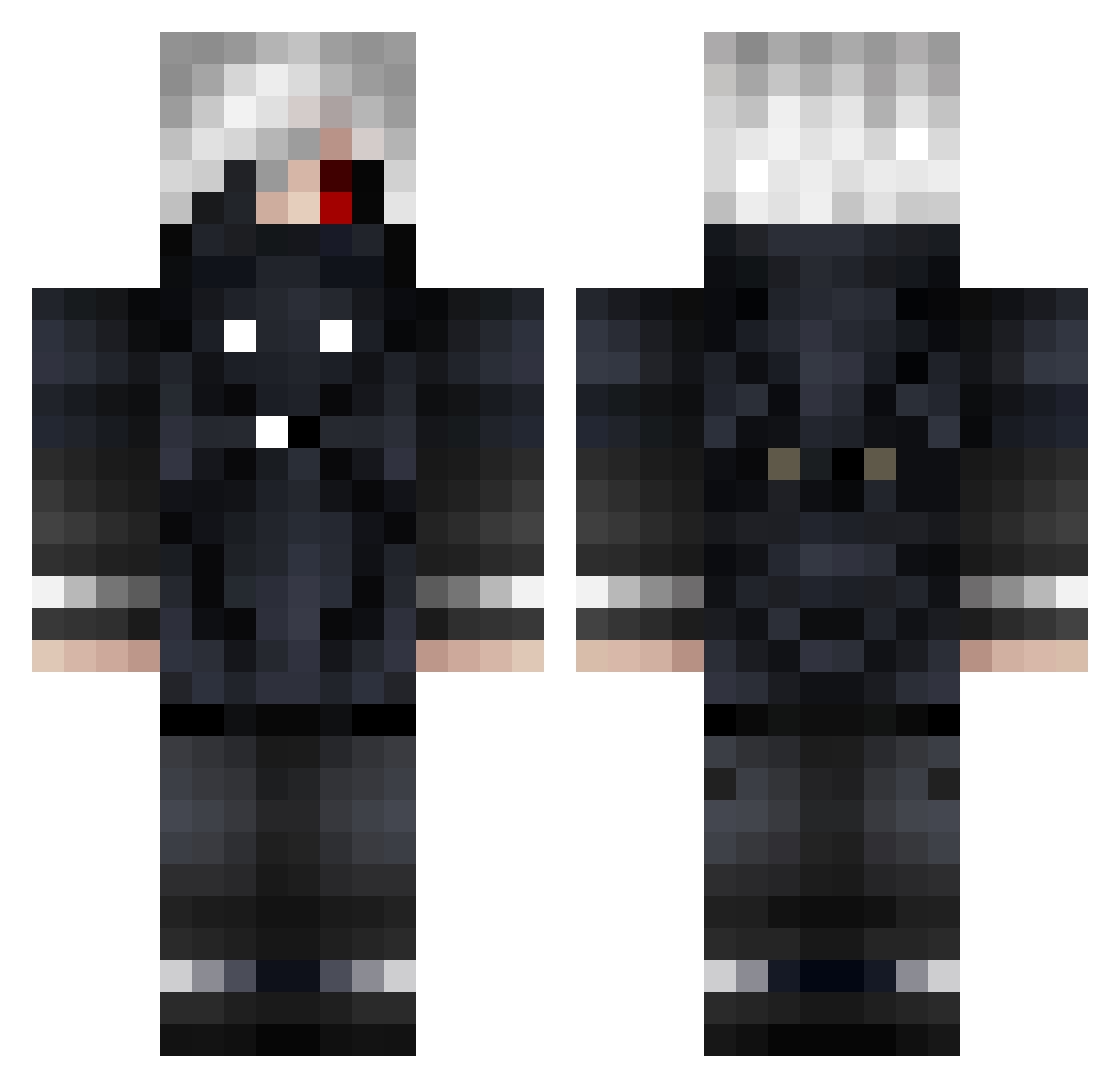
Current Minecraft skin of the player pandarhythm, loaded from the official Mojang API. Rotate the 3D model with your mouse or finger, then download the skin as a PNG file and use it in Minecraft: Bedrock Edition or Java Edition for free. When pandarhythm changes their skin, this page updates automatically and the old skin stays in the history below.
Other players with this skin (680)
pandarhythm was the 630th player we have seen with this skin, first spotted on 17.10.2026. The same skin was seen on these players. Open a nickname to see their current skin and skin history.
 Altsword2 Moonl1ghtzxc OhhNeptune JoWolfy LennardVla DemonZSan ThoughtTyler punky_105 wataame1119 Kiba_Biker DivaVGE sinithh Nexcitys lolobot Futharks AnkuSukinBoss Niness00 typicalboy34 SHPEMP Alo34 SpinoGold RcTzZ BussinTV Gardasin xhesi77 DOXOvV Merlope EzzNastole SierraLima90 TheDevilishKing ZENOBA ArGoNauTe16 Azrxil andybuffa17 zehelh Doddy414 WME_Official Night_sky987 F1rlan KeichoKun RIOMELODY yuhsuannnn Illu59 XyLen_KAWAKAZE ViktoriaBitter depressedwhyHAHA SosMula13 pitgelo EWaaX92 Ha1l3 Chizuru_San _Kaneki___Ghoul_ Juniior_971 VeggieCat Z6GT Strysiu navarrin678 Zsip CastilloSama WILL157
More Mask Minecraft skins
How to install the pandarhythm skin
- Press the Download button above to save the skin as a PNG file.
- Minecraft: Bedrock Edition (PE): open the Dressing Room from the main menu (or tap your character → Edit Character), go to Classic Skins → Owned, press the + (new skin) button, choose the downloaded PNG and pick the Classic (Steve) model. Works on PC and mobile; consoles cannot import custom skins.
- Minecraft: Java Edition: open the Minecraft Launcher, go to the Skins tab, click New Skin, load the PNG, pick the Classic (Steve) model and press Save & Use. You can also upload it at minecraft.net → Profile → Change Skin.
The skin does not show up after import - what should I do?
Restart Minecraft and open the Dressing Room again - imported skins sometimes appear only after a restart. Also make sure you selected the imported skin and picked the Classic (Steve) model.
Which model should I choose, Classic or Slim?
This skin is designed for the Classic (Steve) model. If you pick the wrong model, the arms of the skin will look stretched or squeezed.
Is the skin of pandarhythm free to download?
Yes. Press Download, save the PNG file and use it in Minecraft: Bedrock Edition or Java Edition - no payment or registration needed. The skin also works on multiplayer servers and Realms.
More skins
Looking for more? Go back to all Minecraft skins and check the top skins of the week, month and all time, or find any player's skin by nickname.