
obeast209 - Minecraft Skins & Skin History
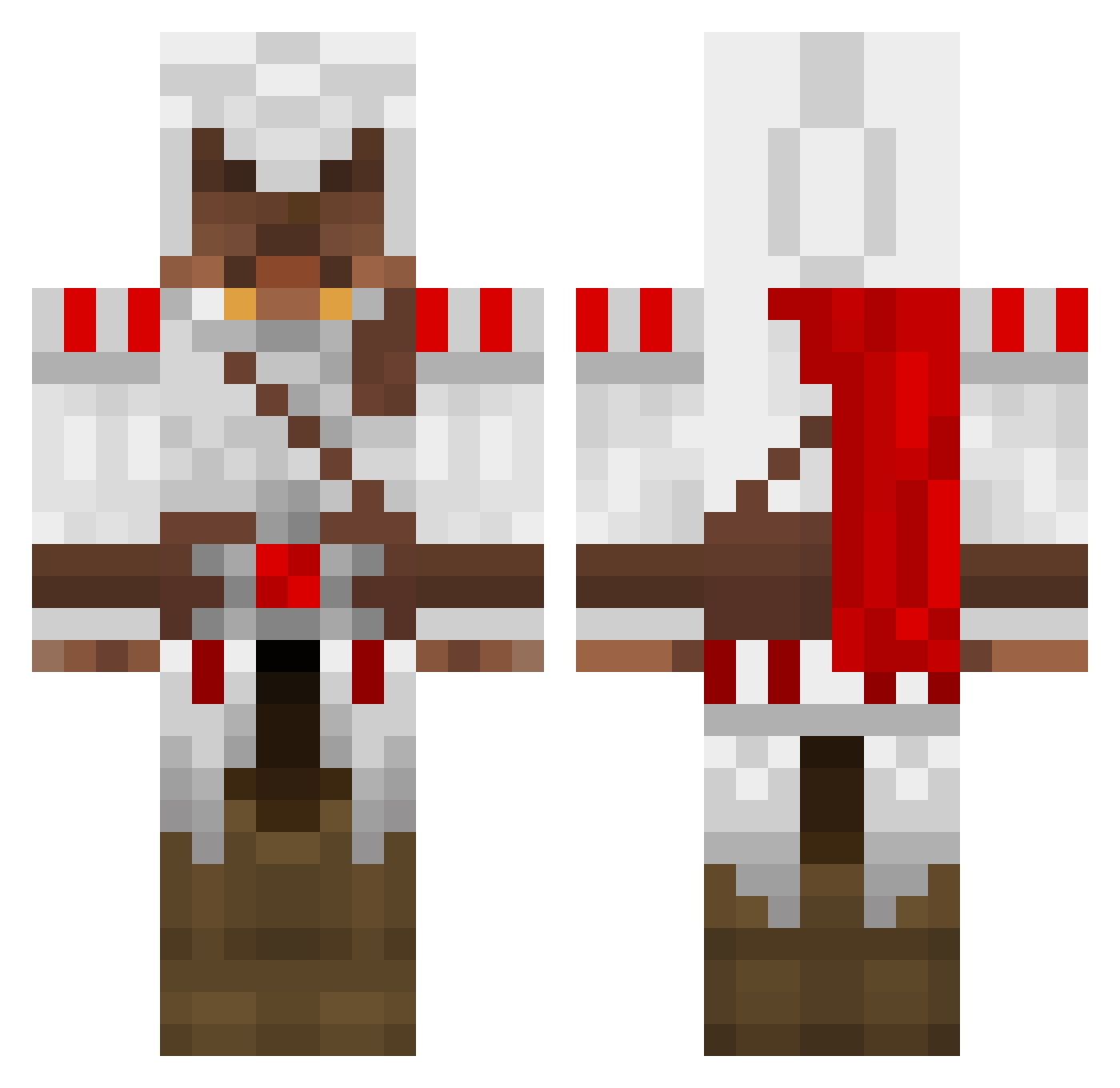
Current Minecraft skin of the player obeast209, loaded from the official Mojang API. Rotate the 3D model with your mouse or finger, then download the skin as a PNG file and use it in Minecraft: Bedrock Edition or Java Edition for free. When obeast209 changes their skin, this page updates automatically and the old skin stays in the history below.
Other players with this skin (1388)
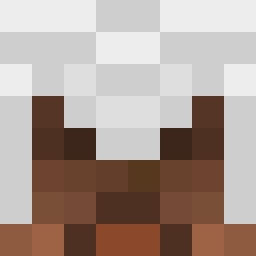
obeast209 was the 1294th player we have seen with this skin, first spotted on 25.10.2026. The same skin was seen on these players. Open a nickname to see their current skin and skin history.
 ajax1006 SirTrollAlot MrReckless462 Mr_Smith9870 MasterOgeid WolffangXLR miro93 ryomisama MrAronsson kingyonez marcoherrera1 JonSchroeder danfarrell1234 TheAnother5 Berronce simzyghost IsItReal Failtacular Legacy_Miller vinnygdice vPotato wanxikang Dido_Dude2580 jo1987 wakeboarder321 SquatsAlt3 i830 thijmen09 darkdragon1498 Shadow_Snip3r leader1707 jackolsen24 flyingme2 jastaur xboxdude400 99jezza99 a_dub92 CeyBee sakolpo CoolTNTBOOM2003 DJbrad8 hmtarm hobrick187 blackshado jimbob8881 EdenValdin xxnothingxx_ xMirko46 platz97 rayinator52 pieguydie colees rdubois1 Pervana dee5521 TheChrisCrysis realfast comeandtake manidiego bersi4kzero
More Altair Ibn La Ahad Minecraft skins
See all 196 Altair Ibn La Ahad skins
How to install the obeast209 skin
- Press the Download button above to save the skin as a PNG file.
- Minecraft: Bedrock Edition (PE): open the Dressing Room from the main menu (or tap your character → Edit Character), go to Classic Skins → Owned, press the + (new skin) button, choose the downloaded PNG and pick the Classic (Steve) model. Works on PC and mobile; consoles cannot import custom skins.
- Minecraft: Java Edition: open the Minecraft Launcher, go to the Skins tab, click New Skin, load the PNG, pick the Classic (Steve) model and press Save & Use. You can also upload it at minecraft.net → Profile → Change Skin.
The skin does not show up after import - what should I do?
Restart Minecraft and open the Dressing Room again - imported skins sometimes appear only after a restart. Also make sure you selected the imported skin and picked the Classic (Steve) model.
Which model should I choose, Classic or Slim?
This skin is designed for the Classic (Steve) model. If you pick the wrong model, the arms of the skin will look stretched or squeezed.
Is the skin of obeast209 free to download?
Yes. Press Download, save the PNG file and use it in Minecraft: Bedrock Edition or Java Edition - no payment or registration needed. The skin also works on multiplayer servers and Realms.
More skins
Looking for more? Go back to all Minecraft skins and check the top skins of the week, month and all time, or find any player's skin by nickname.