
neexeepupsik010 - Minecraft Skins & Skin History
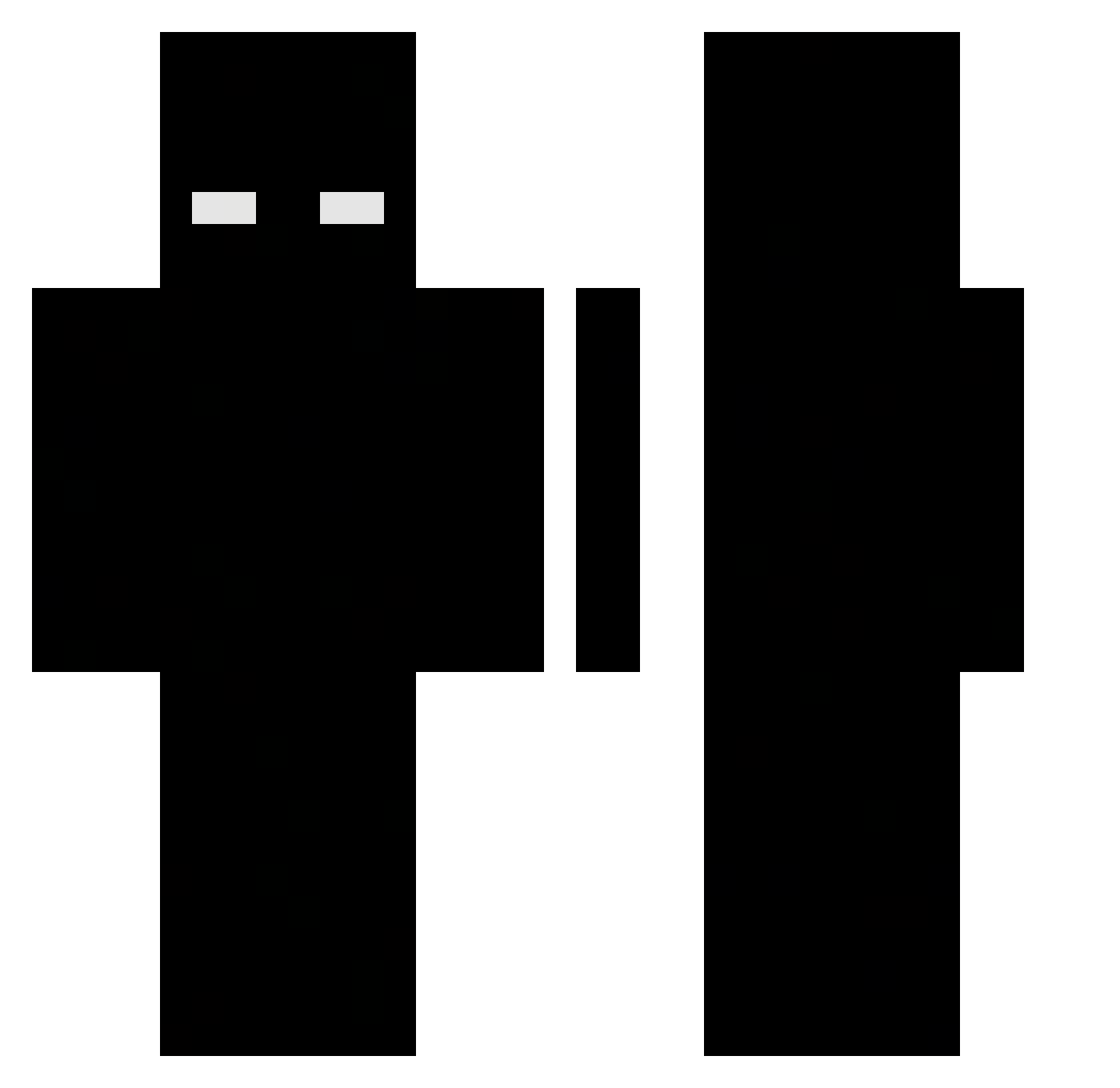
Current Minecraft skin of the player neexeepupsik010, loaded from the official Mojang API. Rotate the 3D model with your mouse or finger, then download the skin as a PNG file and use it in Minecraft: Bedrock Edition or Java Edition for free. When neexeepupsik010 changes their skin, this page updates automatically and the old skin stays in the history below.
Other players with this skin (474)
neexeepupsik010 was the 113th player we have seen with this skin, first spotted on 18.08.2026. The same skin was seen on these players. Open a nickname to see their current skin and skin history.
 Do_tw _Alvesg7 Dukezyy_ HiIamjie ALPHA_ViPeR34 Juhn8 enh1ve napletino_italia DAYNOOOMC _Soal dontforfeit wyzn_x punkaruba Lickzzz pr1zrack t0l10 z_titi_H_69 Tht0u iets_glitch Alyeaz cabal0N _Wxck_ DanBlockGod DAIk9 Darkkc screeded KaanGHG HEINIDO Orestioss Votex14 rotcivnay mydvx JEYZIN007 Lolo971
 Y11oooooo3 hoya_1124 coorpee Abstentious Rakkipura Voidfrrr ElPILLE JavaFlip kacper1133 whosfloyd hambams miggles_1 farmaceutaa BruceHL Aprovei Sov1u NessXj Xeno_408 Compak778 gohan11234 Choppir paramek d4kuuu isago zakoloba TogetherForevere
More Herobrine Minecraft skins
How to install the neexeepupsik010 skin
- Press the Download button above to save the skin as a PNG file.
- Minecraft: Bedrock Edition (PE): open the Dressing Room from the main menu (or tap your character → Edit Character), go to Classic Skins → Owned, press the + (new skin) button, choose the downloaded PNG and pick the Classic (Steve) model. Works on PC and mobile; consoles cannot import custom skins.
- Minecraft: Java Edition: open the Minecraft Launcher, go to the Skins tab, click New Skin, load the PNG, pick the Classic (Steve) model and press Save & Use. You can also upload it at minecraft.net → Profile → Change Skin.
The skin does not show up after import - what should I do?
Restart Minecraft and open the Dressing Room again - imported skins sometimes appear only after a restart. Also make sure you selected the imported skin and picked the Classic (Steve) model.
Which model should I choose, Classic or Slim?
This skin is designed for the Classic (Steve) model. If you pick the wrong model, the arms of the skin will look stretched or squeezed.
Is the skin of neexeepupsik010 free to download?
Yes. Press Download, save the PNG file and use it in Minecraft: Bedrock Edition or Java Edition - no payment or registration needed. The skin also works on multiplayer servers and Realms.
More skins
Looking for more? Go back to all Minecraft skins and check the top skins of the week, month and all time, or find any player's skin by nickname.