
nattoumakii - Minecraft Skins & Skin History
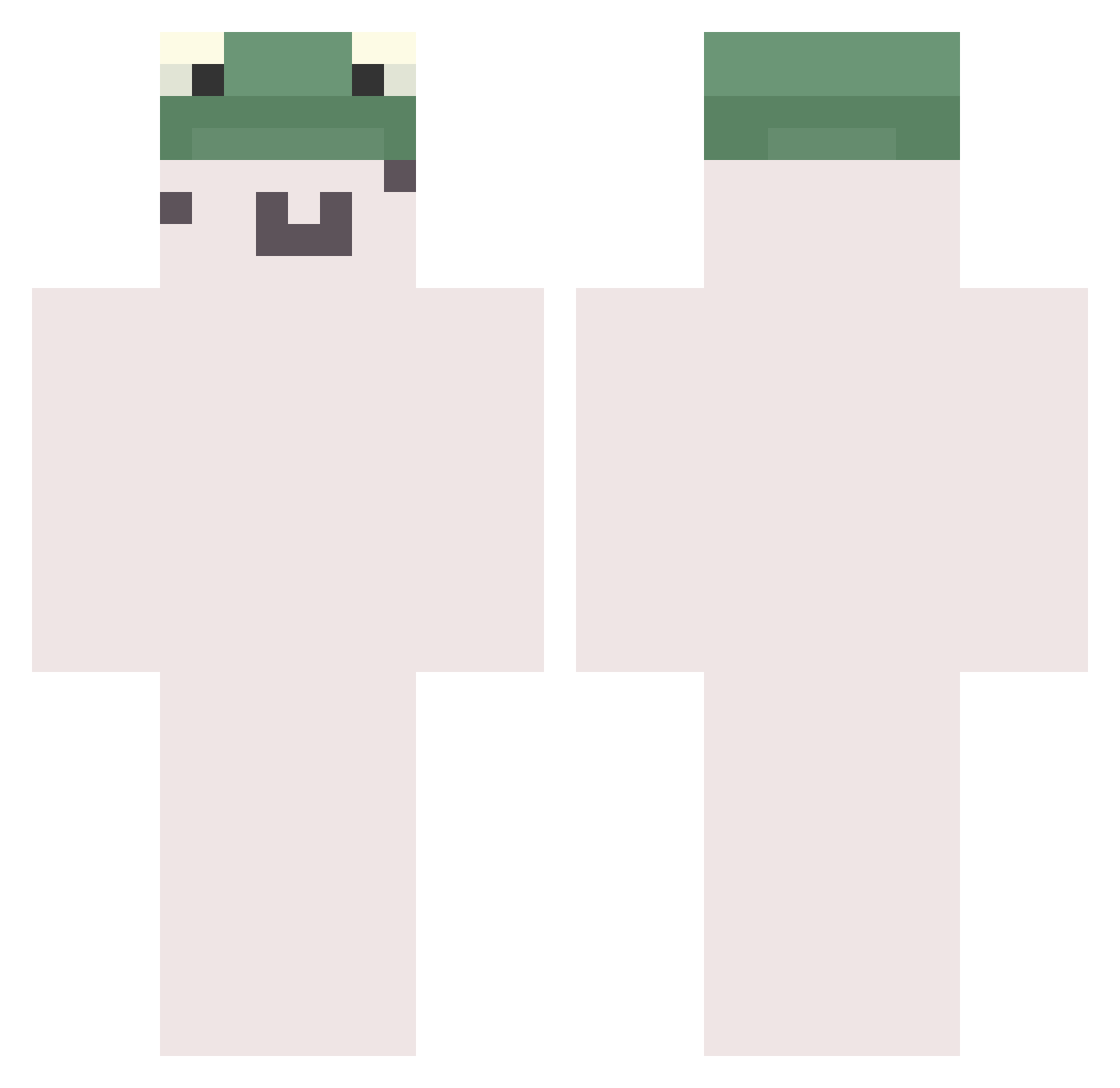
Current Minecraft skin of the player nattoumakii, loaded from the official Mojang API. Rotate the 3D model with your mouse or finger, then download the skin as a PNG file and use it in Minecraft: Bedrock Edition or Java Edition for free. When nattoumakii changes their skin, this page updates automatically and the old skin stays in the history below.
Other players with this skin (783)
nattoumakii was the 537th player we have seen with this skin, first spotted on 09.10.2026. The same skin was seen on these players. Open a nickname to see their current skin and skin history.
 ronaldosant K_H_G girew ashinjapan KirbyKang ChickenAlfredo68 BoBooSang Jun_Soung jootiro dudalsl Qena Burgs_27 Koldy2502 Ar1840 __0NeXar Roe_Ski Cirxsa Yuning71 hassori NeoRares yhhuan seon23 _NotANative_ nyshee mcjh06 WYeeee Don_Its osombo Subbatazt kildo1123 foress6 Cemglny 33vv Zukinho Dt2000dt JepyToad MxckaR2 Sl3epyz wirraxx Errros roxFLAVUS YW5555 soyeon_030 seola0 SShenys hyeon0607 SMii7E A_Naser Gteas jj896351_ Tugg3n tiandaoaaa J_iho junseo1234 74SfMore ManNuGI bogtejgry KEUIONG To45ter Thaliaaaaaaa
More Kermit The Frog Minecraft skins
See all 436 Kermit The Frog skins
How to install the nattoumakii skin
- Press the Download button above to save the skin as a PNG file.
- Minecraft: Bedrock Edition (PE): open the Dressing Room from the main menu (or tap your character → Edit Character), go to Classic Skins → Owned, press the + (new skin) button, choose the downloaded PNG and pick the Classic (Steve) model. Works on PC and mobile; consoles cannot import custom skins.
- Minecraft: Java Edition: open the Minecraft Launcher, go to the Skins tab, click New Skin, load the PNG, pick the Classic (Steve) model and press Save & Use. You can also upload it at minecraft.net → Profile → Change Skin.
The skin does not show up after import - what should I do?
Restart Minecraft and open the Dressing Room again - imported skins sometimes appear only after a restart. Also make sure you selected the imported skin and picked the Classic (Steve) model.
Which model should I choose, Classic or Slim?
This skin is designed for the Classic (Steve) model. If you pick the wrong model, the arms of the skin will look stretched or squeezed.
Is the skin of nattoumakii free to download?
Yes. Press Download, save the PNG file and use it in Minecraft: Bedrock Edition or Java Edition - no payment or registration needed. The skin also works on multiplayer servers and Realms.
More skins
Looking for more? Go back to all Minecraft skins and check the top skins of the week, month and all time, or find any player's skin by nickname.