
nacho2tall - Minecraft Skins & Skin History
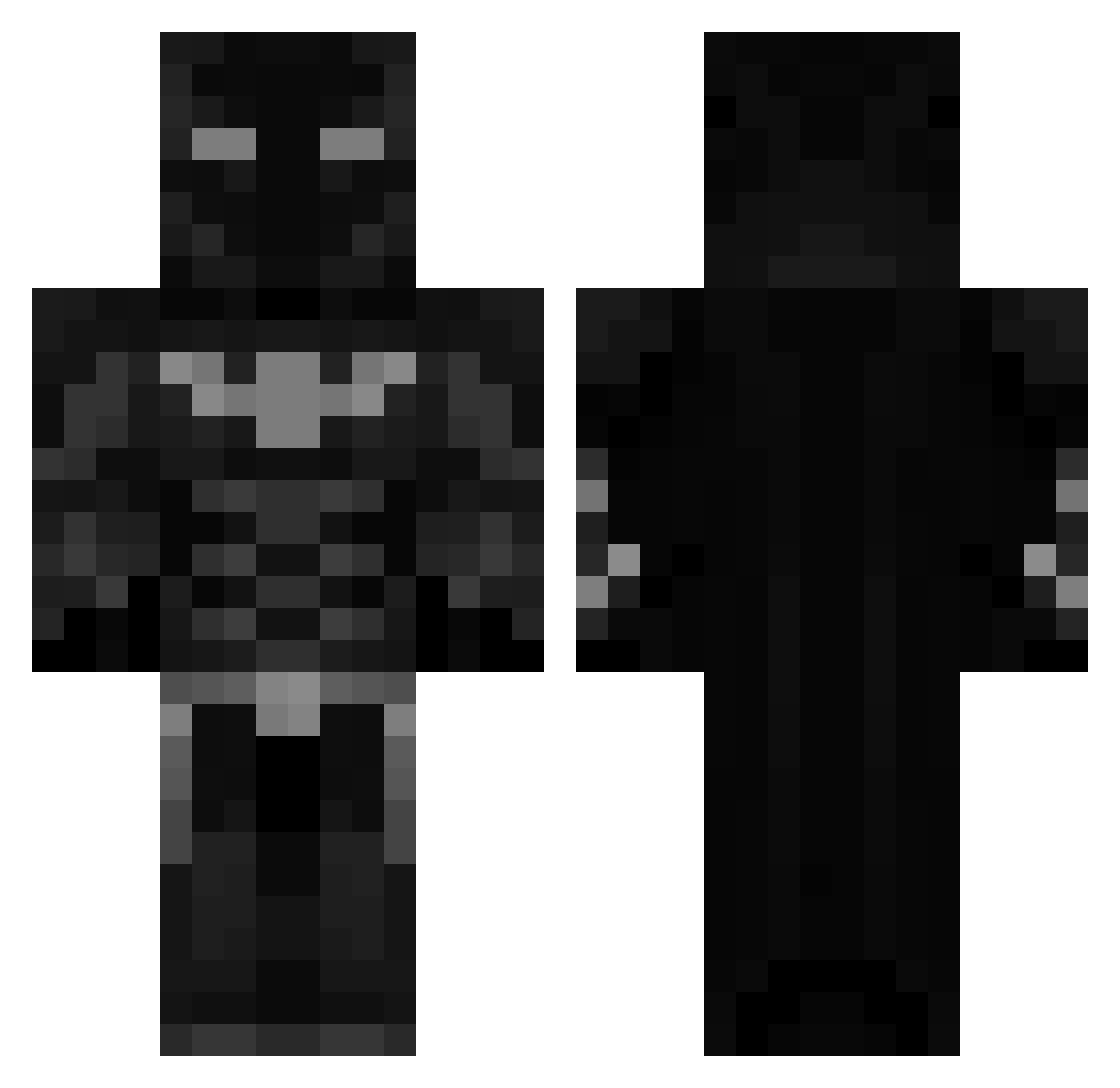
Current Minecraft skin of the player nacho2tall, loaded from the official Mojang API. Rotate the 3D model with your mouse or finger, then download the skin as a PNG file and use it in Minecraft: Bedrock Edition or Java Edition for free. When nacho2tall changes their skin, this page updates automatically and the old skin stays in the history below.
Other players with this skin (501)
nacho2tall was the 325th player we have seen with this skin, first spotted on 07.10.2026. The same skin was seen on these players. Open a nickname to see their current skin and skin history.
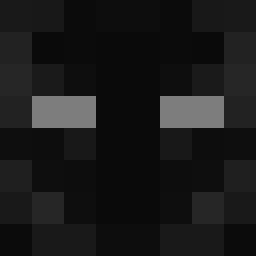 Meyowing rcruzz27 CarelessCream cemtten Leskaka DobrePiwo Davidloureiro08 Engel_315 unwritten999 BaranErdenS31 blazko8671 SavageBatman_ ArsalanWarrior Transformer0922 kevinxd159 crazysanti2424 PHSHABANI zouzou3effo l3g0_ TrevShiesty hus02000 en1eyxx 992911TurboS bluey88x 20pcnuggets432 Pulse_Vale GifflerThe Retrosaurio FrogCharge2635 Flandur ImFlam vLastLord knaskallas Cesxr_23 Larisb14 rawrlolxD queckmire YT_GROBZ ytoastee BkRampage45 Fojest filmcaffeine19 Space_Panda7 lisa_kbD39_08_24 lilob05 SaintZzzzz andrewisbatman NoobZz141 RenDaDestroyer Avocado_Amgigo1 Tryhard4419 AlphaFleaz Aquamarine1337 ItzHaz pro_minecraftman Zeesho_786 IamBats16 JamshaGamer FERASGH itsStasYT
More Batman Minecraft skins
How to install the nacho2tall skin
- Press the Download button above to save the skin as a PNG file.
- Minecraft: Bedrock Edition (PE): open the Dressing Room from the main menu (or tap your character → Edit Character), go to Classic Skins → Owned, press the + (new skin) button, choose the downloaded PNG and pick the Classic (Steve) model. Works on PC and mobile; consoles cannot import custom skins.
- Minecraft: Java Edition: open the Minecraft Launcher, go to the Skins tab, click New Skin, load the PNG, pick the Classic (Steve) model and press Save & Use. You can also upload it at minecraft.net → Profile → Change Skin.
The skin does not show up after import - what should I do?
Restart Minecraft and open the Dressing Room again - imported skins sometimes appear only after a restart. Also make sure you selected the imported skin and picked the Classic (Steve) model.
Which model should I choose, Classic or Slim?
This skin is designed for the Classic (Steve) model. If you pick the wrong model, the arms of the skin will look stretched or squeezed.
Is the skin of nacho2tall free to download?
Yes. Press Download, save the PNG file and use it in Minecraft: Bedrock Edition or Java Edition - no payment or registration needed. The skin also works on multiplayer servers and Realms.
More skins
Looking for more? Go back to all Minecraft skins and check the top skins of the week, month and all time, or find any player's skin by nickname.