
muraxa228 - Minecraft Skins & Skin History
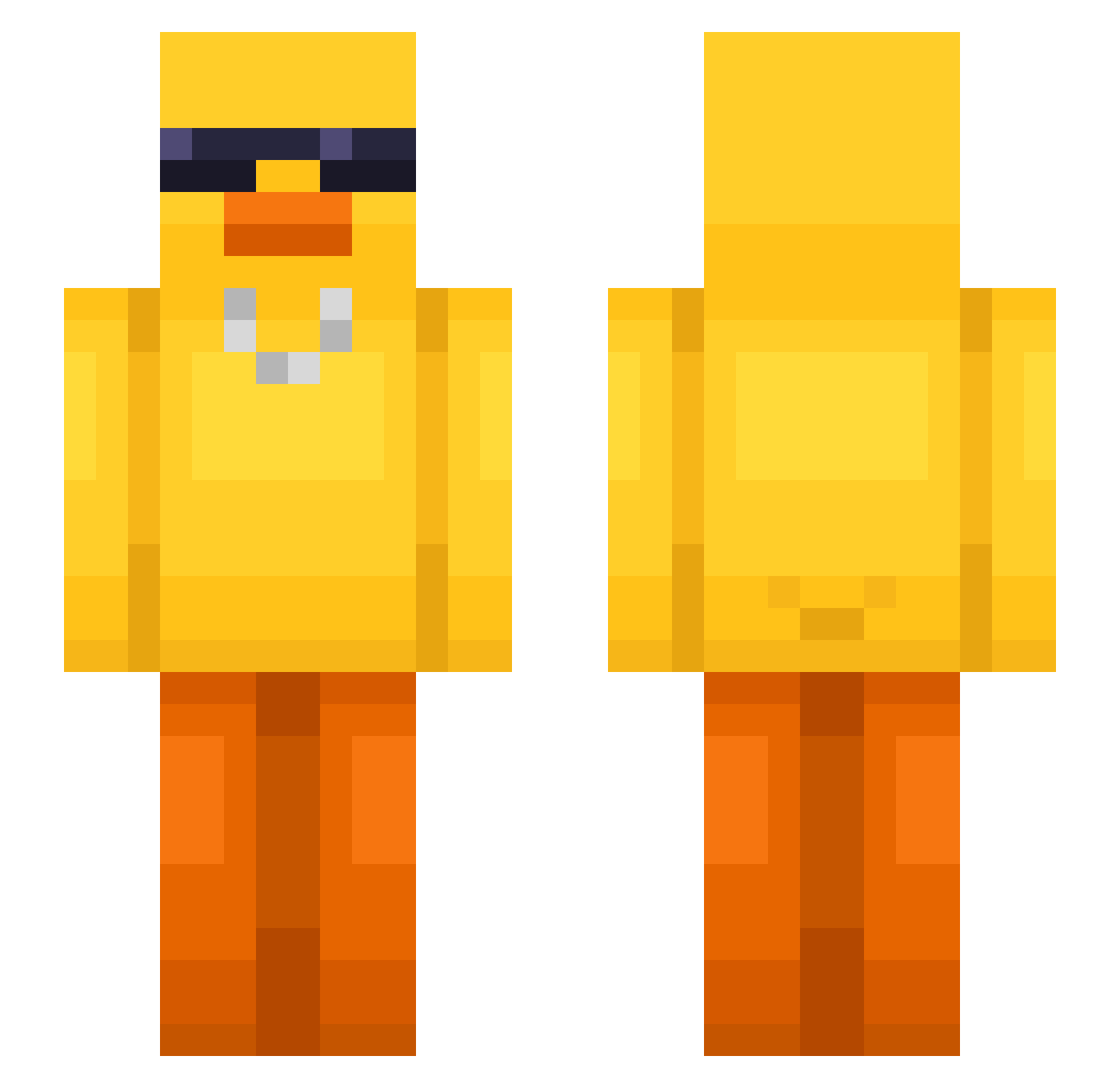
Current Minecraft skin of the player muraxa228, loaded from the official Mojang API. Rotate the 3D model with your mouse or finger, then download the skin as a PNG file and use it in Minecraft: Bedrock Edition or Java Edition for free. When muraxa228 changes their skin, this page updates automatically and the old skin stays in the history below.
Other players with this skin (631)
muraxa228 was the 419th player we have seen with this skin, first spotted on 06.10.2026. The same skin was seen on these players. Open a nickname to see their current skin and skin history.
 AdrianSand128 Yeon_Tae03 Itzn_ jammin0321 ConwayRC mrKrispy0 vadekki hoizza___ TYZANIUM Ummongol shinyebeen mingding9 BerryHyung honeybetter aliming Ther666 sergioserII toriuss_ pjs122109 Anachei31 nkwilde SteMezza kliktray PandaSnoopy_ Bappo200 Anszua PatoIrr MixiChip115 Rafadvale321 Happymitmit AlfredKlinge H4PPY99 KAMA_A WendoAgro helloovq mmiigg VitootiV xandrlq Happy_DB JoniBoni25 kurd76 Rodneyi TENTYDYNAMITE iaguitotop puffling101 dw0_0wd CheckKarotte BaadSpeelr PlasticNothing rizzy_duck horses55b KRYSTIANNN7 goodiybull Kitmiry SuSisha cookieonthepooki ElRubio14 NavyRangerNinja Bewyed TopHatToe
More Chain Minecraft skins
How to install the muraxa228 skin
- Press the Download button above to save the skin as a PNG file.
- Minecraft: Bedrock Edition (PE): open the Dressing Room from the main menu (or tap your character → Edit Character), go to Classic Skins → Owned, press the + (new skin) button, choose the downloaded PNG and pick the Slim (Alex) model. Works on PC and mobile; consoles cannot import custom skins.
- Minecraft: Java Edition: open the Minecraft Launcher, go to the Skins tab, click New Skin, load the PNG, pick the Slim (Alex) model and press Save & Use. You can also upload it at minecraft.net → Profile → Change Skin.
The skin does not show up after import - what should I do?
Restart Minecraft and open the Dressing Room again - imported skins sometimes appear only after a restart. Also make sure you selected the imported skin and picked the Slim (Alex) model.
Which model should I choose, Classic or Slim?
This skin is designed for the Slim (Alex) model. If you pick the wrong model, the arms of the skin will look stretched or squeezed.
Is the skin of muraxa228 free to download?
Yes. Press Download, save the PNG file and use it in Minecraft: Bedrock Edition or Java Edition - no payment or registration needed. The skin also works on multiplayer servers and Realms.
More skins
Looking for more? Go back to all Minecraft skins and check the top skins of the week, month and all time, or find any player's skin by nickname.