
 vixen4441 GuHenTiye FireCwacker LeoNomad baldee_ avocadodip johann387 VanHag1 _Munyanyo_ P0c0k Bing_gle KIPEITJE spider18 Jeanzinn019 Dray0609 banna_51 dawmoon zackrleite MintRelic reggiemccann UmutAlly FireBear01 d4ni3l1sai4s BackyardHackers WillyTheBoss xMlodyArtuDittUx CrazyCatFor5Year Wilcke TKTTY pjgkgl Azarov__ JustMatuu Stakenz esimies69 LIPTON677 TaeHyeon_0409 a5tron1x Shyppps Vitchin Futuredom Canebau mussammu kladsdll DanV10 gmkz9029 jklmn33 neocwbbr mefrlol megotber maxkamms snipeerkwta152 SEOJUN0708 Ganzi__ siyeon09 lucasandre_ yeungcho bekkamukun_ Sawyer81602 AInternetTaRuim JussePonce
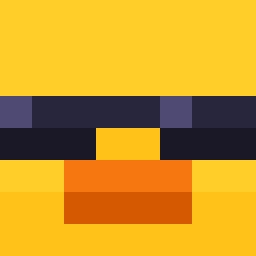
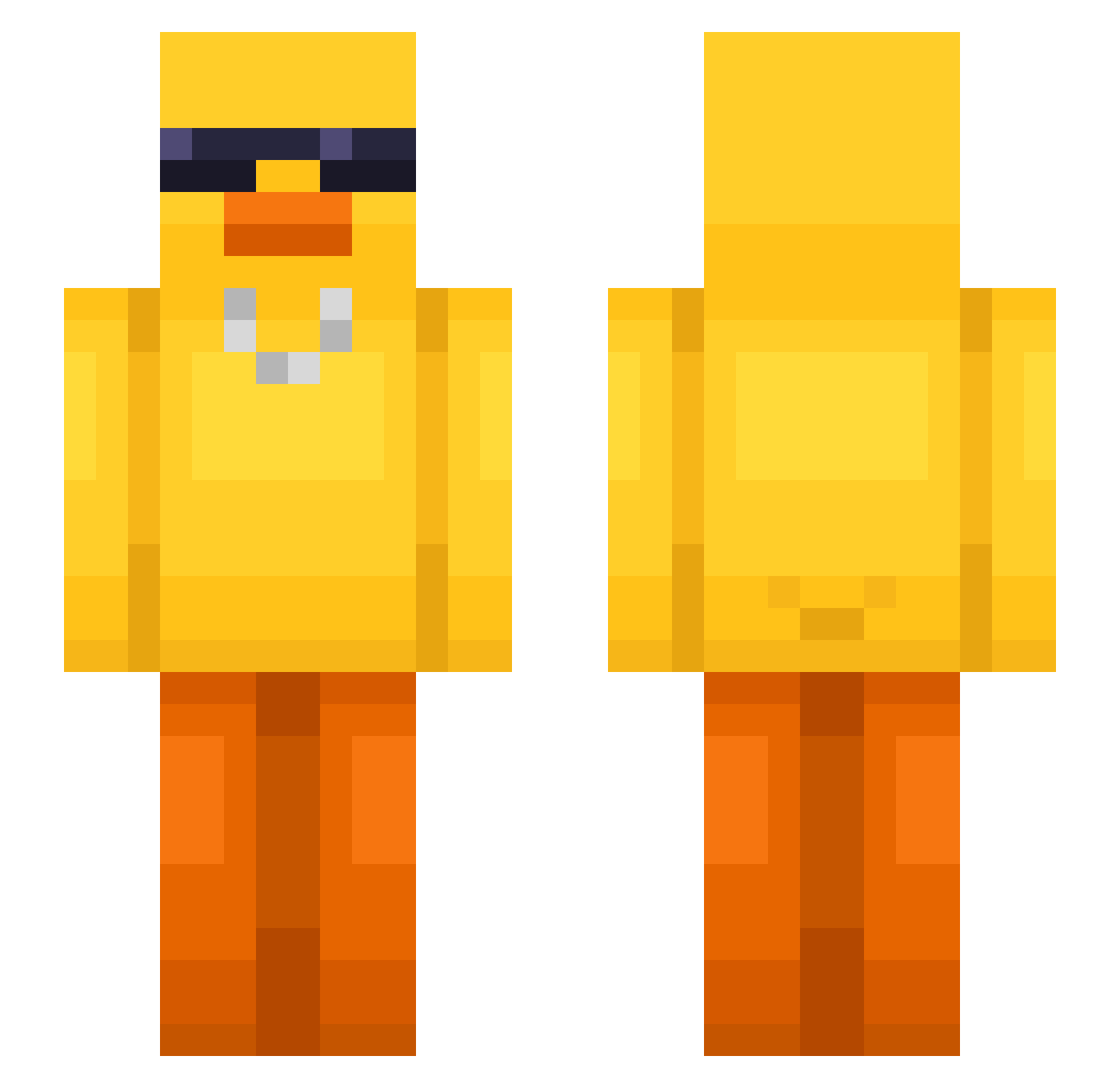
Minecraft skin of Gustav246. Rotate the 3D model with your mouse or finger to view the skin from every angle, then download it as a PNG file and use it in Minecraft: Bedrock Edition or Java Edition for free. Rate the skin with stars to help other players find the best skins in our collection.
How to install the Gustav246 skin
- Press the Download button above to save the skin as a PNG file.
- Minecraft: Bedrock Edition (PE): open the Dressing Room from the main menu (or tap your character → Edit Character), go to Classic Skins → Owned, press the + (new skin) button, choose the downloaded PNG and pick the Slim (Alex) model. Works on PC and mobile; consoles cannot import custom skins.
- Minecraft: Java Edition: open the Minecraft Launcher, go to the Skins tab, click New Skin, load the PNG, pick the Slim (Alex) model and press Save & Use. You can also upload it at minecraft.net → Profile → Change Skin.
The skin does not show up after import - what should I do?
Restart Minecraft and open the Dressing Room again - imported skins sometimes appear only after a restart. Also make sure you selected the imported skin and picked the Slim (Alex) model.
Which model should I choose, Classic or Slim?
This skin is designed for the Slim (Alex) model. If you pick the wrong model, the arms of the skin will look stretched or squeezed.
Is this skin free to use?
Yes. Press Download, save the PNG file and use it in Minecraft: Bedrock Edition or Java Edition - no payment or registration needed. The skin also works on multiplayer servers and Realms.
More Chain Minecraft skins
More skins
Looking for more? Go back to all Minecraft skins and check the top skins of the week, month and all time, or find any player's skin by nickname.