
mortilox_07 - Minecraft Skins & Skin History
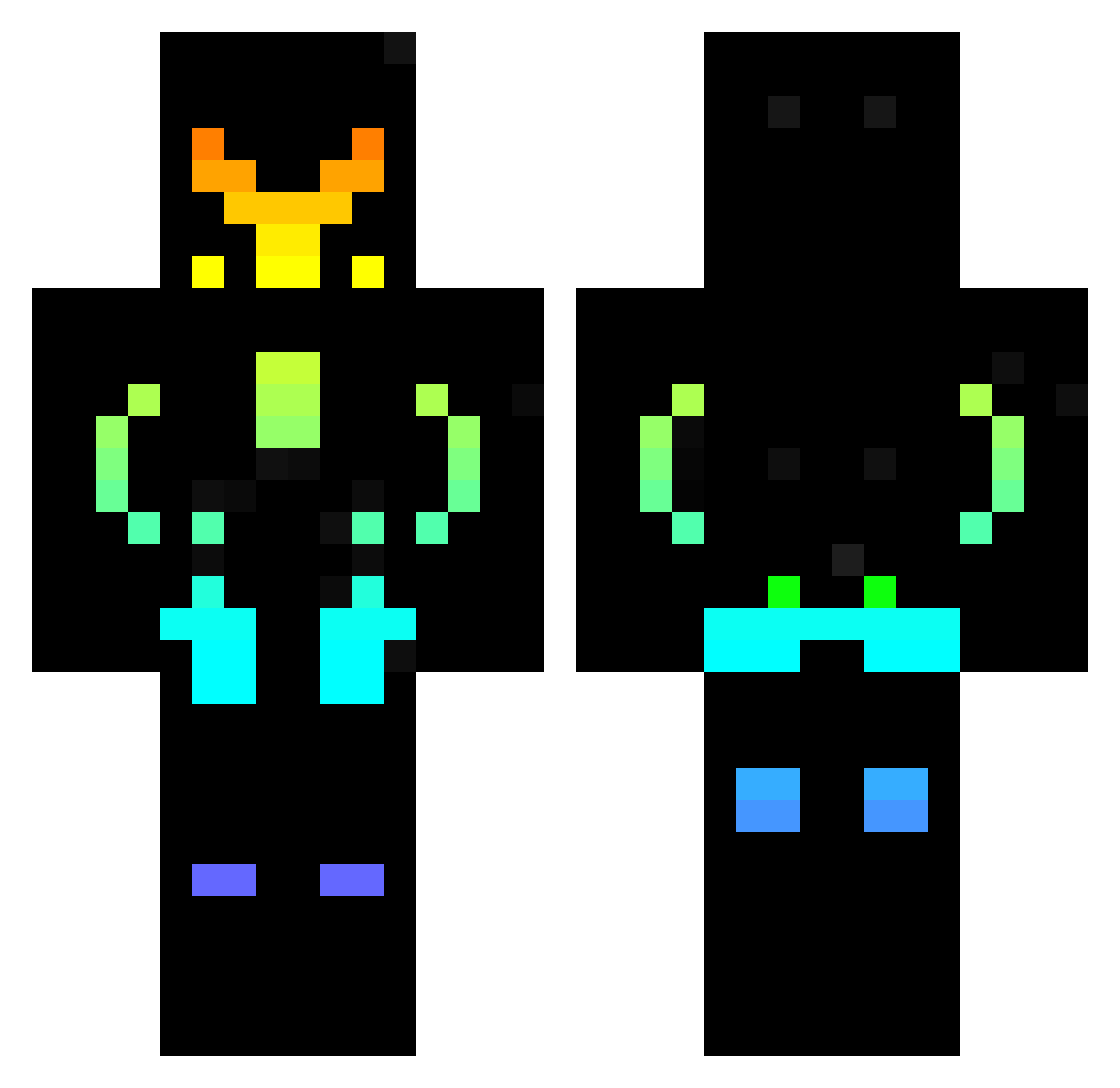
Current Minecraft skin of the player mortilox_07, loaded from the official Mojang API. Rotate the 3D model with your mouse or finger, then download the skin as a PNG file and use it in Minecraft: Bedrock Edition or Java Edition for free. When mortilox_07 changes their skin, this page updates automatically and the old skin stays in the history below.
Other players with this skin (439)
mortilox_07 was the 188th player we have seen with this skin, first spotted on 10.09.2026. The same skin was seen on these players. Open a nickname to see their current skin and skin history.
 Sthib1812 EranNarkis2 _Hezerr LucaKillaz04 Pikasam82 Laxyaker StRedTap graNOLAbar_44 Toto_Codogno_06 _Atlas_Gaming_ Mohern LuiksBr ShadowNXS bunyo__ Crimson_Warlord5 Pedrogamer999 Ionicxalt Josh5281 Jackflow26 bigboiazn12 r1a1p1J1a1y EmilioIrias SakoTukito AmebaJ Palau1234 Sammaclean13 LongONE1 Fu3l21 accrro CeV35 kiri8346 zayren20 XaviecMC Phoenixguy43 wildfastcat Eryk11 killertomato8 Shukka lokoT006 Bostill Cubicalcreation_ EnderSlayer561 PokeHudson Tombom109 HGTBoss Jashin2077 Kilu03 Whynotgamings NeonKingBRO TeslaModelX2017t BalrogShadow Akhilleus_13 Diacraft87 CINDYGOLF2010 KodingKingdom008 A1exauri0 6112 cgparallel KrispyKarlz Neves0210
More Cyberpunk Soldier Minecraft skins
See all 1266 Cyberpunk Soldier skins
How to install the mortilox_07 skin
- Press the Download button above to save the skin as a PNG file.
- Minecraft: Bedrock Edition (PE): open the Dressing Room from the main menu (or tap your character → Edit Character), go to Classic Skins → Owned, press the + (new skin) button, choose the downloaded PNG and pick the Classic (Steve) model. Works on PC and mobile; consoles cannot import custom skins.
- Minecraft: Java Edition: open the Minecraft Launcher, go to the Skins tab, click New Skin, load the PNG, pick the Classic (Steve) model and press Save & Use. You can also upload it at minecraft.net → Profile → Change Skin.
The skin does not show up after import - what should I do?
Restart Minecraft and open the Dressing Room again - imported skins sometimes appear only after a restart. Also make sure you selected the imported skin and picked the Classic (Steve) model.
Which model should I choose, Classic or Slim?
This skin is designed for the Classic (Steve) model. If you pick the wrong model, the arms of the skin will look stretched or squeezed.
Is the skin of mortilox_07 free to download?
Yes. Press Download, save the PNG file and use it in Minecraft: Bedrock Edition or Java Edition - no payment or registration needed. The skin also works on multiplayer servers and Realms.
More skins
Looking for more? Go back to all Minecraft skins and check the top skins of the week, month and all time, or find any player's skin by nickname.