
mirelan - Minecraft Skins & Skin History
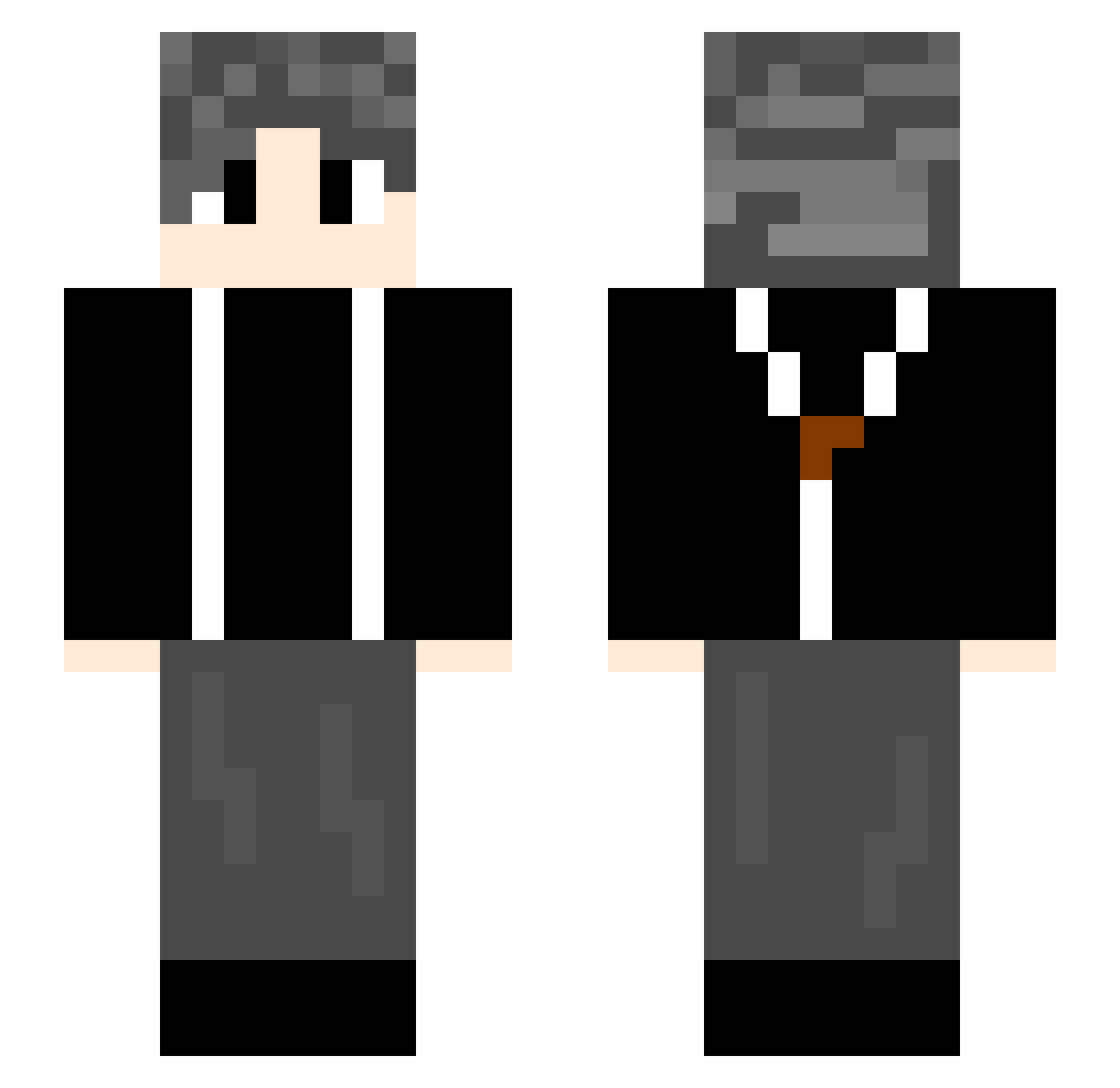
Current Minecraft skin of the player mirelan, loaded from the official Mojang API. Rotate the 3D model with your mouse or finger, then download the skin as a PNG file and use it in Minecraft: Bedrock Edition or Java Edition for free. When mirelan changes their skin, this page updates automatically and the old skin stays in the history below.
Other players with this skin (739)
mirelan was the 74th player we have seen with this skin, first spotted on 06.08.2026. The same skin was seen on these players. Open a nickname to see their current skin and skin history.
 ChangShanD plaporjinx 6HRD9 YAN414 SHIhao007 kuailederen_1022 Kdsssss MRJNe666 leafwalk TTuanzi RealHansCapon YZ12335 LuisXI haishiqi Ceilor0 Zzzzcf LuHanQing kiramie RUAN2222 lkingy76 king011024 Ayaka9818 overth1nking Wen_Heeee th128 FunnyBai myzyt real_man_ _xiao6 TangTang9933 HKHK45 maomao8038 abe_chen
 ZT222 Liu_Xuande 0525sc lufee111 Obliviate7 MA14hc AHQRE just1nSavage ziye66 Tom4869 CPin888 AngelBlade07 ZeroGod12 741852963 shunzi2005 Janpuse Yeccc xinghui123
 zrk2003 zjz1 yitu1 Hao5531 Baldorange KTYGD xxchl7 Hypnot1czzz ZMXT
How to install the mirelan skin
- Press the Download button above to save the skin as a PNG file.
- Minecraft: Bedrock Edition (PE): open the Dressing Room from the main menu (or tap your character → Edit Character), go to Classic Skins → Owned, press the + (new skin) button, choose the downloaded PNG and pick the Slim (Alex) model. Works on PC and mobile; consoles cannot import custom skins.
- Minecraft: Java Edition: open the Minecraft Launcher, go to the Skins tab, click New Skin, load the PNG, pick the Slim (Alex) model and press Save & Use. You can also upload it at minecraft.net → Profile → Change Skin.
The skin does not show up after import - what should I do?
Restart Minecraft and open the Dressing Room again - imported skins sometimes appear only after a restart. Also make sure you selected the imported skin and picked the Slim (Alex) model.
Which model should I choose, Classic or Slim?
This skin is designed for the Slim (Alex) model. If you pick the wrong model, the arms of the skin will look stretched or squeezed.
Is the skin of mirelan free to download?
Yes. Press Download, save the PNG file and use it in Minecraft: Bedrock Edition or Java Edition - no payment or registration needed. The skin also works on multiplayer servers and Realms.
More skins
Looking for more? Go back to all Minecraft skins and check the top skins of the week, month and all time, or find any player's skin by nickname.