
maxikun0505 - Minecraft Skins & Skin History
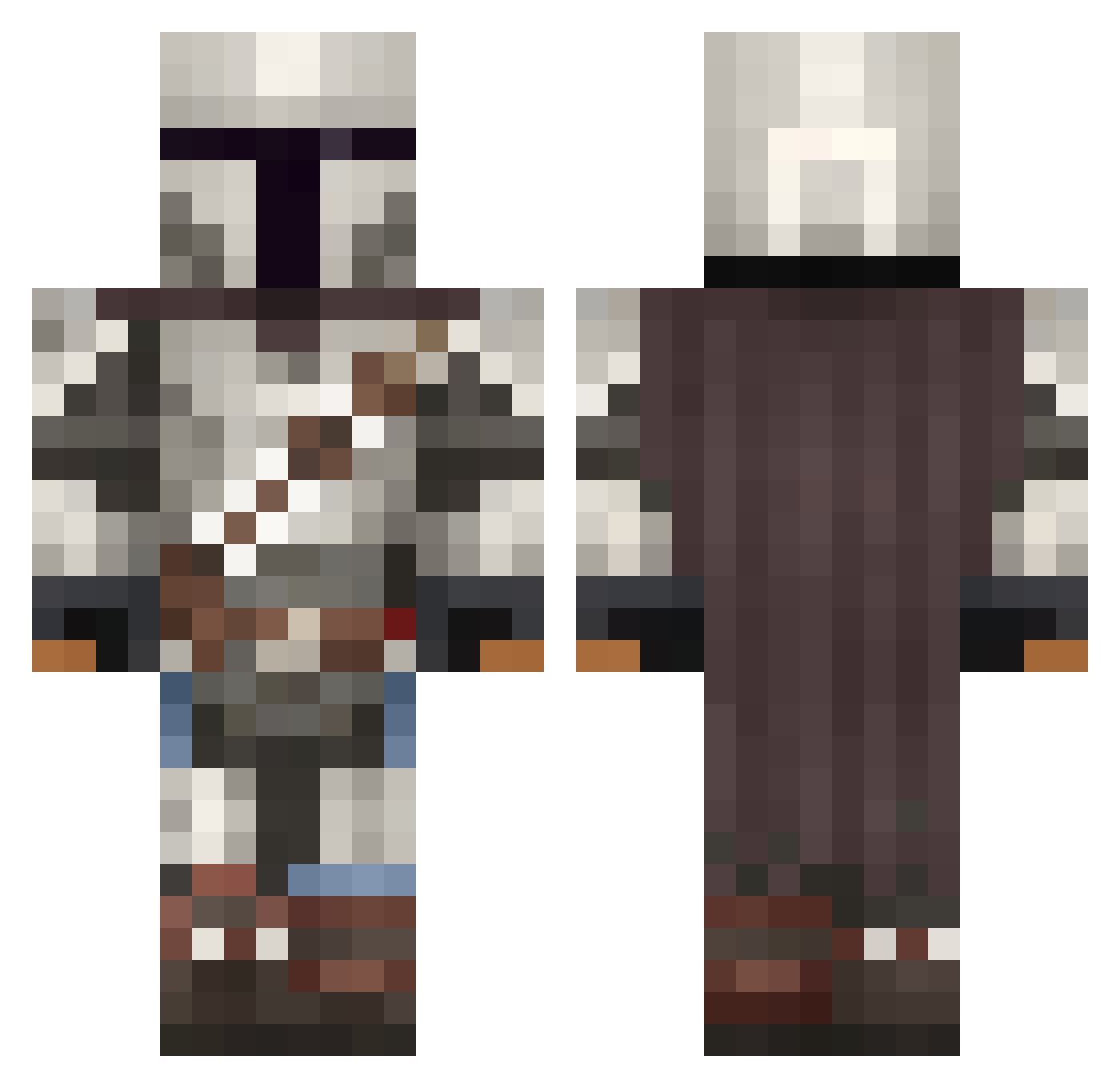
Current Minecraft skin of the player maxikun0505, loaded from the official Mojang API. Rotate the 3D model with your mouse or finger, then download the skin as a PNG file and use it in Minecraft: Bedrock Edition or Java Edition for free. When maxikun0505 changes their skin, this page updates automatically and the old skin stays in the history below.
Other players with this skin (1092)
maxikun0505 was the 222nd player we have seen with this skin, first spotted on 17.08.2026. The same skin was seen on these players. Open a nickname to see their current skin and skin history.
 Peach_Croco DRIDAHHH l4rx19 Manuto9 Jean_Flantier balzac007 autismus___prime Dinosaurboy2215 Lucas_the_bAss AadiDaGoddi SBPP321 MrSlatt NutNapkin30 GrimmsNightmare Codeknecht Knullmon mario8923
 Goob1209 Rigby_Nigby Kronox42 icemars rebechuks Albeast_8 jabio __Dreary alex_1247 Hogboar DanteCalvino DrMaru CallMeMikey607 leogdiniz UnlivedPoem PhoenixRices doublecarrot HackedMvx Mikgold PewPeff Naaykoz WSG_Clementine _TheMandalorian eeMarZee ChadR1213 WilmaDi9fit ElPoetaMCC FriedPtato TheRedSparrow67 scarmasterxl ChaosTim Beatthemcheeks WaterWhisper19 C_Livingston TheButtonn Bargarshmar INGLOT PanQonKezo BrysonMiner5 The_Giant00 TheShadow_O DelaBong MenacingPegasus
More The Mandalorian Minecraft skins
See all 620 The Mandalorian skins
How to install the maxikun0505 skin
- Press the Download button above to save the skin as a PNG file.
- Minecraft: Bedrock Edition (PE): open the Dressing Room from the main menu (or tap your character → Edit Character), go to Classic Skins → Owned, press the + (new skin) button, choose the downloaded PNG and pick the Classic (Steve) model. Works on PC and mobile; consoles cannot import custom skins.
- Minecraft: Java Edition: open the Minecraft Launcher, go to the Skins tab, click New Skin, load the PNG, pick the Classic (Steve) model and press Save & Use. You can also upload it at minecraft.net → Profile → Change Skin.
The skin does not show up after import - what should I do?
Restart Minecraft and open the Dressing Room again - imported skins sometimes appear only after a restart. Also make sure you selected the imported skin and picked the Classic (Steve) model.
Which model should I choose, Classic or Slim?
This skin is designed for the Classic (Steve) model. If you pick the wrong model, the arms of the skin will look stretched or squeezed.
Is the skin of maxikun0505 free to download?
Yes. Press Download, save the PNG file and use it in Minecraft: Bedrock Edition or Java Edition - no payment or registration needed. The skin also works on multiplayer servers and Realms.
More skins
Looking for more? Go back to all Minecraft skins and check the top skins of the week, month and all time, or find any player's skin by nickname.