
 Beans509 BuildsLikeBeaver Magdeburger_46 KEZZI112 Ben_S07 Starwarslegokid1 Telescopiaro CYNFLOWS kingofaloha SailorSummer Mcraft_Angel Koolaidkev07 Apex_Slayer1880 LB142 4tharmored86 Dosssa Burgiman12 SlimsyLlama Tatsumisho Andriezzz____ RealToshima SinfulSaint1999 kratosHM KrakenZuppa Evofight MegaEspina Redghost141 Cletus24 Darknight2109 RareTactics Disceandia TEPCG17 aksnook Keymew Lex0203 Cesafracc WhiskySolo Lolonator__ SkaterNoob23 Juhani18 Monxito Javen_ tutoti Spongebobboom ChiIzz524 IXRockBottomXI Yoyaxi DaBomb44 TooTurntTony88 Tofukiller_ Grizzrly ImLouieAnderson InfernoFiend Tomatorage11 xQcMaRcEL ChephenSurry BenBerg470 HypeSafe MorfarY0 itsthevictor1
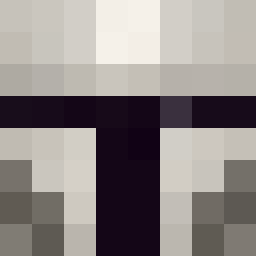
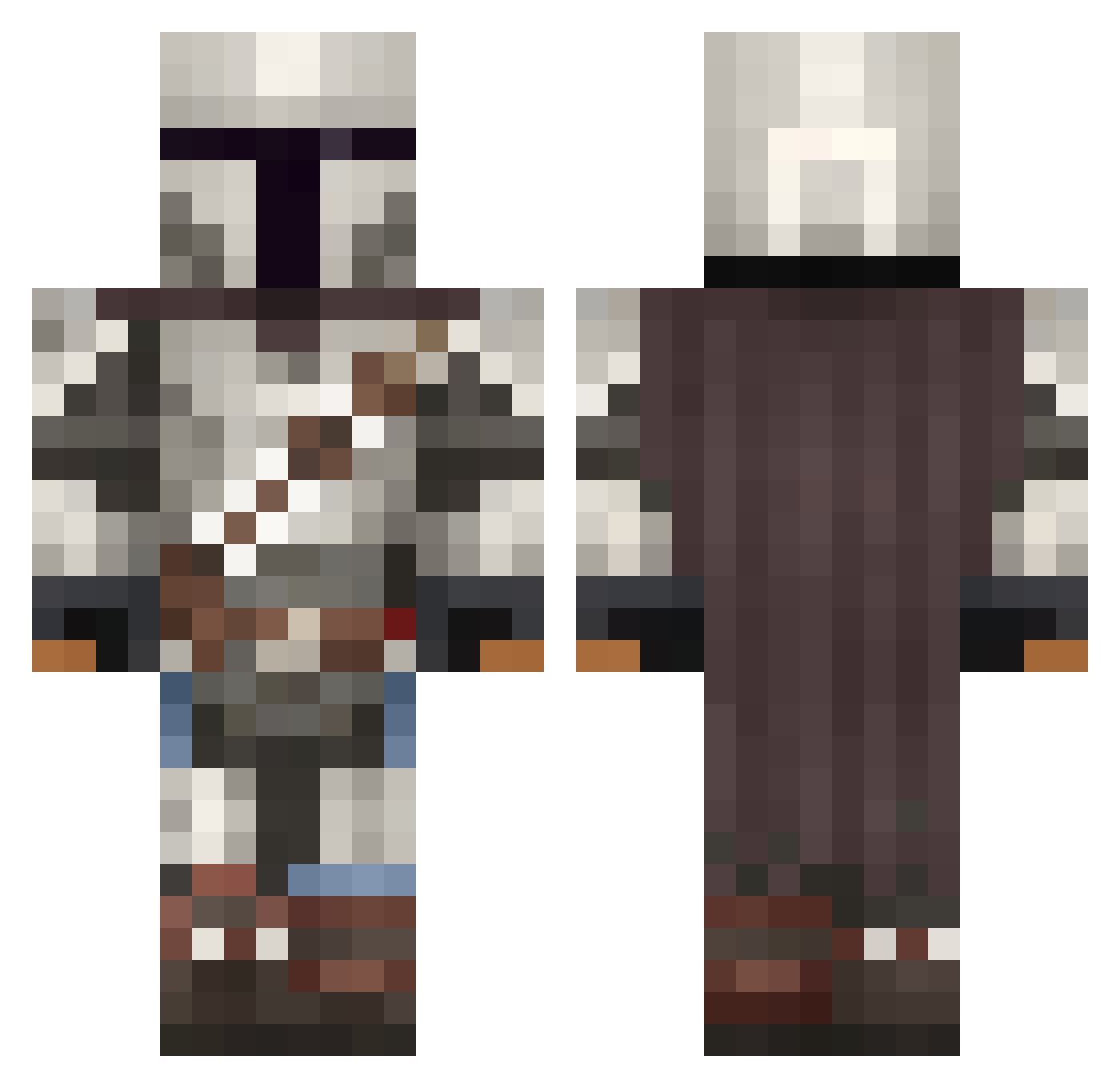
Minecraft skin of Zach_4590. Rotate the 3D model with your mouse or finger to view the skin from every angle, then download it as a PNG file and use it in Minecraft: Bedrock Edition or Java Edition for free. Rate the skin with stars to help other players find the best skins in our collection.
How to install the Zach_4590 skin
- Press the Download button above to save the skin as a PNG file.
- Minecraft: Bedrock Edition (PE): open the Dressing Room from the main menu (or tap your character → Edit Character), go to Classic Skins → Owned, press the + (new skin) button, choose the downloaded PNG and pick the Classic (Steve) model. Works on PC and mobile; consoles cannot import custom skins.
- Minecraft: Java Edition: open the Minecraft Launcher, go to the Skins tab, click New Skin, load the PNG, pick the Classic (Steve) model and press Save & Use. You can also upload it at minecraft.net → Profile → Change Skin.
The skin does not show up after import - what should I do?
Restart Minecraft and open the Dressing Room again - imported skins sometimes appear only after a restart. Also make sure you selected the imported skin and picked the Classic (Steve) model.
Which model should I choose, Classic or Slim?
This skin is designed for the Classic (Steve) model. If you pick the wrong model, the arms of the skin will look stretched or squeezed.
Is this skin free to use?
Yes. Press Download, save the PNG file and use it in Minecraft: Bedrock Edition or Java Edition - no payment or registration needed. The skin also works on multiplayer servers and Realms.
More The Mandalorian Minecraft skins
See all 617 The Mandalorian skins
More skins
Looking for more? Go back to all Minecraft skins and check the top skins of the week, month and all time, or find any player's skin by nickname.