
mateonewells - Minecraft Skins & Skin History
Current Minecraft skin of the player mateonewells, loaded from the official Mojang API. Rotate the 3D model with your mouse or finger, then download the skin as a PNG file and use it in Minecraft: Bedrock Edition or Java Edition for free. When mateonewells changes their skin, this page updates automatically and the old skin stays in the history below.
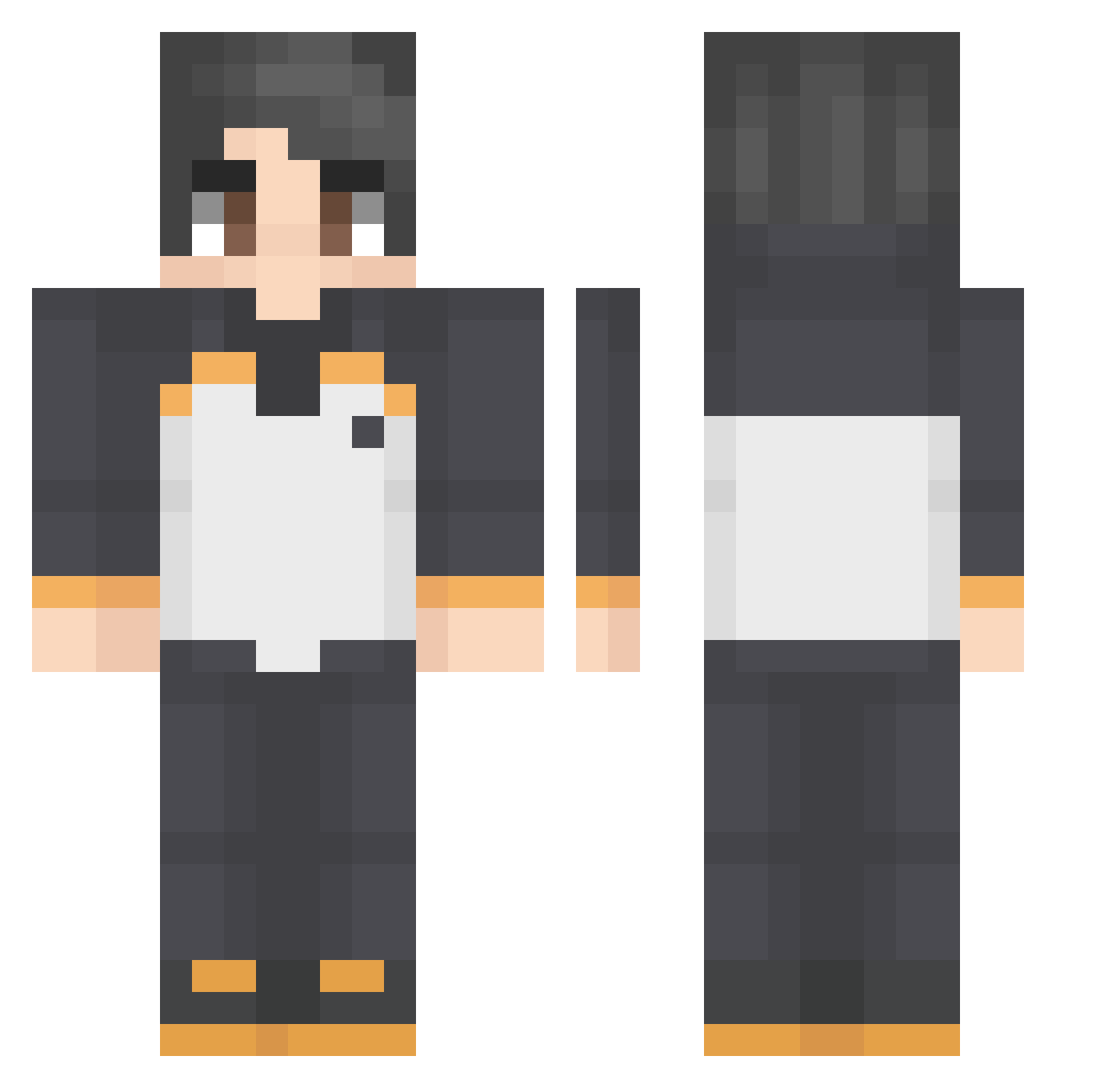
Other players with this skin (43)
mateonewells was the 29th player we have seen with this skin, first spotted on 12.10.2026. The same skin was seen on these players. Open a nickname to see their current skin and skin history.
 SUNGWOON2010 DaiyaMondoo Prismitille Dogukan3306 Kultrak Abkqe Failipy Quiet_kor DARKOVERKRIT IKBAMG atknnk58 panguin2 SDubya25 Jalerm Frostyed zyltonia Joon2204 FakeSup_ Threpstein Bigphen Cege_27 kaxql truesoratex2 YanisCDN Valtek973 Knadelgem2009 paltuber
 Kadayner FoxHan Abraham3321 ESTEBUENO alfredo779 Ratox95
 shometsuu blaktres
 fory_03 Miles_180 Kiritolllll
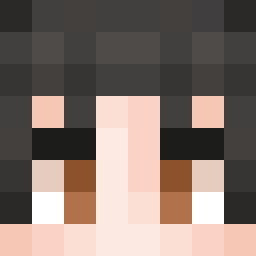 xvnwax EiulalaHD TopGMaroc SadCry
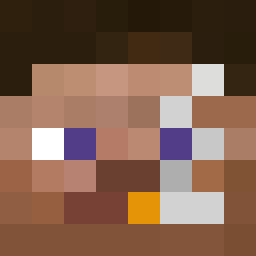 worchestire
Previous skins of mateonewells
Skins that mateonewells wore before, newest first. Click a skin to open its page and download it.
How to install the mateonewells skin
- Press the Download button above to save the skin as a PNG file.
- Minecraft: Bedrock Edition (PE): open the Dressing Room from the main menu (or tap your character → Edit Character), go to Classic Skins → Owned, press the + (new skin) button, choose the downloaded PNG and pick the Classic (Steve) model. Works on PC and mobile; consoles cannot import custom skins.
- Minecraft: Java Edition: open the Minecraft Launcher, go to the Skins tab, click New Skin, load the PNG, pick the Classic (Steve) model and press Save & Use. You can also upload it at minecraft.net → Profile → Change Skin.
The skin does not show up after import - what should I do?
Restart Minecraft and open the Dressing Room again - imported skins sometimes appear only after a restart. Also make sure you selected the imported skin and picked the Classic (Steve) model.
Which model should I choose, Classic or Slim?
This skin is designed for the Classic (Steve) model. If you pick the wrong model, the arms of the skin will look stretched or squeezed.
Is the skin of mateonewells free to download?
Yes. Press Download, save the PNG file and use it in Minecraft: Bedrock Edition or Java Edition - no payment or registration needed. The skin also works on multiplayer servers and Realms.
More skins
Looking for more? Go back to all Minecraft skins and check the top skins of the week, month and all time, or find any player's skin by nickname.