
martygraw77 - Minecraft Skins & Skin History
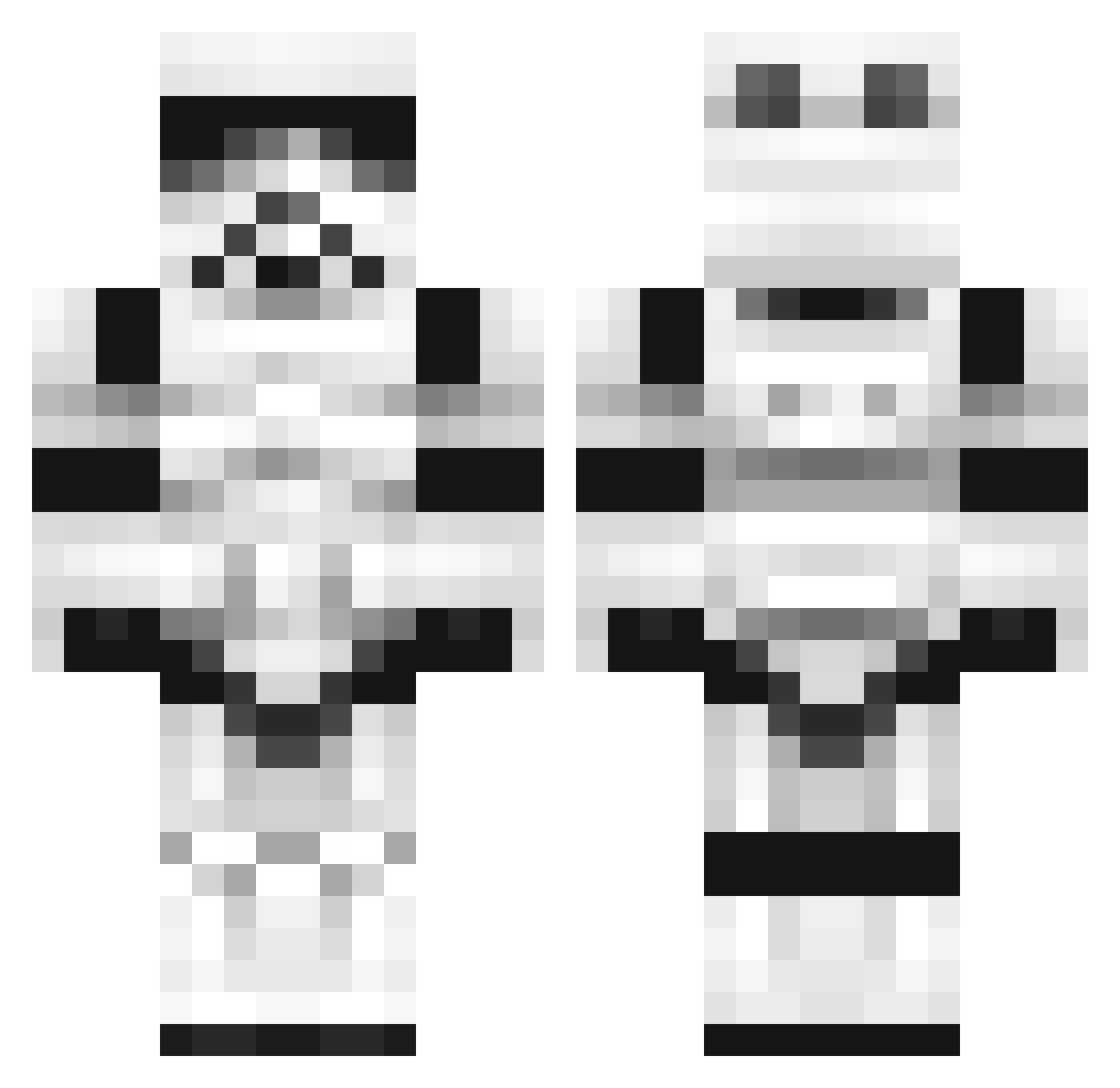
Current Minecraft skin of the player martygraw77, loaded from the official Mojang API. Rotate the 3D model with your mouse or finger, then download the skin as a PNG file and use it in Minecraft: Bedrock Edition or Java Edition for free. When martygraw77 changes their skin, this page updates automatically and the old skin stays in the history below.
Other players with this skin (1099)
martygraw77 was the 36th player we have seen with this skin, first spotted on 26.07.2026. The same skin was seen on these players. Open a nickname to see their current skin and skin history.
 Moppen89 GalenMarek2000 TheDavyJ0nes nomad0800 Gh0stUn1corn littlebarun Carrebba andredr Hellron SPeeDFReeK99 soulhunter4782 DoubleB31 lilchap77 massacre14 TheMoochMaster Etherlon silvia_pc pussaypatrol69 Grommuk Ron1011 Rebcart Relahri Tiberius64 cbmxrider totoman2012 Greenb0w Mr_JayRamen bettsey101 ReidBrewer96 JACKPLAYSMC1234 VoodooDeathBunny seeleyuk XXPineapplePenXX Daft_Toxic BoxyWriter97 Krevosh BitterBrian Vliegendespons FreakinNissa SN00P_LI0N SikiciBerkin Cowardiice1 AmbiguousCat lozoto Mortymere GiftedSnail galactic_trooper oldskoolrebel Jahoseph justintime77 Alteria117 armytank08 SalableTheWhiz J_erryy vertiGo2013 McBobble98 YOLO31298 MesserKnut flopflop20 Hockeyfan3000
More Trooper Minecraft skins
How to install the martygraw77 skin
- Press the Download button above to save the skin as a PNG file.
- Minecraft: Bedrock Edition (PE): open the Dressing Room from the main menu (or tap your character → Edit Character), go to Classic Skins → Owned, press the + (new skin) button, choose the downloaded PNG and pick the Classic (Steve) model. Works on PC and mobile; consoles cannot import custom skins.
- Minecraft: Java Edition: open the Minecraft Launcher, go to the Skins tab, click New Skin, load the PNG, pick the Classic (Steve) model and press Save & Use. You can also upload it at minecraft.net → Profile → Change Skin.
The skin does not show up after import - what should I do?
Restart Minecraft and open the Dressing Room again - imported skins sometimes appear only after a restart. Also make sure you selected the imported skin and picked the Classic (Steve) model.
Which model should I choose, Classic or Slim?
This skin is designed for the Classic (Steve) model. If you pick the wrong model, the arms of the skin will look stretched or squeezed.
Is the skin of martygraw77 free to download?
Yes. Press Download, save the PNG file and use it in Minecraft: Bedrock Edition or Java Edition - no payment or registration needed. The skin also works on multiplayer servers and Realms.
More skins
Looking for more? Go back to all Minecraft skins and check the top skins of the week, month and all time, or find any player's skin by nickname.