
m_jun0405 - Minecraft Skins & Skin History
Current Minecraft skin of the player m_jun0405, loaded from the official Mojang API. Rotate the 3D model with your mouse or finger, then download the skin as a PNG file and use it in Minecraft: Bedrock Edition or Java Edition for free. When m_jun0405 changes their skin, this page updates automatically and the old skin stays in the history below.
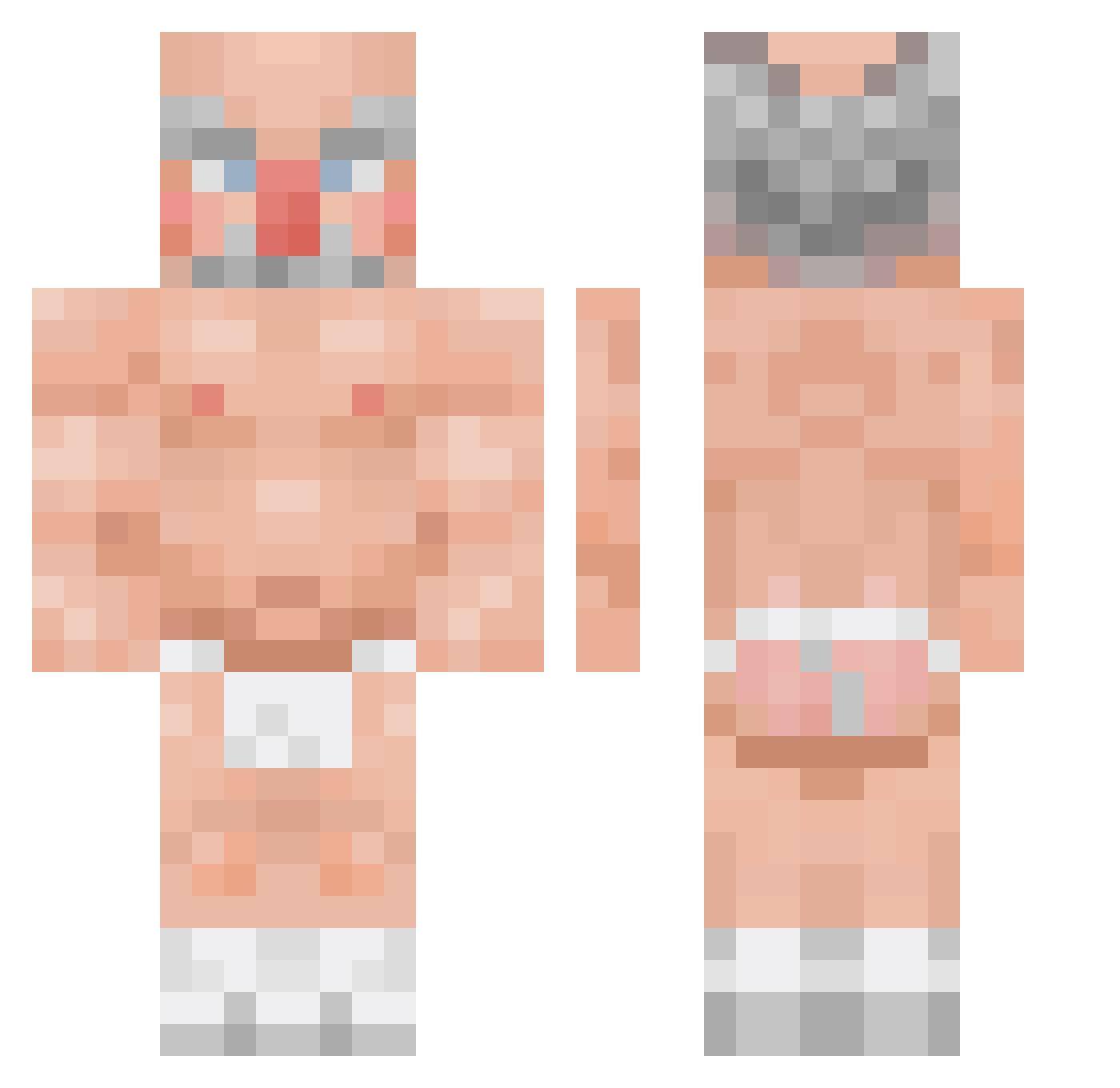
Other players with this skin (70)
m_jun0405 was the 33rd player we have seen with this skin, first spotted on 04.09.2026. The same skin was seen on these players. Open a nickname to see their current skin and skin history.
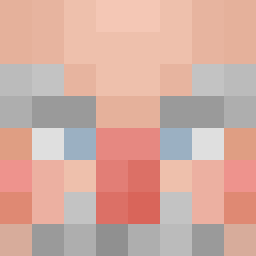 rponge sorata14 alejandrovill997 SaXoxx Bulgyxd WSTEP_ sou_kaykey DalRiMee shangustkfkdgo Dogeja_ Momo_Yukimi wltn BATS_ON_A_BEACH skiwerek Ratoje kkggee Ko5monawt Mapachen LynksJK katoffelsupp23 santyago_911 Pybex shriveledpotato DominousKing JeezusChristus iVIKU PortelaMiguel Guisofan28 Panbakez _JustJake PxulJava CallmeVolso AlexTurnerz
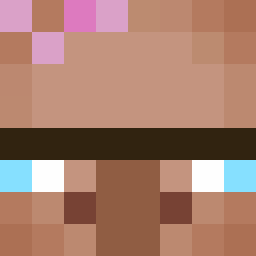 stromek99 nen0 PetitLuk SRsheep12 TickleNuts3000 LA7LT rafygnv Batata008 uwuwuwuwuwuwu1 jadeace1123 Pa0lqqq Allen0810 cocouo kyd3693 gnomiha s1xtz SwirvedOut Sloppy_Mc_Floppi grifenger CEdmund Nackk_ Komossek_ CarlosAmv Timtheboy S_Jjam_eo P1ck13Ju1c3s Teatsuu
More Heihachi Mishima Minecraft skins
See all 122 Heihachi Mishima skins
How to install the m_jun0405 skin
- Press the Download button above to save the skin as a PNG file.
- Minecraft: Bedrock Edition (PE): open the Dressing Room from the main menu (or tap your character → Edit Character), go to Classic Skins → Owned, press the + (new skin) button, choose the downloaded PNG and pick the Classic (Steve) model. Works on PC and mobile; consoles cannot import custom skins.
- Minecraft: Java Edition: open the Minecraft Launcher, go to the Skins tab, click New Skin, load the PNG, pick the Classic (Steve) model and press Save & Use. You can also upload it at minecraft.net → Profile → Change Skin.
The skin does not show up after import - what should I do?
Restart Minecraft and open the Dressing Room again - imported skins sometimes appear only after a restart. Also make sure you selected the imported skin and picked the Classic (Steve) model.
Which model should I choose, Classic or Slim?
This skin is designed for the Classic (Steve) model. If you pick the wrong model, the arms of the skin will look stretched or squeezed.
Is the skin of m_jun0405 free to download?
Yes. Press Download, save the PNG file and use it in Minecraft: Bedrock Edition or Java Edition - no payment or registration needed. The skin also works on multiplayer servers and Realms.
More skins
Looking for more? Go back to all Minecraft skins and check the top skins of the week, month and all time, or find any player's skin by nickname.