
lz_123456 - Minecraft Skins & Skin History
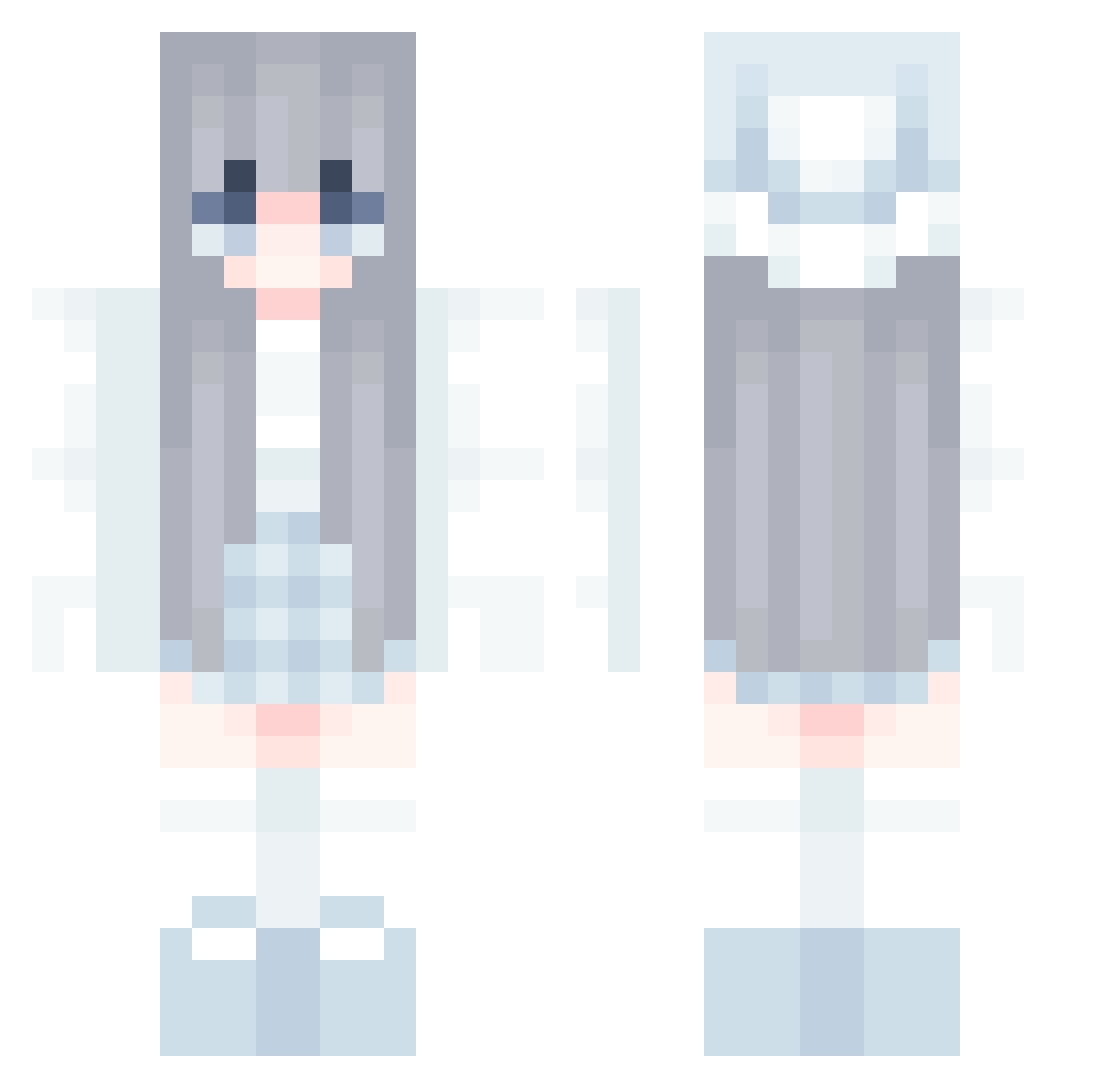
Current Minecraft skin of the player lz_123456, loaded from the official Mojang API. Rotate the 3D model with your mouse or finger, then download the skin as a PNG file and use it in Minecraft: Bedrock Edition or Java Edition for free. When lz_123456 changes their skin, this page updates automatically and the old skin stays in the history below.
Other players with this skin (858)
lz_123456 was the 57th player we have seen with this skin, first spotted on 31.07.2026. The same skin was seen on these players. Open a nickname to see their current skin and skin history.
 rawrjennif TheRemJapan hiana11030 Yuleth scc2 _Mochi_S2 Ochamaru Jasmincx alixandco oh_my_gom Neo09101 KIKINFangtbb BabyAlive KillDreamer dogdance12 niniAME QCYJ Sukoya__ Xu20k dbsgh332211 glorycho
 Favor_520 Itz_ApErson violetvivy Dawncomer redeem00 kiki_j eunju08 HomieBoy123 CuiCanXingGuang amieeyz judy_mj sockness lunamxxn AllenLaw YueXiaYang Sarasya dduDumi ling111222333 Yi_ao18 WH_AM_L T_Neutron TheOriginalOneth CharmingVase377 PanMuller BORDIN13 Nukimiau
 eniek_89tk WhiteYea1 Lsojung A_JiMan 5XxscJH6291 BULTTEOG dulengmo Shinasora katakata612 wsh1337 Lena2561 purokeru Curlier
More Aesthetic Minecraft skins
How to install the lz_123456 skin
- Press the Download button above to save the skin as a PNG file.
- Minecraft: Bedrock Edition (PE): open the Dressing Room from the main menu (or tap your character → Edit Character), go to Classic Skins → Owned, press the + (new skin) button, choose the downloaded PNG and pick the Classic (Steve) model. Works on PC and mobile; consoles cannot import custom skins.
- Minecraft: Java Edition: open the Minecraft Launcher, go to the Skins tab, click New Skin, load the PNG, pick the Classic (Steve) model and press Save & Use. You can also upload it at minecraft.net → Profile → Change Skin.
The skin does not show up after import - what should I do?
Restart Minecraft and open the Dressing Room again - imported skins sometimes appear only after a restart. Also make sure you selected the imported skin and picked the Classic (Steve) model.
Which model should I choose, Classic or Slim?
This skin is designed for the Classic (Steve) model. If you pick the wrong model, the arms of the skin will look stretched or squeezed.
Is the skin of lz_123456 free to download?
Yes. Press Download, save the PNG file and use it in Minecraft: Bedrock Edition or Java Edition - no payment or registration needed. The skin also works on multiplayer servers and Realms.
More skins
Looking for more? Go back to all Minecraft skins and check the top skins of the week, month and all time, or find any player's skin by nickname.