
luselvr - Minecraft Skins & Skin History
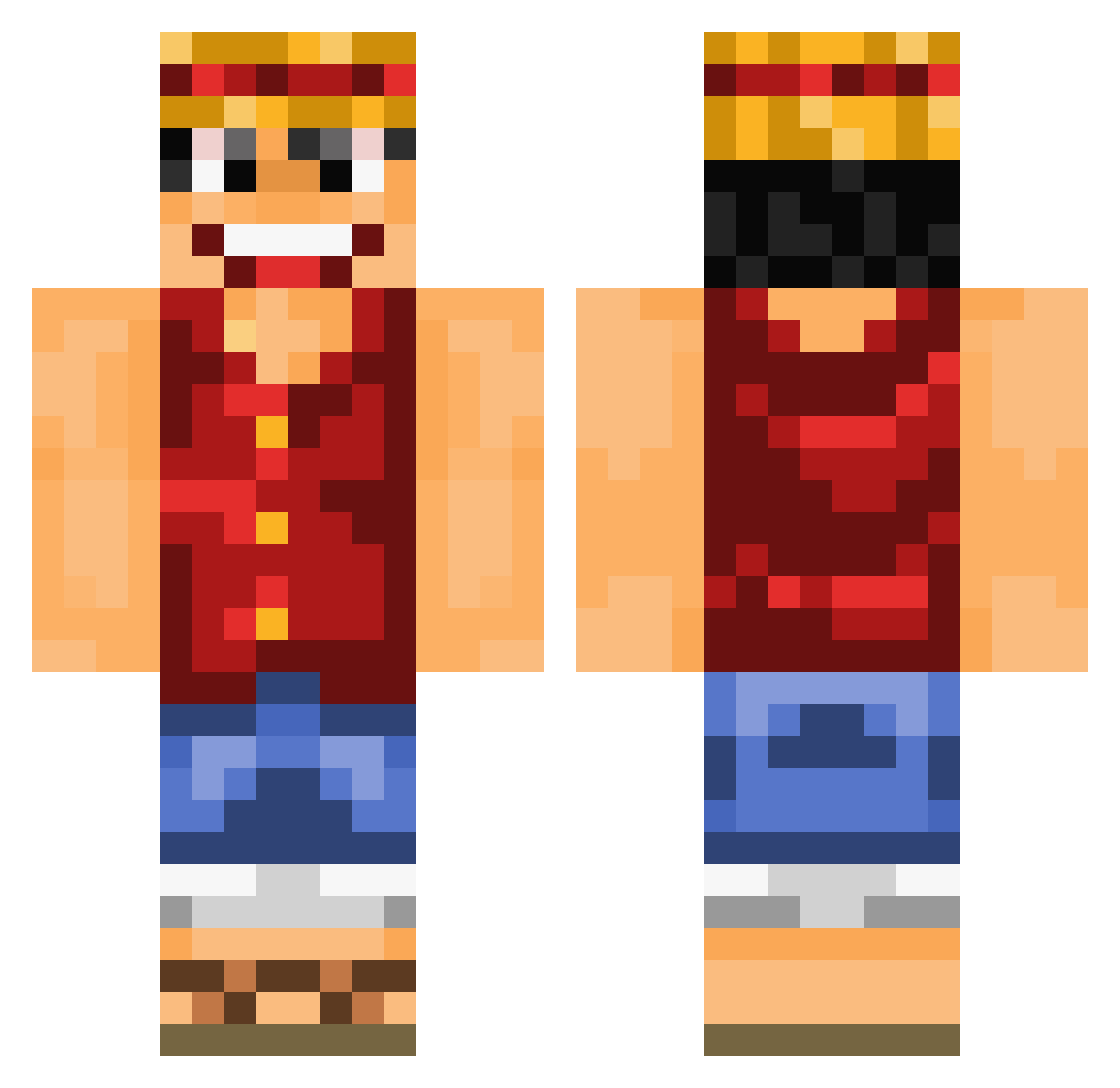
Current Minecraft skin of the player luselvr, loaded from the official Mojang API. Rotate the 3D model with your mouse or finger, then download the skin as a PNG file and use it in Minecraft: Bedrock Edition or Java Edition for free. When luselvr changes their skin, this page updates automatically and the old skin stays in the history below.
Other players with this skin (841)
luselvr was the 516th player we have seen with this skin, first spotted on 29.09.2026. The same skin was seen on these players. Open a nickname to see their current skin and skin history.
 The_AV94 Joseloidemon Ldaxia natuhd LindHDV2 CodeMenace Wilz974 Minakey Portgas59 VeggyWeggy TRayHawk slumpednuts ting6789 DragoonRider14 Jojetta AKINTOC93 shamungie Drking262 LimitedGodfather aedakin Captain_Yum_Yum TheRelaXin27 BdoubleG Bibendum175 juniorbrito TheFlyingWeasel luciano8112 Giovannoni huguinho005 mirhan66 Aserejerto Azoz31 BrennanLeeds ChickenWingKing1 MSAMER Imjeremiah SistaB Papinigel Crafto34 TrueFireduck Bierjan Helioooo PingWarrior1 SupportCarry TheQueen987 TheSope99 MiNiKiiKii Mazapan99 CantasGaming Adrislayer03 Janbold JT_clipz Barndog83 13frank12 SilentKiller7997 KKKTM Mazko12 Yac_sadness JMR412 steve273
More Monkey D Luffy Minecraft skins
See all 925 Monkey D Luffy skins
How to install the luselvr skin
- Press the Download button above to save the skin as a PNG file.
- Minecraft: Bedrock Edition (PE): open the Dressing Room from the main menu (or tap your character → Edit Character), go to Classic Skins → Owned, press the + (new skin) button, choose the downloaded PNG and pick the Classic (Steve) model. Works on PC and mobile; consoles cannot import custom skins.
- Minecraft: Java Edition: open the Minecraft Launcher, go to the Skins tab, click New Skin, load the PNG, pick the Classic (Steve) model and press Save & Use. You can also upload it at minecraft.net → Profile → Change Skin.
The skin does not show up after import - what should I do?
Restart Minecraft and open the Dressing Room again - imported skins sometimes appear only after a restart. Also make sure you selected the imported skin and picked the Classic (Steve) model.
Which model should I choose, Classic or Slim?
This skin is designed for the Classic (Steve) model. If you pick the wrong model, the arms of the skin will look stretched or squeezed.
Is the skin of luselvr free to download?
Yes. Press Download, save the PNG file and use it in Minecraft: Bedrock Edition or Java Edition - no payment or registration needed. The skin also works on multiplayer servers and Realms.
More skins
Looking for more? Go back to all Minecraft skins and check the top skins of the week, month and all time, or find any player's skin by nickname.