
lordlume - Minecraft Skins & Skin History
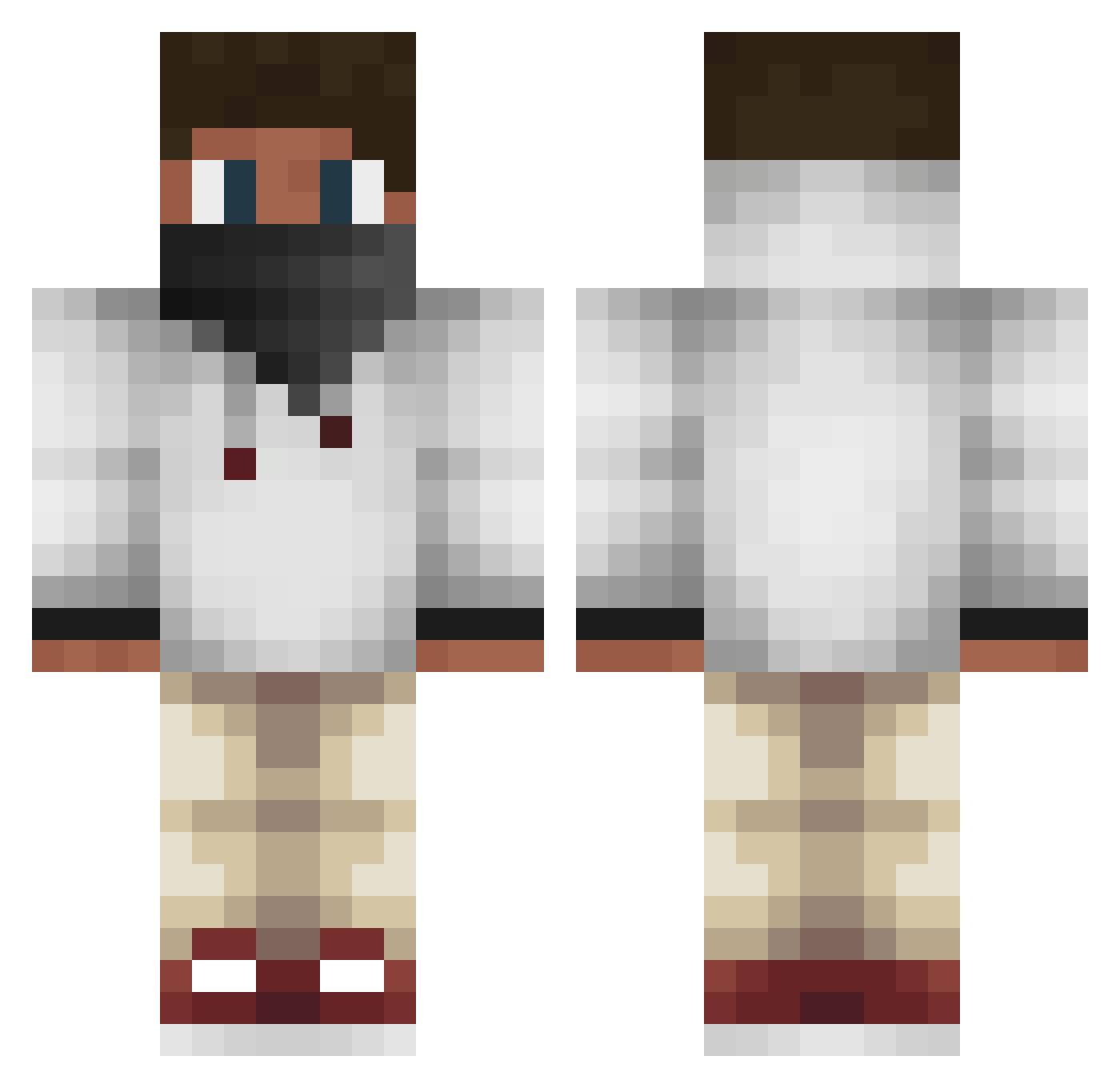
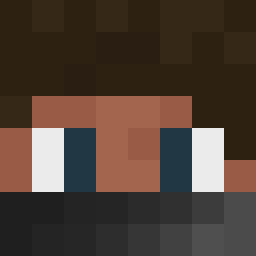
Current Minecraft skin of the player lordlume, loaded from the official Mojang API. Rotate the 3D model with your mouse or finger, then download the skin as a PNG file and use it in Minecraft: Bedrock Edition or Java Edition for free. When lordlume changes their skin, this page updates automatically and the old skin stays in the history below.
Other players with this skin (573)
lordlume was the 357th player we have seen with this skin, first spotted on 05.10.2026. The same skin was seen on these players. Open a nickname to see their current skin and skin history.
 x_xjonasx_x HopSkipper patrickbats Koen_Hein thequeencrafter king_sheidt Fobqt_337 1stNinjaBog tage08 poopman101 RamazanYildiz xDannyPlayz Obel4ever JaeDubb Darkphal Jamesmiles11 4Heros xxDyl2005 kakuja808 GhostRoaster1132 BLUE_DRGON123 SoxGaming loldreng11 Woody243 enrikgue BigleBomb Roggioo M_Ananas_M Smoochys Augustdenstore GameCamp WHD_YT True_Legend_ ToastedCRY Bobby54806 DariusCloud qcxz oronde22 LentArt DanteVass Mario321 aaron23o fraso123 and_rew123 MonkeyMeHD gaute6 Ruger905 messi372 Wsg_Asult_ MadsPB stowers9988 PipThePelican Zoly_ ItsStefano client223 KingJay44 Fabbelainen emilgrotan TheRenrutGamer Effense
More Face Mask Minecraft skins
How to install the lordlume skin
- Press the Download button above to save the skin as a PNG file.
- Minecraft: Bedrock Edition (PE): open the Dressing Room from the main menu (or tap your character → Edit Character), go to Classic Skins → Owned, press the + (new skin) button, choose the downloaded PNG and pick the Classic (Steve) model. Works on PC and mobile; consoles cannot import custom skins.
- Minecraft: Java Edition: open the Minecraft Launcher, go to the Skins tab, click New Skin, load the PNG, pick the Classic (Steve) model and press Save & Use. You can also upload it at minecraft.net → Profile → Change Skin.
The skin does not show up after import - what should I do?
Restart Minecraft and open the Dressing Room again - imported skins sometimes appear only after a restart. Also make sure you selected the imported skin and picked the Classic (Steve) model.
Which model should I choose, Classic or Slim?
This skin is designed for the Classic (Steve) model. If you pick the wrong model, the arms of the skin will look stretched or squeezed.
Is the skin of lordlume free to download?
Yes. Press Download, save the PNG file and use it in Minecraft: Bedrock Edition or Java Edition - no payment or registration needed. The skin also works on multiplayer servers and Realms.
More skins
Looking for more? Go back to all Minecraft skins and check the top skins of the week, month and all time, or find any player's skin by nickname.