
ladolph - Minecraft Skins & Skin History
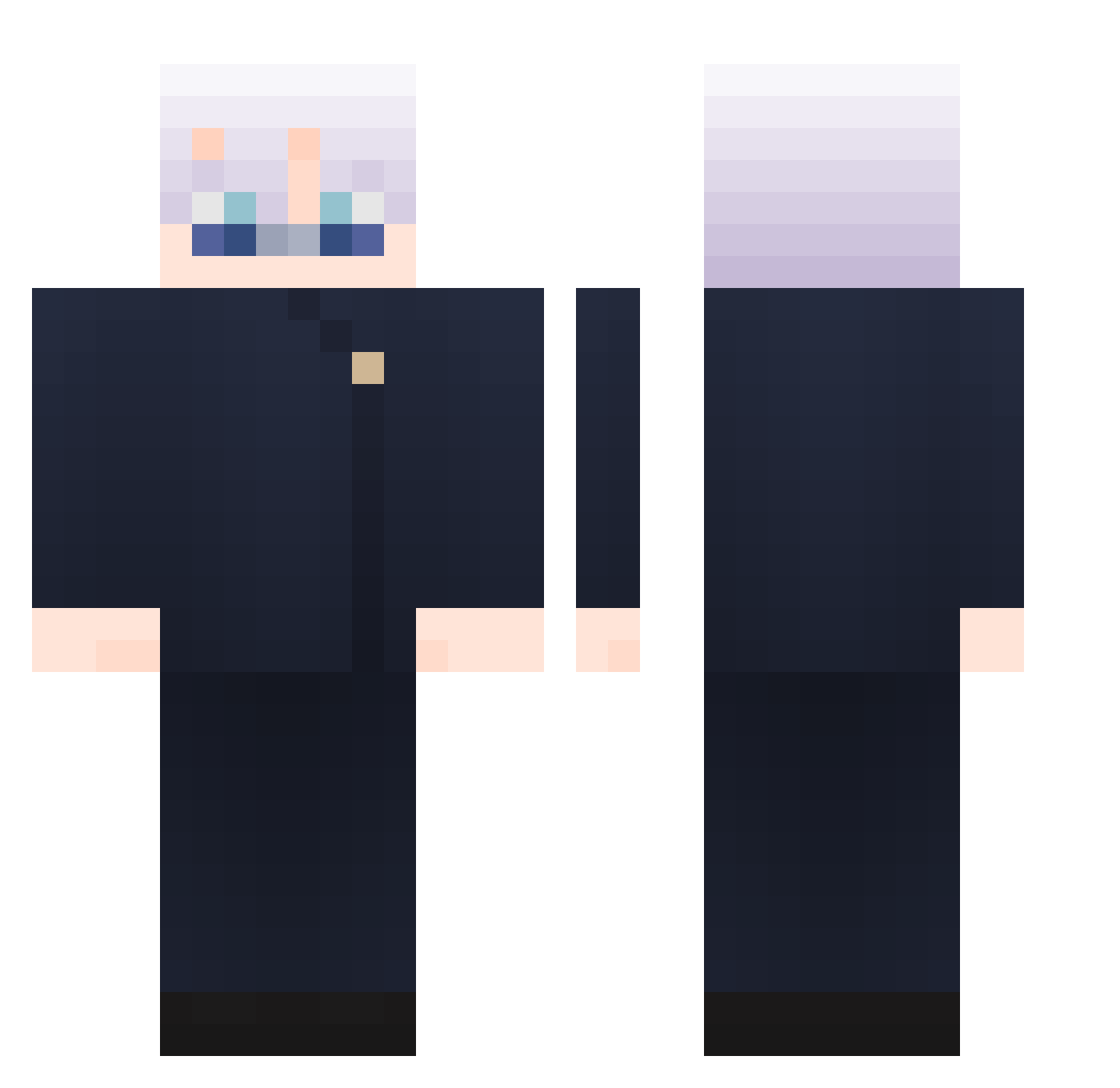
Current Minecraft skin of the player ladolph, loaded from the official Mojang API. Rotate the 3D model with your mouse or finger, then download the skin as a PNG file and use it in Minecraft: Bedrock Edition or Java Edition for free. When ladolph changes their skin, this page updates automatically and the old skin stays in the history below.
Other players with this skin (865)
ladolph was the 158th player we have seen with this skin, first spotted on 14.08.2026. The same skin was seen on these players. Open a nickname to see their current skin and skin history.
 osurukcanavari55
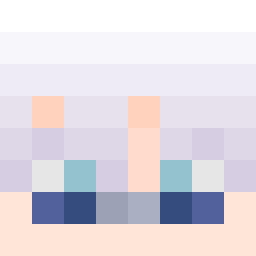 BEIMAX92 PEESERIE nammn mxngetsu Chenai0802 RK_1412 IIDemonx Akira_013 carrot_0217 heibai250 Perrrrrrrrrr Gusuto Kxnika ZzIMing JulsSanchez ATO_
 SoleRu
 DonLampe xRyuus Av1vTL Philipp2706 Epic4NoOne One_SSnike Ryanmaker Cymmous Seokhyun0530 chicosCJM sinku6 Sixpenceee 777M3LAN Elwero585 recordedarck11 Mini13720 j1ho_s
 SYUBl johnnyloh Ak476000 ValterPlayzz xerath88 C_SIH ohging NateDawg559 _W3LLI_ swiftiness Thiago_Akame shiyi777 hasoogoo1234 _Low_Tier_God_ pokomas Totorino9 Jeteregale osusiman wkvfhsezv1 Slayer0513 suzu023 ahaze_ char_ZeNo YuchaDao Invzibl
More Satoru Gojo Minecraft skins
See all 1222 Satoru Gojo skins
How to install the ladolph skin
- Press the Download button above to save the skin as a PNG file.
- Minecraft: Bedrock Edition (PE): open the Dressing Room from the main menu (or tap your character → Edit Character), go to Classic Skins → Owned, press the + (new skin) button, choose the downloaded PNG and pick the Classic (Steve) model. Works on PC and mobile; consoles cannot import custom skins.
- Minecraft: Java Edition: open the Minecraft Launcher, go to the Skins tab, click New Skin, load the PNG, pick the Classic (Steve) model and press Save & Use. You can also upload it at minecraft.net → Profile → Change Skin.
The skin does not show up after import - what should I do?
Restart Minecraft and open the Dressing Room again - imported skins sometimes appear only after a restart. Also make sure you selected the imported skin and picked the Classic (Steve) model.
Which model should I choose, Classic or Slim?
This skin is designed for the Classic (Steve) model. If you pick the wrong model, the arms of the skin will look stretched or squeezed.
Is the skin of ladolph free to download?
Yes. Press Download, save the PNG file and use it in Minecraft: Bedrock Edition or Java Edition - no payment or registration needed. The skin also works on multiplayer servers and Realms.
More skins
Looking for more? Go back to all Minecraft skins and check the top skins of the week, month and all time, or find any player's skin by nickname.