
kyx2356 - Minecraft Skins & Skin History
Current Minecraft skin of the player kyx2356, loaded from the official Mojang API. Rotate the 3D model with your mouse or finger, then download the skin as a PNG file and use it in Minecraft: Bedrock Edition or Java Edition for free. When kyx2356 changes their skin, this page updates automatically and the old skin stays in the history below.
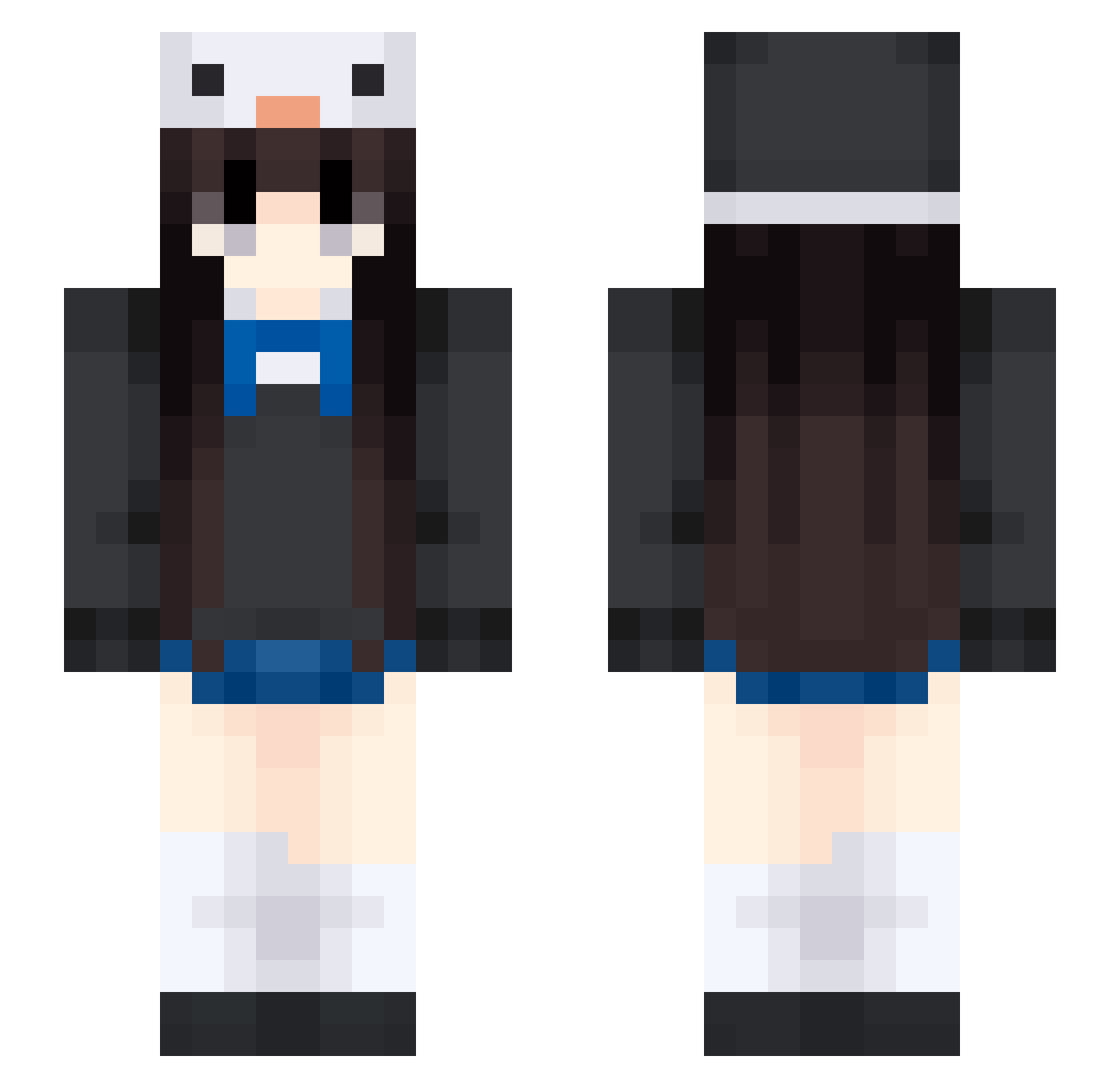
Other players with this skin (454)
kyx2356 was the 262nd player we have seen with this skin, first spotted on 23.09.2026. The same skin was seen on these players. Open a nickname to see their current skin and skin history.
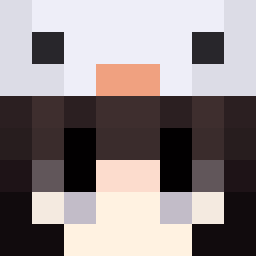 Sylvia814013 pxtii999 El_Wladi longlonghenhai Lalivee Ronnie__03 Suevidesy zkygr66 s121091 Jeong0114 wowosame ac01k Cande__ akimoto0020 JustBlazes GuraQwek XMrMango_ Cilantro0 MilloBillo xxxxXxxxx5 Juliyaf witex_ko CheeseMatcha MoonCat_777 YANGS00 Bim325 NEK00oo KikinaSnowball Fish_Ace114514 shijiu_ii lsssyy I_HeartCats Tenshi1014 Lalit_ nothingisright xiaozhu0315 Augseig HUALANE DestinedToBe BAXINGZH Chaley09 Pyroxia Catincita LGbo 82h2o Bbdydrs _lunnn Zwzzzzz tougu123 Aurora_Augenster ohCake Nekooke huaimiao tokkori ssuummer15 zihaohao yabbbbbbb BAKEMON_ ResumingTheGrind mango43
More Penguin Hat Minecraft skins
How to install the kyx2356 skin
- Press the Download button above to save the skin as a PNG file.
- Minecraft: Bedrock Edition (PE): open the Dressing Room from the main menu (or tap your character → Edit Character), go to Classic Skins → Owned, press the + (new skin) button, choose the downloaded PNG and pick the Slim (Alex) model. Works on PC and mobile; consoles cannot import custom skins.
- Minecraft: Java Edition: open the Minecraft Launcher, go to the Skins tab, click New Skin, load the PNG, pick the Slim (Alex) model and press Save & Use. You can also upload it at minecraft.net → Profile → Change Skin.
The skin does not show up after import - what should I do?
Restart Minecraft and open the Dressing Room again - imported skins sometimes appear only after a restart. Also make sure you selected the imported skin and picked the Slim (Alex) model.
Which model should I choose, Classic or Slim?
This skin is designed for the Slim (Alex) model. If you pick the wrong model, the arms of the skin will look stretched or squeezed.
Is the skin of kyx2356 free to download?
Yes. Press Download, save the PNG file and use it in Minecraft: Bedrock Edition or Java Edition - no payment or registration needed. The skin also works on multiplayer servers and Realms.
More skins
Looking for more? Go back to all Minecraft skins and check the top skins of the week, month and all time, or find any player's skin by nickname.