
kwoczi_ - Minecraft Skins & Skin History
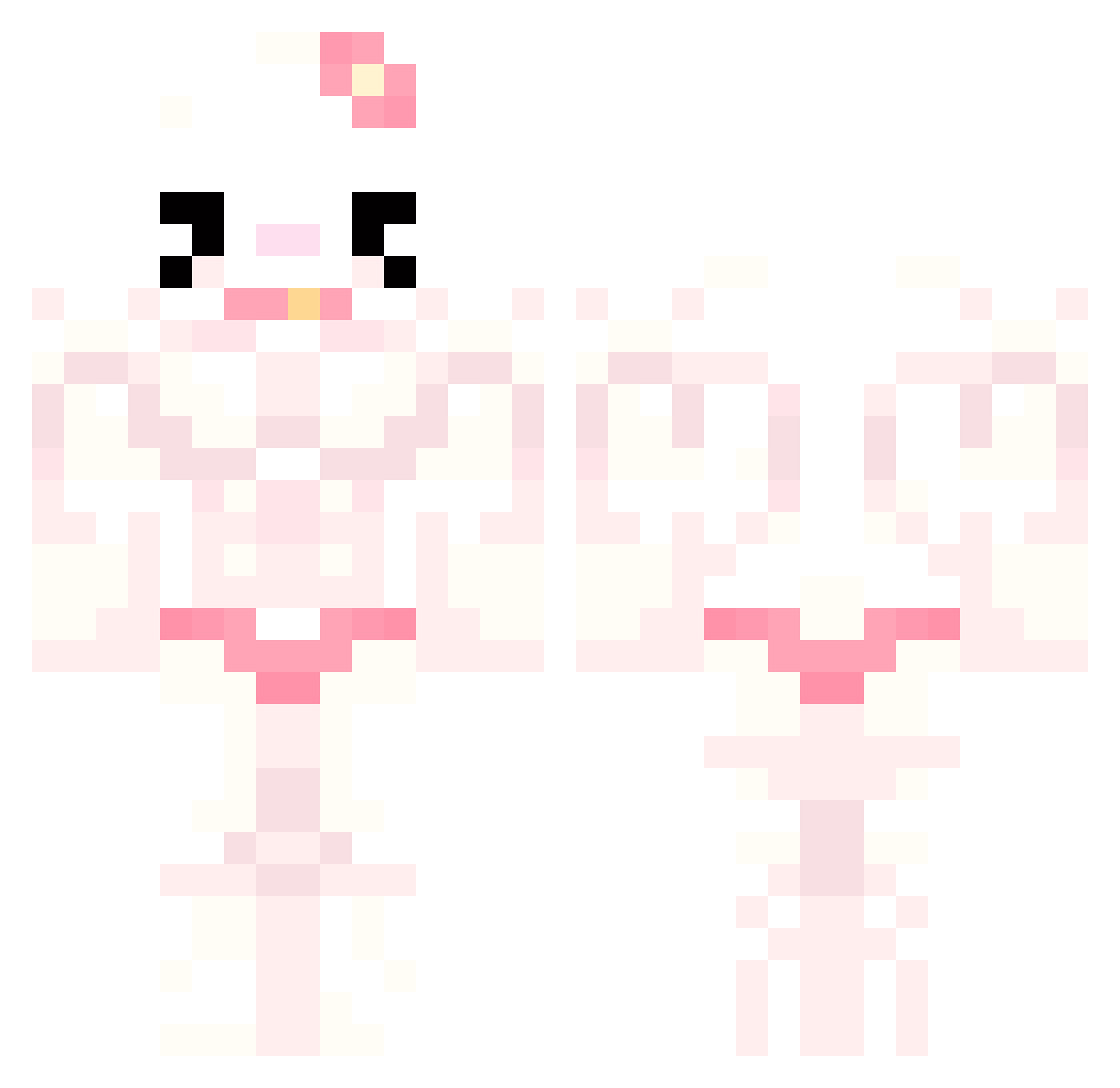
Current Minecraft skin of the player kwoczi_, loaded from the official Mojang API. Rotate the 3D model with your mouse or finger, then download the skin as a PNG file and use it in Minecraft: Bedrock Edition or Java Edition for free. When kwoczi_ changes their skin, this page updates automatically and the old skin stays in the history below.
Other players with this skin (777)
kwoczi_ was the 587th player we have seen with this skin, first spotted on 13.10.2026. The same skin was seen on these players. Open a nickname to see their current skin and skin history.
 N1K0LL nightOR160 ElMora00 Kryxiu PabloKind DW0222 mantiporda chinastarz IceyBoba CHYKIBAMBOHI McKuroo bicandy mapa15 kl4mstw0 vans0nthewall_ harrystyles210 unnoticedgalaxy NekoVT 0MommySky0 zyera Ros3mak ipek2089 MonoKittyXD isiccc 9_0_0 D4nielGM notLumia calikyos MTISY bigswagg lauve vewonikuh tiltlord agamill DaddySpedian dxphnex Chinuli Titasneves plut0_x micheet0s LilBurger333 Mady_1001 hyunji98 Sinochaaaa kakiri1234 ldr1klo_l hoonysoong lvo8_ Iridescentcm 140hhz BerluSenpai Guatita2798 zyz_res ItsTeffy riri_b boatmilk yoguretu Goggy122 MietteDeQ TurdGoblin
More Hello Kitty Minecraft skins
How to install the kwoczi_ skin
- Press the Download button above to save the skin as a PNG file.
- Minecraft: Bedrock Edition (PE): open the Dressing Room from the main menu (or tap your character → Edit Character), go to Classic Skins → Owned, press the + (new skin) button, choose the downloaded PNG and pick the Classic (Steve) model. Works on PC and mobile; consoles cannot import custom skins.
- Minecraft: Java Edition: open the Minecraft Launcher, go to the Skins tab, click New Skin, load the PNG, pick the Classic (Steve) model and press Save & Use. You can also upload it at minecraft.net → Profile → Change Skin.
The skin does not show up after import - what should I do?
Restart Minecraft and open the Dressing Room again - imported skins sometimes appear only after a restart. Also make sure you selected the imported skin and picked the Classic (Steve) model.
Which model should I choose, Classic or Slim?
This skin is designed for the Classic (Steve) model. If you pick the wrong model, the arms of the skin will look stretched or squeezed.
Is the skin of kwoczi_ free to download?
Yes. Press Download, save the PNG file and use it in Minecraft: Bedrock Edition or Java Edition - no payment or registration needed. The skin also works on multiplayer servers and Realms.
More skins
Looking for more? Go back to all Minecraft skins and check the top skins of the week, month and all time, or find any player's skin by nickname.