
kubixon2020 - Minecraft Skins & Skin History
Current Minecraft skin of the player kubixon2020, loaded from the official Mojang API. Rotate the 3D model with your mouse or finger, then download the skin as a PNG file and use it in Minecraft: Bedrock Edition or Java Edition for free. When kubixon2020 changes their skin, this page updates automatically and the old skin stays in the history below.
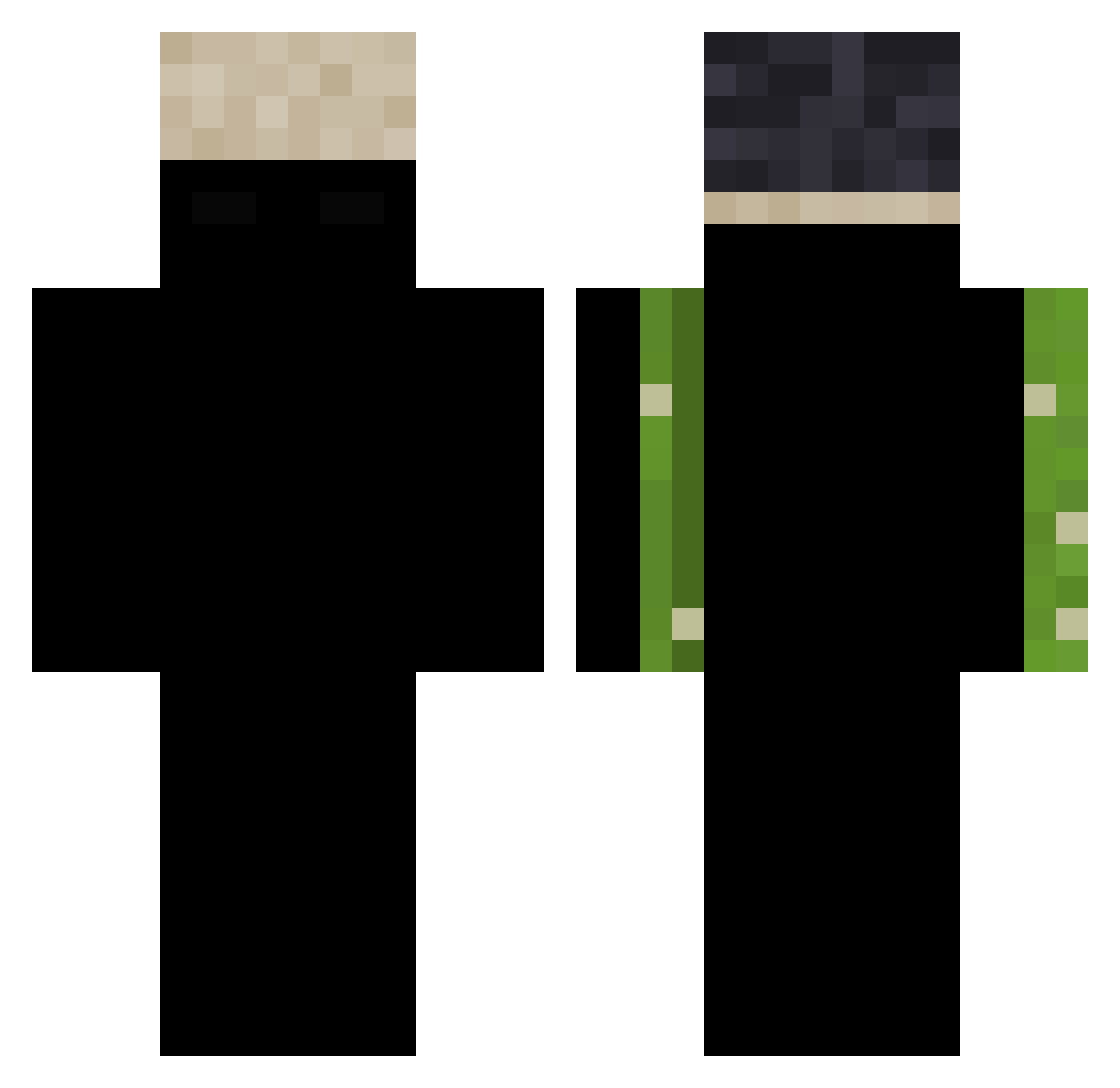
Other players with this skin (147)
kubixon2020 was the 61st player we have seen with this skin, first spotted on 07.09.2026. The same skin was seen on these players. Open a nickname to see their current skin and skin history.
 lilgoatboy45 Zeuzz6 kelNK Guelani kakoi_to_chel DUbistGudGenugg vscode1 BuenoCheesecake
 XDkenny maxxo66 Ghoular_ xdia7331 Krause_fifa Ask_YwQyP_04_26 Eldoncomedia Trashtalkk Johassir_ Oui_Cmoi C_S2 gorillaprime1246 enviouswhelks6k chuiyas aapv Sw5f ItsVanishh k3ng241 AErick_010 imthefuhrer T1da1Wave Waito juug_ Costazx NIKETT3 Narushida 8amw gresim12pro czarnypajac Sevanskii897 DeathIsNotReal LegoStarWarskid klynnnn PqTuCheat kaburyx_ luckielsidiny flaw21 sdraiatohh kajzelen
 eystreem_fan4lyf Oritt
 bl_26 aldeao01 CoolEP101 NuStGde0504JK
 Windowyte immiscibility bunkerleaf17847 X_olay124 771hi pavpunch 7dutch
How to install the kubixon2020 skin
- Press the Download button above to save the skin as a PNG file.
- Minecraft: Bedrock Edition (PE): open the Dressing Room from the main menu (or tap your character → Edit Character), go to Classic Skins → Owned, press the + (new skin) button, choose the downloaded PNG and pick the Classic (Steve) model. Works on PC and mobile; consoles cannot import custom skins.
- Minecraft: Java Edition: open the Minecraft Launcher, go to the Skins tab, click New Skin, load the PNG, pick the Classic (Steve) model and press Save & Use. You can also upload it at minecraft.net → Profile → Change Skin.
The skin does not show up after import - what should I do?
Restart Minecraft and open the Dressing Room again - imported skins sometimes appear only after a restart. Also make sure you selected the imported skin and picked the Classic (Steve) model.
Which model should I choose, Classic or Slim?
This skin is designed for the Classic (Steve) model. If you pick the wrong model, the arms of the skin will look stretched or squeezed.
Is the skin of kubixon2020 free to download?
Yes. Press Download, save the PNG file and use it in Minecraft: Bedrock Edition or Java Edition - no payment or registration needed. The skin also works on multiplayer servers and Realms.
More skins
Looking for more? Go back to all Minecraft skins and check the top skins of the week, month and all time, or find any player's skin by nickname.