
 Berserker_kun AgentSava kitme Nogaming4345 _yaten insano_golosoo tacimors peter1box Nero128 zIceDrop ACIDPACHxCHOKO SigmaDavid67 DuzinYXZ xAsaPP FingerPaul xMILANGAx Franceee19 Ant1234567888 dirloman_ok stopysophierain 30az vgqr xtmoun llliiilliil PlobTwist Melo1265 jayaTBEST wishrt KACPERUS777 MagHevang PQruH Johassir_ 45pg abbaaabb enrikitou skymikulas andreeeigh_ DUbistGudGenugg JayElett aihn00 Versatile__ Oritt VertiiQ ORGHAN Mancovich19 justfr0sty bodymisery abalone_3000 FVortex32 Ghoular_ Zeuzz6 pavpunch Eldoncomedia Manny9081 flaw21 kelNK LEIRAALV Ztdh JAKEDOGRAU Playerlf
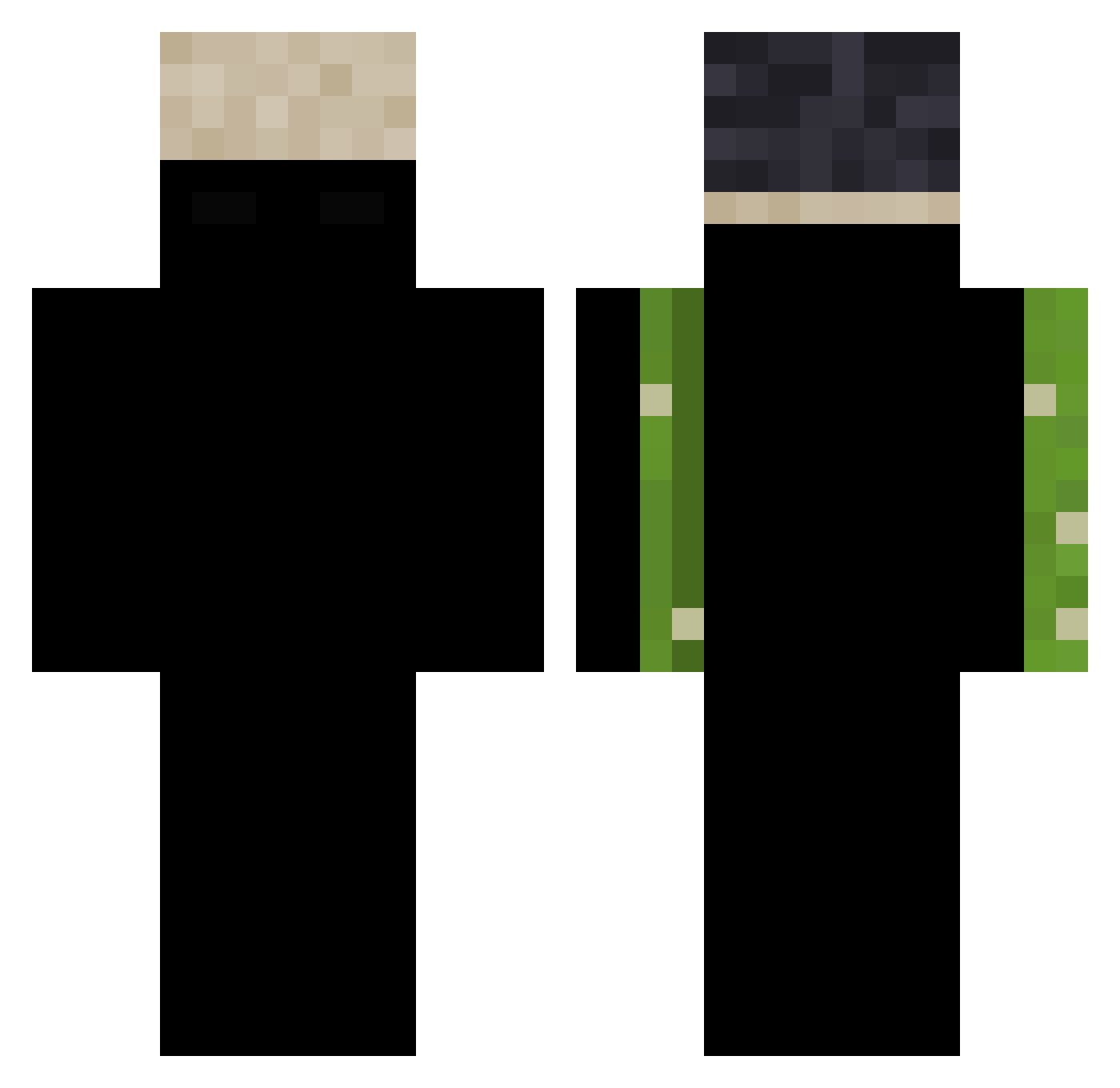
Minecraft skin of 18Insurgent. Rotate the 3D model with your mouse or finger to view the skin from every angle, then download it as a PNG file and use it in Minecraft: Bedrock Edition or Java Edition for free. Rate the skin with stars to help other players find the best skins in our collection.
How to install the 18Insurgent skin
- Press the Download button above to save the skin as a PNG file.
- Minecraft: Bedrock Edition (PE): open the Dressing Room from the main menu (or tap your character → Edit Character), go to Classic Skins → Owned, press the + (new skin) button, choose the downloaded PNG and pick the Classic (Steve) model. Works on PC and mobile; consoles cannot import custom skins.
- Minecraft: Java Edition: open the Minecraft Launcher, go to the Skins tab, click New Skin, load the PNG, pick the Classic (Steve) model and press Save & Use. You can also upload it at minecraft.net → Profile → Change Skin.
The skin does not show up after import - what should I do?
Restart Minecraft and open the Dressing Room again - imported skins sometimes appear only after a restart. Also make sure you selected the imported skin and picked the Classic (Steve) model.
Which model should I choose, Classic or Slim?
This skin is designed for the Classic (Steve) model. If you pick the wrong model, the arms of the skin will look stretched or squeezed.
Is this skin free to use?
Yes. Press Download, save the PNG file and use it in Minecraft: Bedrock Edition or Java Edition - no payment or registration needed. The skin also works on multiplayer servers and Realms.
More skins
Looking for more? Go back to all Minecraft skins and check the top skins of the week, month and all time, or find any player's skin by nickname.