
kns7w - Minecraft Skins & Skin History
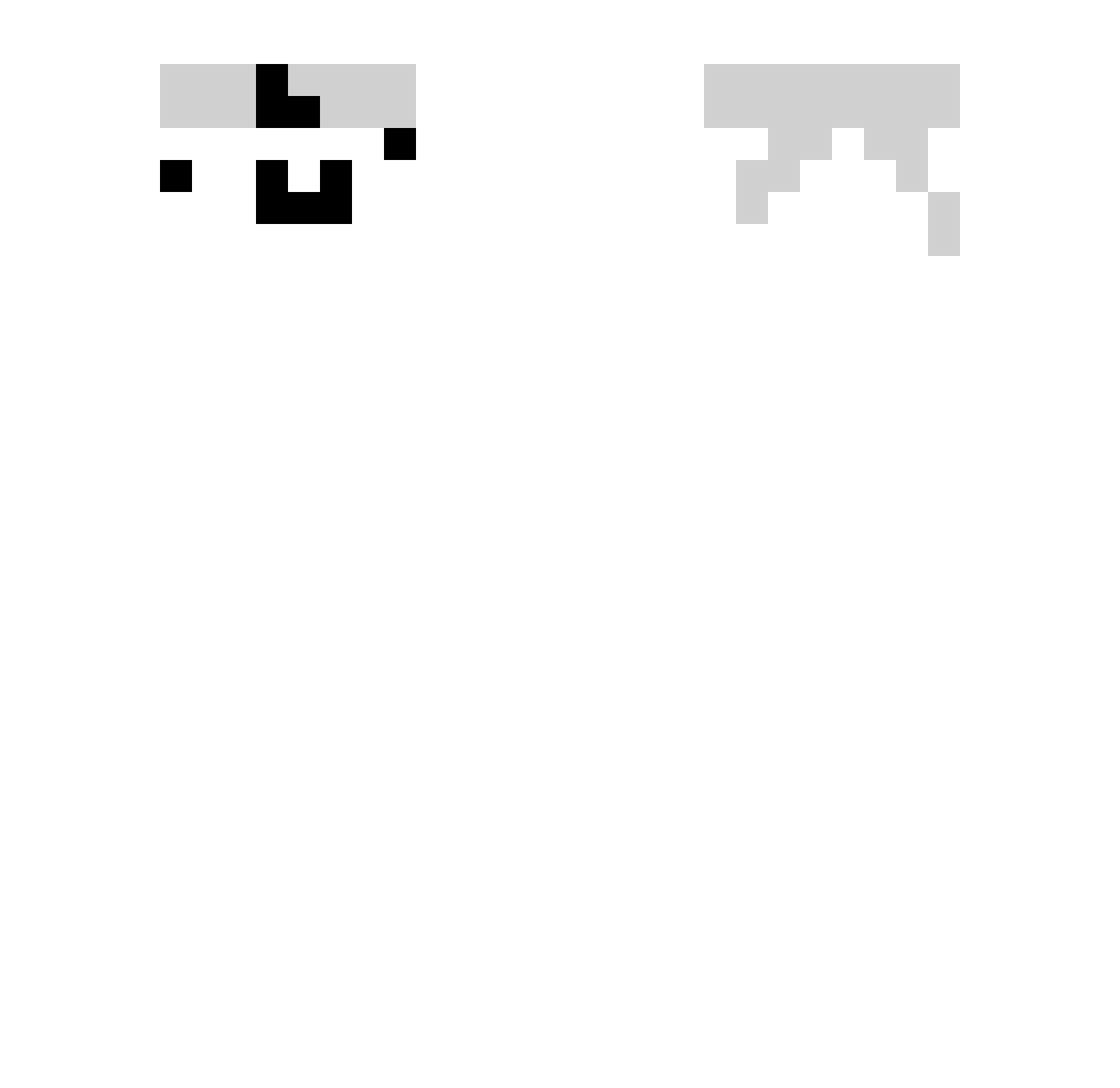
Current Minecraft skin of the player kns7w, loaded from the official Mojang API. Rotate the 3D model with your mouse or finger, then download the skin as a PNG file and use it in Minecraft: Bedrock Edition or Java Edition for free. When kns7w changes their skin, this page updates automatically and the old skin stays in the history below.
Other players with this skin (332)
kns7w was the 223rd player we have seen with this skin, first spotted on 04.10.2026. The same skin was seen on these players. Open a nickname to see their current skin and skin history.
 smdacre wssjzs _rLESTER_ NeziShinX xuxuyu sw0218 divine_song Tony2Gamer_ Trasc GhostFire_YT Luoshaaa quhungw YU_SHEN__ AstroTLC Koalaor Rolka1234 my_yuu bryant_Abe GoldenMan0220 sladaa c0ldzera114514 XiaoYu2938 ccy_1104 sword_m4 bigdawgjif kkuit1 hunkey1113 luosennan Rex_43_ ramenoodle C0NTEND LKCKdAejeppfxqBM skritrr tibiyoshi kakzer Glxx120 Rejek_ Millits Paf094988 daniel9616 AdelAdler ifranss HaJaHao Trotxcii Pelitti RandomForeseer WangHao12138 zane1503 ride666 OpsIMadeULose HYUNGJIN05 valwnn_77 CCMIKUcc baixiong66666 ecks027 obeey luosenan Cenxan Liam271 Sarthak_77
How to install the kns7w skin
- Press the Download button above to save the skin as a PNG file.
- Minecraft: Bedrock Edition (PE): open the Dressing Room from the main menu (or tap your character → Edit Character), go to Classic Skins → Owned, press the + (new skin) button, choose the downloaded PNG and pick the Slim (Alex) model. Works on PC and mobile; consoles cannot import custom skins.
- Minecraft: Java Edition: open the Minecraft Launcher, go to the Skins tab, click New Skin, load the PNG, pick the Slim (Alex) model and press Save & Use. You can also upload it at minecraft.net → Profile → Change Skin.
The skin does not show up after import - what should I do?
Restart Minecraft and open the Dressing Room again - imported skins sometimes appear only after a restart. Also make sure you selected the imported skin and picked the Slim (Alex) model.
Which model should I choose, Classic or Slim?
This skin is designed for the Slim (Alex) model. If you pick the wrong model, the arms of the skin will look stretched or squeezed.
Is the skin of kns7w free to download?
Yes. Press Download, save the PNG file and use it in Minecraft: Bedrock Edition or Java Edition - no payment or registration needed. The skin also works on multiplayer servers and Realms.
More skins
Looking for more? Go back to all Minecraft skins and check the top skins of the week, month and all time, or find any player's skin by nickname.