
klkkk1 - Minecraft Skins & Skin History
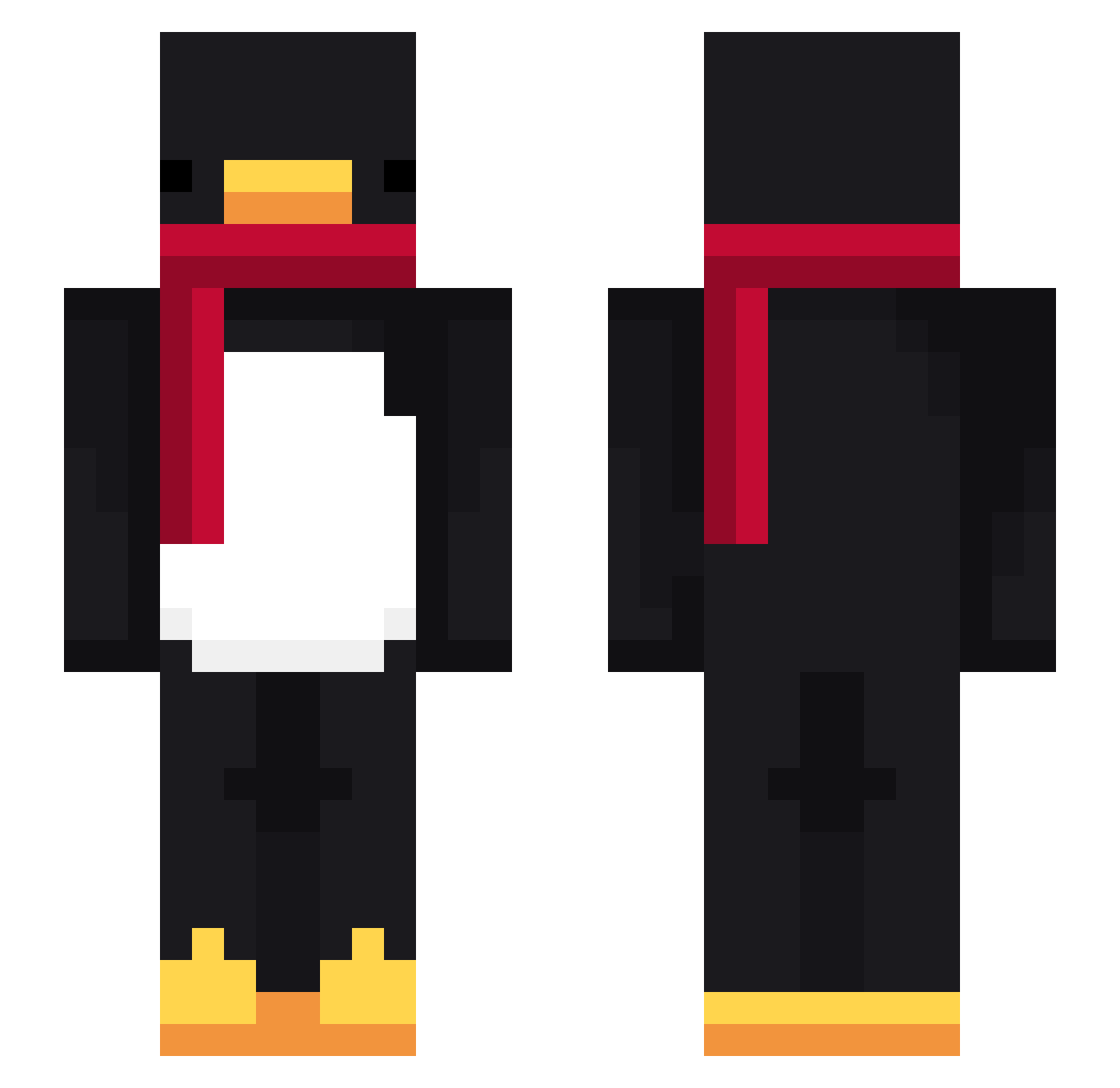
Current Minecraft skin of the player klkkk1, loaded from the official Mojang API. Rotate the 3D model with your mouse or finger, then download the skin as a PNG file and use it in Minecraft: Bedrock Edition or Java Edition for free. When klkkk1 changes their skin, this page updates automatically and the old skin stays in the history below.
Other players with this skin (782)
klkkk1 was the 726th player we have seen with this skin, first spotted on 02.11.2026. The same skin was seen on these players. Open a nickname to see their current skin and skin history.
 Sillita69_XX Schnitzel341 wew88666 Wheatie5215 Gelo_BKR Dinzann LinhAbbxh0223 paparodya TheRealMetss 1Espada_ Skrga Envy099 quallenjaeger loftblue yawler snapcharly AgentBlaster47 zachaREEEEE hajylcz LIDOOH Cokeeeee723 PASIR9kunr8w1m8g Timmy9345 vPitex zydf Timtb18 PlatincoinUltima AltVerselsbAV jokoco_ Volmire_G0D LOKOMOTORA999 Dankks20 Aooaaao ChipyYT lu4z CreedLz sheikzera Fuddlewuddle Xwesi yFlokii thatroobs butterfrogplz Kioku_Nintai BlueNovah Felshaf Raserty Long12341234 RjR0 Genshin_MasterQ Roflyzz TracebRad Mr_Faraias LinhpUGNG0219 Steeve36 Hankyt_2 MichaelYolo Penemaximus676 PASIRgxj6muxs4b6 yunluo02 tuner908
More Penguin Minecraft skins
How to install the klkkk1 skin
- Press the Download button above to save the skin as a PNG file.
- Minecraft: Bedrock Edition (PE): open the Dressing Room from the main menu (or tap your character → Edit Character), go to Classic Skins → Owned, press the + (new skin) button, choose the downloaded PNG and pick the Slim (Alex) model. Works on PC and mobile; consoles cannot import custom skins.
- Minecraft: Java Edition: open the Minecraft Launcher, go to the Skins tab, click New Skin, load the PNG, pick the Slim (Alex) model and press Save & Use. You can also upload it at minecraft.net → Profile → Change Skin.
The skin does not show up after import - what should I do?
Restart Minecraft and open the Dressing Room again - imported skins sometimes appear only after a restart. Also make sure you selected the imported skin and picked the Slim (Alex) model.
Which model should I choose, Classic or Slim?
This skin is designed for the Slim (Alex) model. If you pick the wrong model, the arms of the skin will look stretched or squeezed.
Is the skin of klkkk1 free to download?
Yes. Press Download, save the PNG file and use it in Minecraft: Bedrock Edition or Java Edition - no payment or registration needed. The skin also works on multiplayer servers and Realms.
More skins
Looking for more? Go back to all Minecraft skins and check the top skins of the week, month and all time, or find any player's skin by nickname.