
keule0326 - Minecraft Skins & Skin History
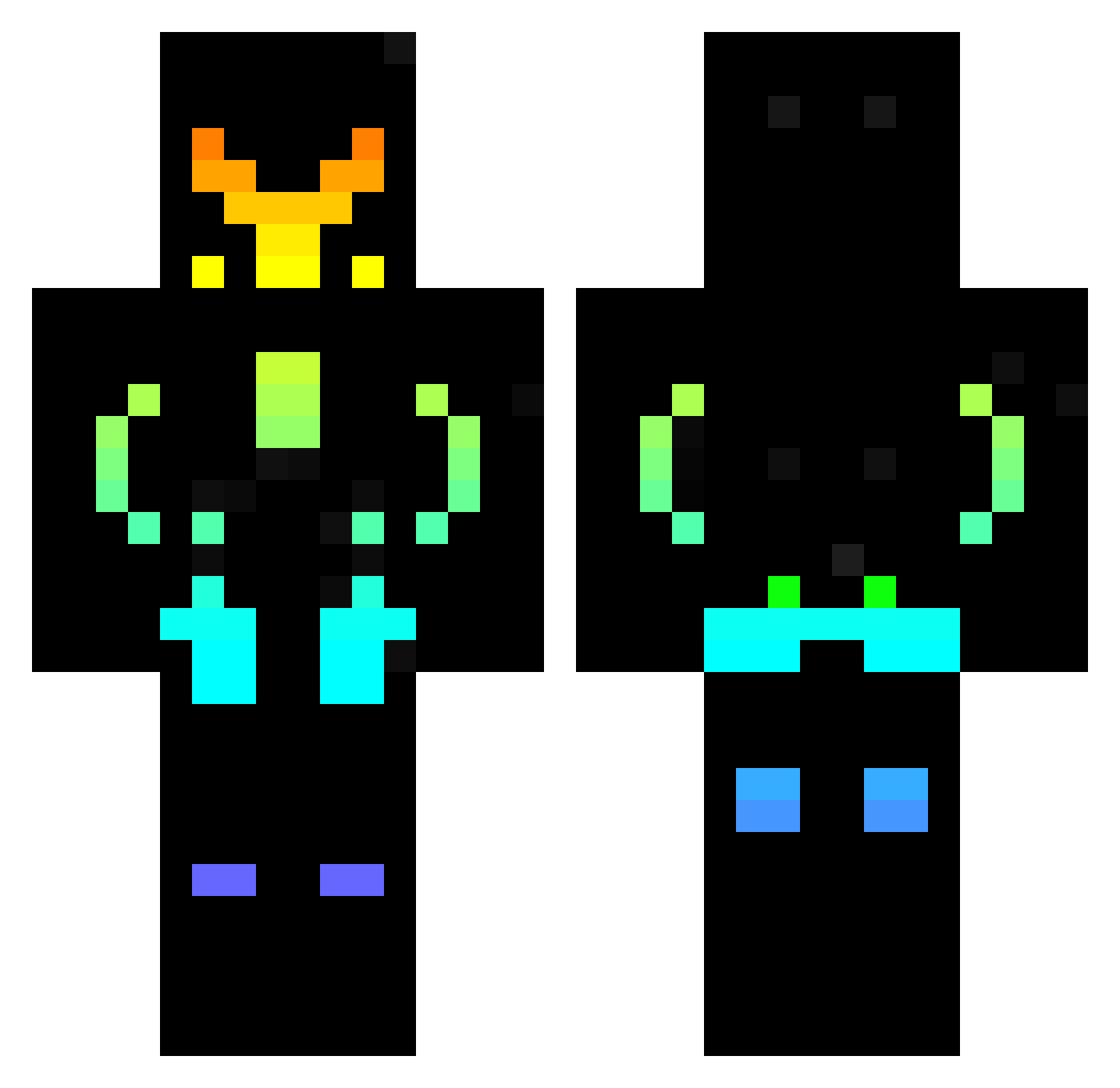
Current Minecraft skin of the player keule0326, loaded from the official Mojang API. Rotate the 3D model with your mouse or finger, then download the skin as a PNG file and use it in Minecraft: Bedrock Edition or Java Edition for free. When keule0326 changes their skin, this page updates automatically and the old skin stays in the history below.
Other players with this skin (441)
keule0326 was the 328th player we have seen with this skin, first spotted on 10.10.2026. The same skin was seen on these players. Open a nickname to see their current skin and skin history.
 Learner_22 Militaryjewel wildermind75 WitherBoss_Adam Pioneer2718 HellBlazer007 Gabi062008 OnurD01 zombie45Qc Akira4141 Tomatensaft1337 nightmare654 Lennyzockt07 Raptorcraft1 david20119 JACKBHAI15 Cornstarch273 Mierda1 Alexmar77a X1leYT maczo0051 Borsa78 poisonsoldier04 ULT_Phantom Bornlucky RealWinni nopcydian MAGMA_W0LF Wondercreator Skywo_ Dracorayo23 mrdudethebig Zulan9 SysteeN pusasan IlikeRainbows_ Marshall1390 Poon_2009 ShadyCheeseToes Mila4231 varosifalusi Thedog67 Antoco1774 mathrt gus9777 FERDxD Captain9999 MrJonson1 BlackShadow5585 nanoent Mr_Finaddo AfriFx danio298 gamerjack1515 Momentaiiii UrchinGod Raechter Mattia045 TezzOGrande Jojohimus
More Cyberpunk Soldier Minecraft skins
See all 1271 Cyberpunk Soldier skins
How to install the keule0326 skin
- Press the Download button above to save the skin as a PNG file.
- Minecraft: Bedrock Edition (PE): open the Dressing Room from the main menu (or tap your character → Edit Character), go to Classic Skins → Owned, press the + (new skin) button, choose the downloaded PNG and pick the Classic (Steve) model. Works on PC and mobile; consoles cannot import custom skins.
- Minecraft: Java Edition: open the Minecraft Launcher, go to the Skins tab, click New Skin, load the PNG, pick the Classic (Steve) model and press Save & Use. You can also upload it at minecraft.net → Profile → Change Skin.
The skin does not show up after import - what should I do?
Restart Minecraft and open the Dressing Room again - imported skins sometimes appear only after a restart. Also make sure you selected the imported skin and picked the Classic (Steve) model.
Which model should I choose, Classic or Slim?
This skin is designed for the Classic (Steve) model. If you pick the wrong model, the arms of the skin will look stretched or squeezed.
Is the skin of keule0326 free to download?
Yes. Press Download, save the PNG file and use it in Minecraft: Bedrock Edition or Java Edition - no payment or registration needed. The skin also works on multiplayer servers and Realms.
More skins
Looking for more? Go back to all Minecraft skins and check the top skins of the week, month and all time, or find any player's skin by nickname.