
kepitalciti - Minecraft Skins & Skin History
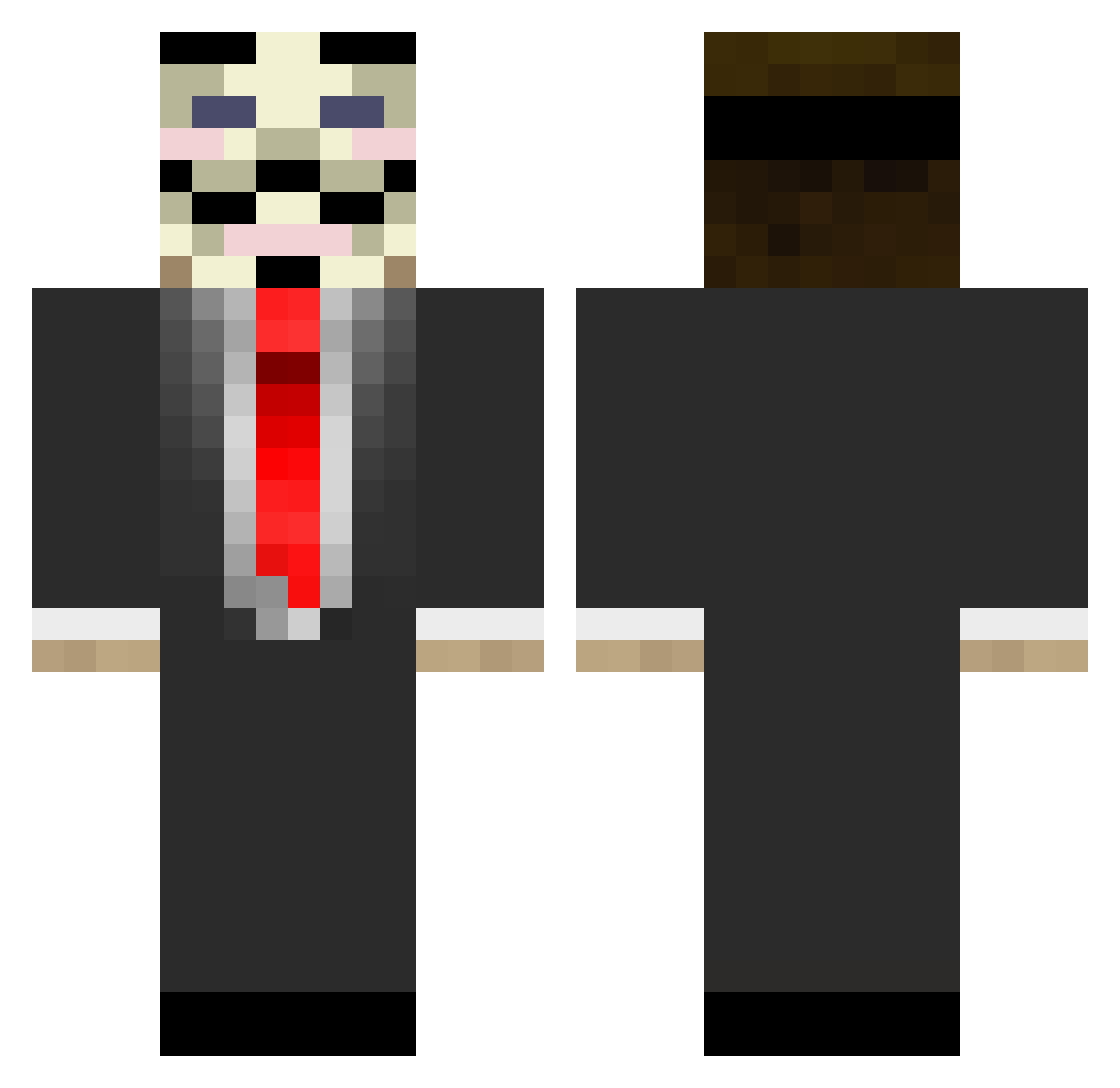
Current Minecraft skin of the player kepitalciti, loaded from the official Mojang API. Rotate the 3D model with your mouse or finger, then download the skin as a PNG file and use it in Minecraft: Bedrock Edition or Java Edition for free. When kepitalciti changes their skin, this page updates automatically and the old skin stays in the history below.
Other players with this skin (677)
kepitalciti was the 60th player we have seen with this skin, first spotted on 31.07.2026. The same skin was seen on these players. Open a nickname to see their current skin and skin history.
 gekkeaap2325 barackobama111 TheMaxxers15 tommw SamBox_ Jon4s_Ger dgf22 Estelgolothdim Megaleo234 Shhhhhhhhhh Free_Builder13 streets913 Bowden97 VineBoii Tarrano TheRealPoep HeyItsJesus Mr_Luffy_1219 Rambo12 XXsbwXX VampirianLegend HenryHenry619 Djoteas SanguinB rasvarunkku ThePotatoAttack teddy1018 dark_clown74 sens123 Xelir MetropolisRL hansofminecraft ElTr3sor TheBassNinja NaniogRooney dukeanddixie Manast Ferrari525 Kubic_rubic BornSimba mr_ctk iZepost kackv0gel Dem0niaK_01 Mr_vlad_YT Ziedonis psycho_panda4 _Neller burnsy423 TheLegendaryPlum _SkySer_ DoubleFinn masterpig243 BarcaDave DylanWestyy Giaforax Lola9 TheAllKnowing Panda64000 mr_sweaty
More V For Vendetta Minecraft skins
See all 257 V For Vendetta skins
How to install the kepitalciti skin
- Press the Download button above to save the skin as a PNG file.
- Minecraft: Bedrock Edition (PE): open the Dressing Room from the main menu (or tap your character → Edit Character), go to Classic Skins → Owned, press the + (new skin) button, choose the downloaded PNG and pick the Classic (Steve) model. Works on PC and mobile; consoles cannot import custom skins.
- Minecraft: Java Edition: open the Minecraft Launcher, go to the Skins tab, click New Skin, load the PNG, pick the Classic (Steve) model and press Save & Use. You can also upload it at minecraft.net → Profile → Change Skin.
The skin does not show up after import - what should I do?
Restart Minecraft and open the Dressing Room again - imported skins sometimes appear only after a restart. Also make sure you selected the imported skin and picked the Classic (Steve) model.
Which model should I choose, Classic or Slim?
This skin is designed for the Classic (Steve) model. If you pick the wrong model, the arms of the skin will look stretched or squeezed.
Is the skin of kepitalciti free to download?
Yes. Press Download, save the PNG file and use it in Minecraft: Bedrock Edition or Java Edition - no payment or registration needed. The skin also works on multiplayer servers and Realms.
More skins
Looking for more? Go back to all Minecraft skins and check the top skins of the week, month and all time, or find any player's skin by nickname.