
k2b77 - Minecraft Skins & Skin History
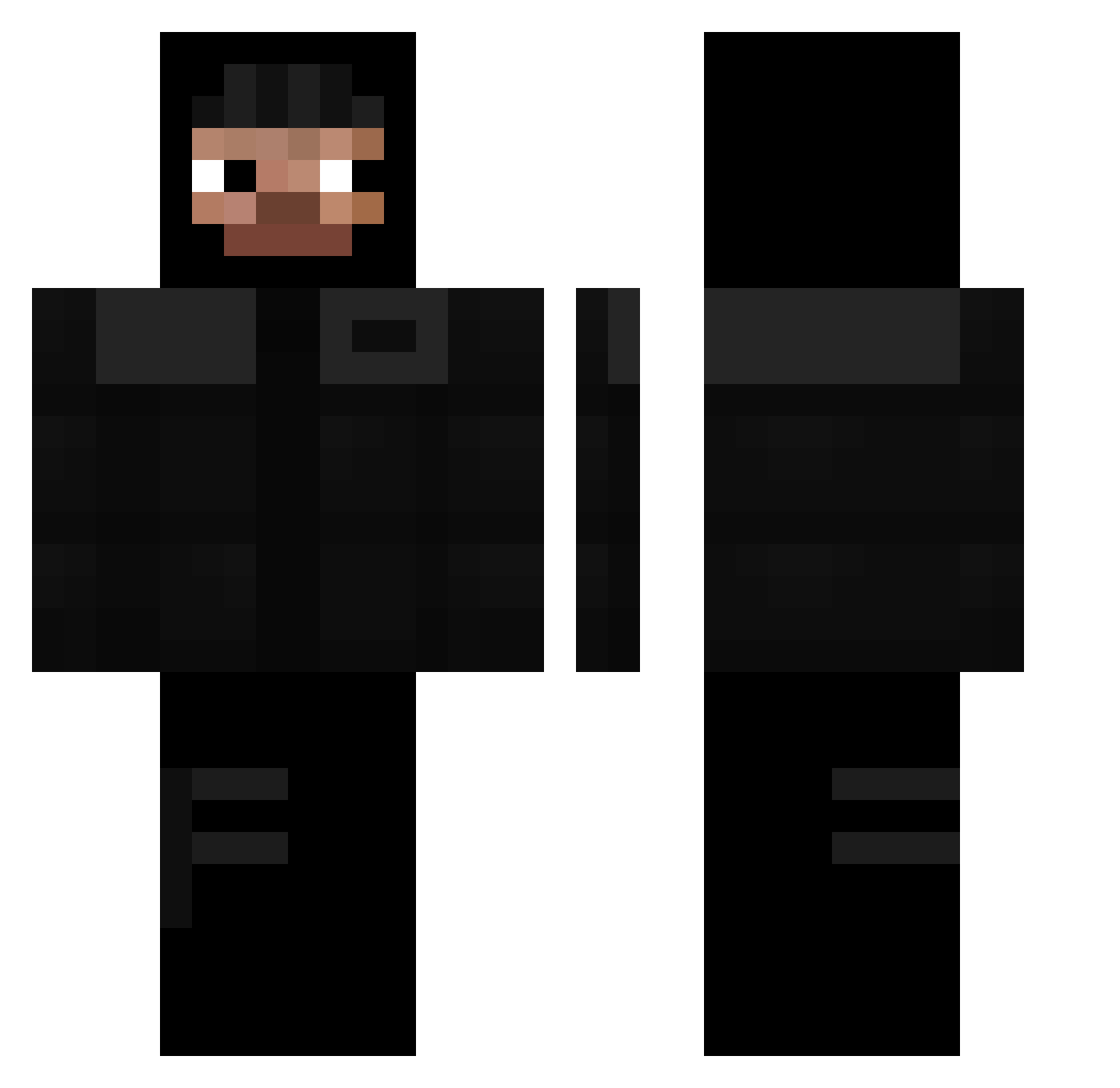
Current Minecraft skin of the player k2b77, loaded from the official Mojang API. Rotate the 3D model with your mouse or finger, then download the skin as a PNG file and use it in Minecraft: Bedrock Edition or Java Edition for free. When k2b77 changes their skin, this page updates automatically and the old skin stays in the history below.
Other players with this skin (314)
k2b77 was the 269th player we have seen with this skin, first spotted on 19.10.2026. The same skin was seen on these players. Open a nickname to see their current skin and skin history.
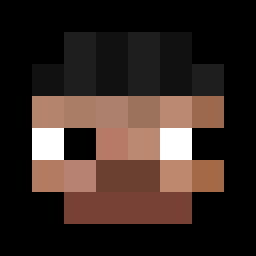 Lucridy fofyny nineskies Tonko36 Nezear 104l Mapciek_ wugui_xM7rJ_1121 UberMilkG ywwt chen_ranSama PWK6 Reybb kich2 Louvbateul grieveds Langart hamburger7745 Zigzasnoom IPERUN velciny dobraez22 Iqorekkk GigaBaartus murcic2115 yeatfan911 SigmaBober Dn0fps Pandam04 FICHERDC mlodyjesz szwagier_001 GUMPAWUMPA Wiciuuu2137 Fardability itzs3 ShadowStriker77 kemper09 DoItAgain_ tren_enjoyer rad32_ xnyyy kuhhs tfgzae MenesZz RaulSRY charls8794 vinicius4572 Loosh Penthouses NixxerSteve street0 unnormaler WoogyXD NarNarNarNar onthatwock xXHostiXx Skibidi_Toti0776 slainfan9 Chaparro1411
More Thief Minecraft skins
How to install the k2b77 skin
- Press the Download button above to save the skin as a PNG file.
- Minecraft: Bedrock Edition (PE): open the Dressing Room from the main menu (or tap your character → Edit Character), go to Classic Skins → Owned, press the + (new skin) button, choose the downloaded PNG and pick the Classic (Steve) model. Works on PC and mobile; consoles cannot import custom skins.
- Minecraft: Java Edition: open the Minecraft Launcher, go to the Skins tab, click New Skin, load the PNG, pick the Classic (Steve) model and press Save & Use. You can also upload it at minecraft.net → Profile → Change Skin.
The skin does not show up after import - what should I do?
Restart Minecraft and open the Dressing Room again - imported skins sometimes appear only after a restart. Also make sure you selected the imported skin and picked the Classic (Steve) model.
Which model should I choose, Classic or Slim?
This skin is designed for the Classic (Steve) model. If you pick the wrong model, the arms of the skin will look stretched or squeezed.
Is the skin of k2b77 free to download?
Yes. Press Download, save the PNG file and use it in Minecraft: Bedrock Edition or Java Edition - no payment or registration needed. The skin also works on multiplayer servers and Realms.
More skins
Looking for more? Go back to all Minecraft skins and check the top skins of the week, month and all time, or find any player's skin by nickname.