
jxnkq - Minecraft Skins & Skin History
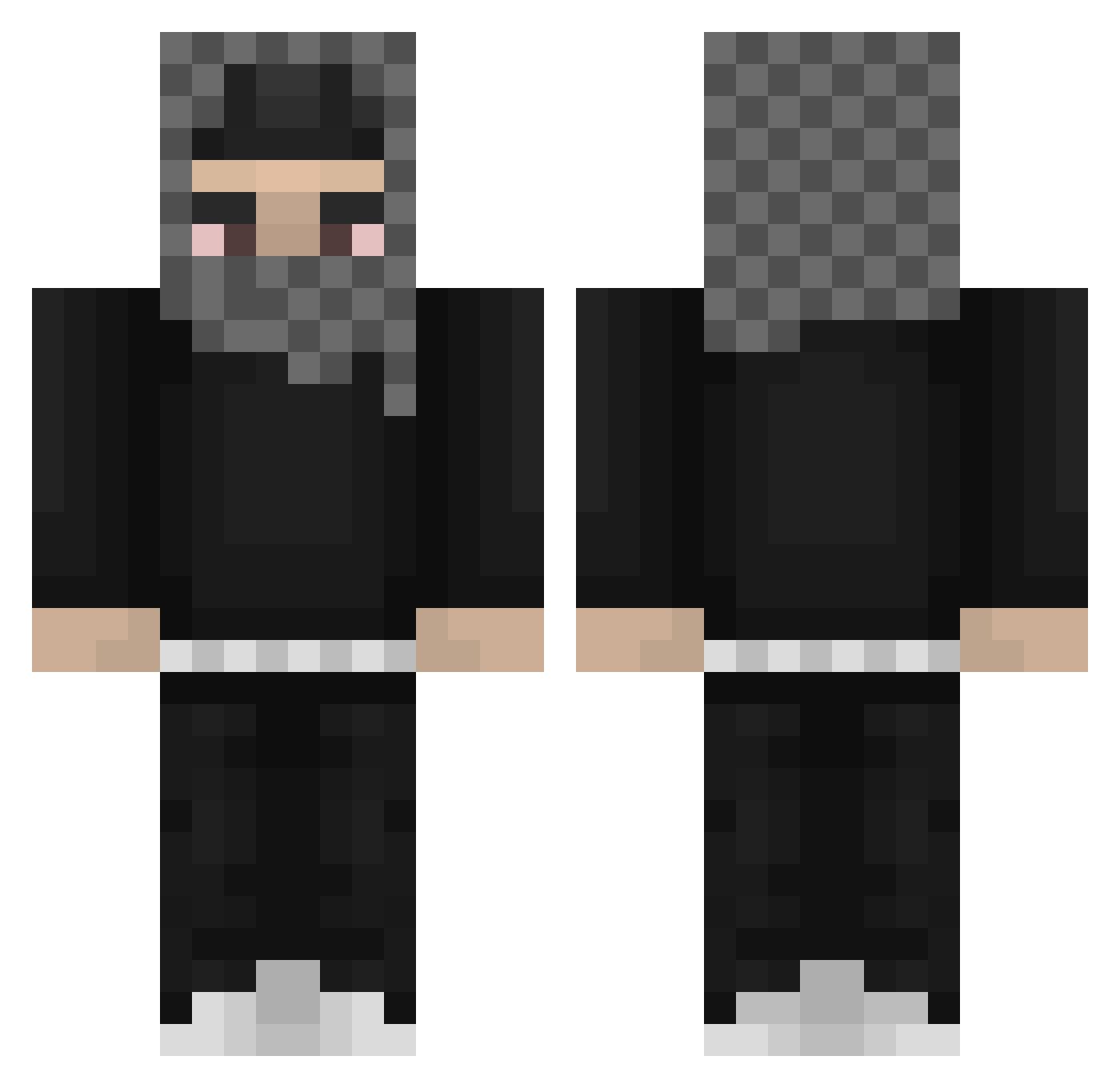
Current Minecraft skin of the player jxnkq, loaded from the official Mojang API. Rotate the 3D model with your mouse or finger, then download the skin as a PNG file and use it in Minecraft: Bedrock Edition or Java Edition for free. When jxnkq changes their skin, this page updates automatically and the old skin stays in the history below.
Other players with this skin (812)
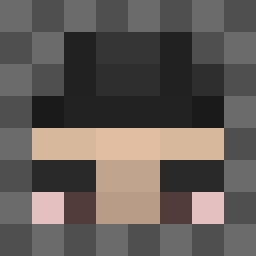
jxnkq was the 278th player we have seen with this skin, first spotted on 01.09.2026. The same skin was seen on these players. Open a nickname to see their current skin and skin history.
 troly_ Joohny210 Kusisao bbnb123 REQUIS_REQUIS EYEMADE swaaaaaaaa Makrinus _Raidz_ jaser0o0 oldcosmos09 ziomsonspolsky aylixlol Boloo21 Im_High_Rn realfarter _Cl1o LeanY3 Yeatpekar69 poopiehead827 jikatatakata Waffel12 HoodieDeace roudi_K7 Grantelbart7777 Zlomuje FartManPoop BruceWayneeee Sanctusa djwaDAWHDAOIUDHW kernel07 VoidzzzIsCool larwith TrulySacha Beuteur8 WhippinTheTonka LuhJJ JBDubz SICKEVVV twizzim rhares fentfriend GreqS Fr0zen06 UrielParra buge_ snxrr_ noahsmithjr Quillioo Einkaufsstufe elarmasecreta NuhMane IsoComp Lexereno NanoDancer SadBoyMaz ollisisue unfunnyguy1 StarPlatinum2005 Pandzia_Filip
More Streetwear Minecraft skins
How to install the jxnkq skin
- Press the Download button above to save the skin as a PNG file.
- Minecraft: Bedrock Edition (PE): open the Dressing Room from the main menu (or tap your character → Edit Character), go to Classic Skins → Owned, press the + (new skin) button, choose the downloaded PNG and pick the Classic (Steve) model. Works on PC and mobile; consoles cannot import custom skins.
- Minecraft: Java Edition: open the Minecraft Launcher, go to the Skins tab, click New Skin, load the PNG, pick the Classic (Steve) model and press Save & Use. You can also upload it at minecraft.net → Profile → Change Skin.
The skin does not show up after import - what should I do?
Restart Minecraft and open the Dressing Room again - imported skins sometimes appear only after a restart. Also make sure you selected the imported skin and picked the Classic (Steve) model.
Which model should I choose, Classic or Slim?
This skin is designed for the Classic (Steve) model. If you pick the wrong model, the arms of the skin will look stretched or squeezed.
Is the skin of jxnkq free to download?
Yes. Press Download, save the PNG file and use it in Minecraft: Bedrock Edition or Java Edition - no payment or registration needed. The skin also works on multiplayer servers and Realms.
More skins
Looking for more? Go back to all Minecraft skins and check the top skins of the week, month and all time, or find any player's skin by nickname.