
jt2511 - Minecraft Skins & Skin History
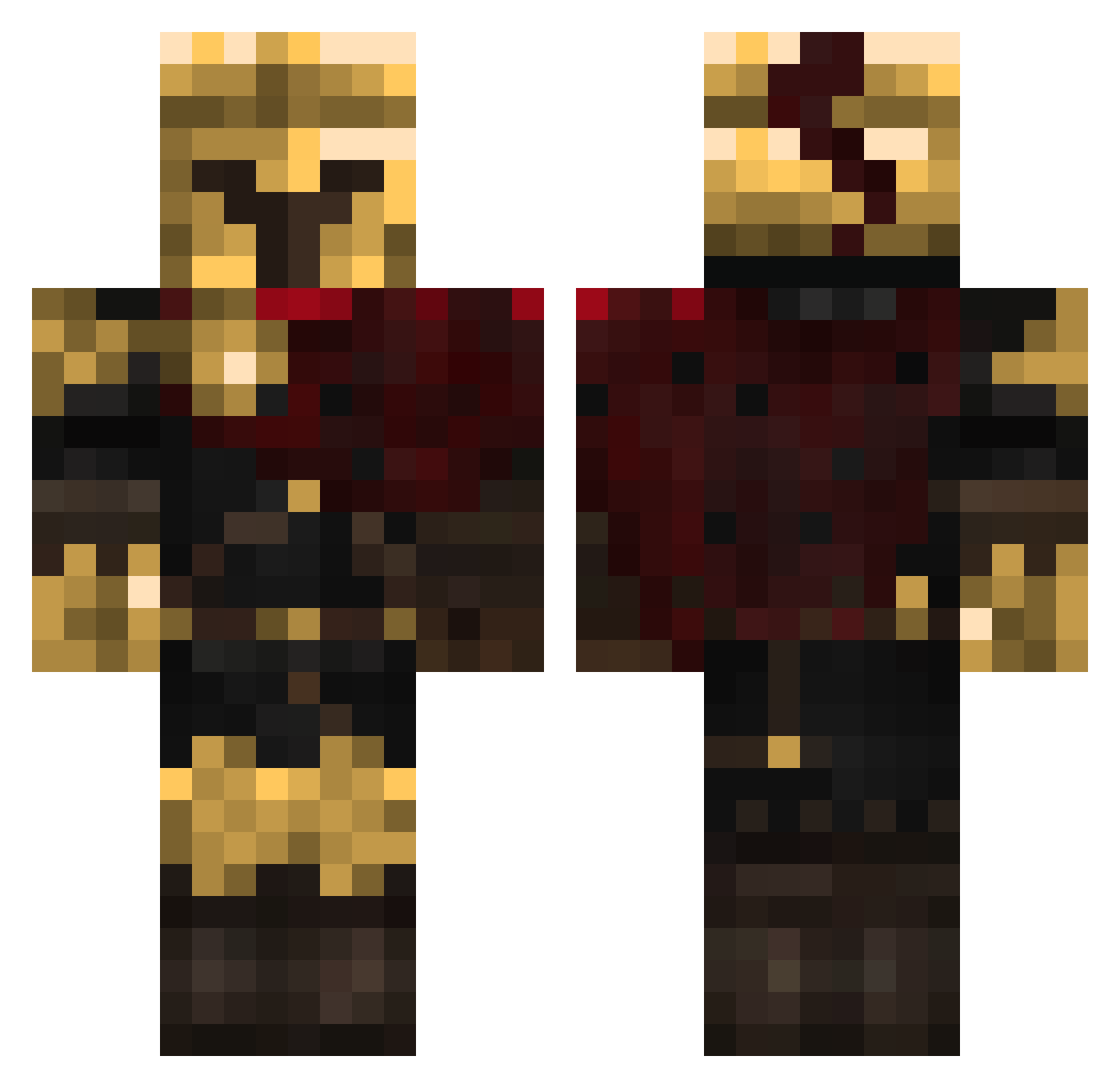
Current Minecraft skin of the player jt2511, loaded from the official Mojang API. Rotate the 3D model with your mouse or finger, then download the skin as a PNG file and use it in Minecraft: Bedrock Edition or Java Edition for free. When jt2511 changes their skin, this page updates automatically and the old skin stays in the history below.
Other players with this skin (381)
jt2511 was the 329th player we have seen with this skin, first spotted on 04.11.2026. The same skin was seen on these players. Open a nickname to see their current skin and skin history.
 SvgJuiceBox cookiemonsterous APS2008 Thewolfnight23 LegendorEU ManteledByNoPapa devossryan ieatbread5643876 Rabbitmann No_Luck_Here MoonLight1231 TonyNwakaeme Finalcountdown62 dinoryry1128 Charlotte_Mamiko LaggingSloth ArEnGiSus Simuskua mizukiirl O_rigo_O Sussy_Herald Artexial1 Eden_In_Arcadia Skwater KNIGHT_C Eggzombie1235 WizardSeal82801 Derl0rd9 zKrqOnDaMeds Deadboi1513 RiamuGdL Biniky Erput_10 1nternet_Guy MilozWorld Adega318 ShadownXD13 killa12115 Taxonseven speedybenito 7dooy7 zain34 qycm Stanley_Sucker 3LLIOTT102 Tobi54462 Onyx67 xsighell fahej Cheeserolipoly TopazCloud tuerkentreter111 Papa_Bar icecatbug Yharim4 leek4205 jdosakdifk skrrten ilovedogs856 j_11
More Spartan Minecraft skins
How to install the jt2511 skin
- Press the Download button above to save the skin as a PNG file.
- Minecraft: Bedrock Edition (PE): open the Dressing Room from the main menu (or tap your character → Edit Character), go to Classic Skins → Owned, press the + (new skin) button, choose the downloaded PNG and pick the Classic (Steve) model. Works on PC and mobile; consoles cannot import custom skins.
- Minecraft: Java Edition: open the Minecraft Launcher, go to the Skins tab, click New Skin, load the PNG, pick the Classic (Steve) model and press Save & Use. You can also upload it at minecraft.net → Profile → Change Skin.
The skin does not show up after import - what should I do?
Restart Minecraft and open the Dressing Room again - imported skins sometimes appear only after a restart. Also make sure you selected the imported skin and picked the Classic (Steve) model.
Which model should I choose, Classic or Slim?
This skin is designed for the Classic (Steve) model. If you pick the wrong model, the arms of the skin will look stretched or squeezed.
Is the skin of jt2511 free to download?
Yes. Press Download, save the PNG file and use it in Minecraft: Bedrock Edition or Java Edition - no payment or registration needed. The skin also works on multiplayer servers and Realms.
More skins
Looking for more? Go back to all Minecraft skins and check the top skins of the week, month and all time, or find any player's skin by nickname.