
jony1311 - Minecraft Skins & Skin History
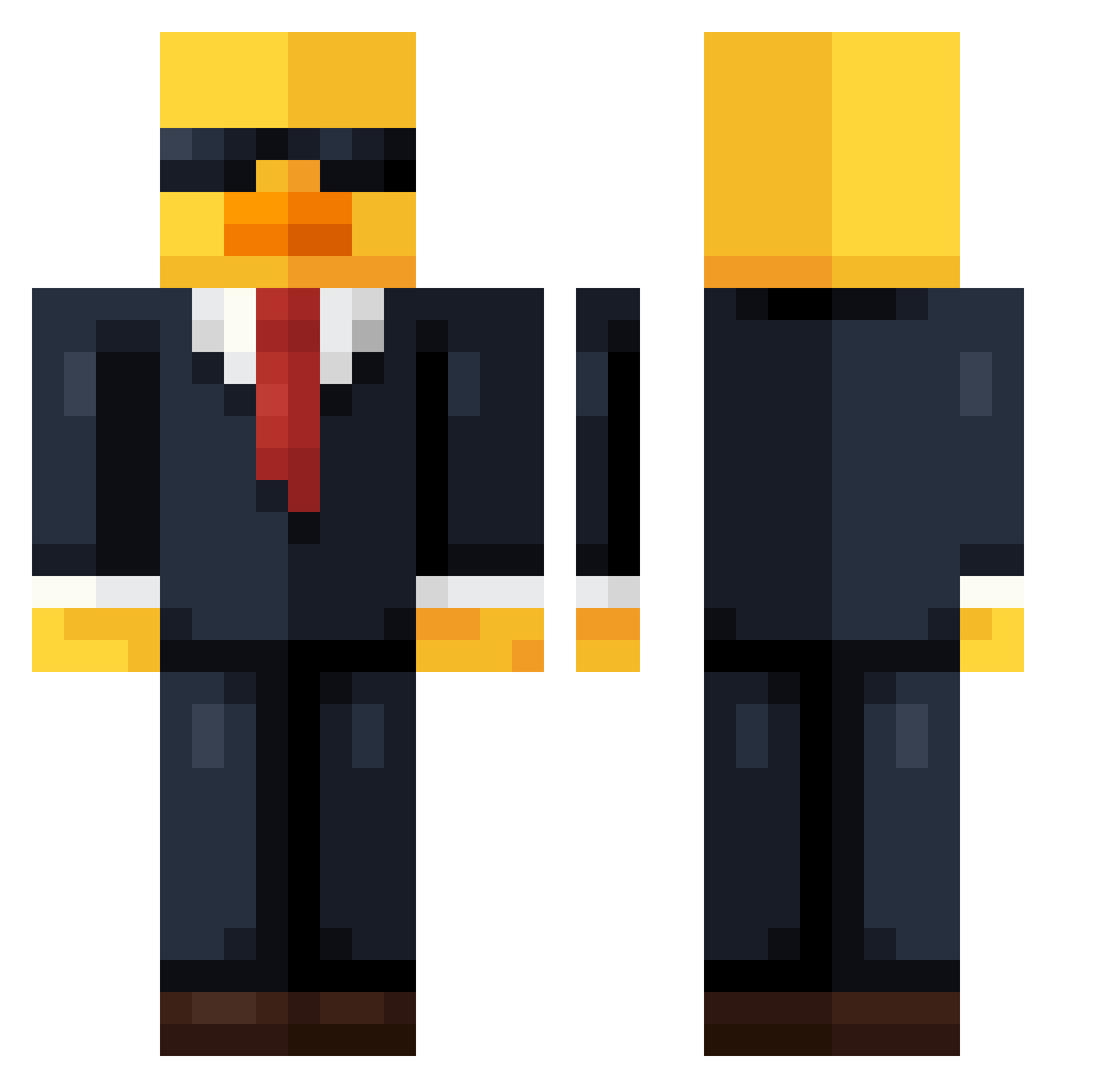
Current Minecraft skin of the player jony1311, loaded from the official Mojang API. Rotate the 3D model with your mouse or finger, then download the skin as a PNG file and use it in Minecraft: Bedrock Edition or Java Edition for free. When jony1311 changes their skin, this page updates automatically and the old skin stays in the history below.
Other players with this skin (754)
jony1311 was the 623rd player we have seen with this skin, first spotted on 20.10.2026. The same skin was seen on these players. Open a nickname to see their current skin and skin history.
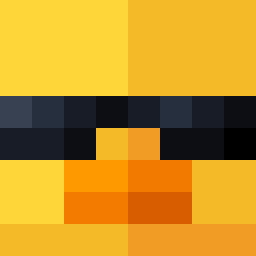 NoahPeters248 Tobycraft25 Gailene0_0 Rianlluiiiis noelafc756 galavernagg ak0___ happybirthdayJH Harbours Clackyfins BrBasto Rogdachod xSwamiii appleace55 ACE1TE Radega olv_0 Cfox_55 BluJayMeyer Greatsharkc itsjustjpp Landonisanerd swjin CraftyBeast75 XANDER22009 DeadlyAura90267 charming_jester7 Drashkia Tosmaaa Tutuhuebr haveygravy16 jaspa6 Arimonozed DuckyV1 pachex GamblePro funkid2081 Ryxt7 GamingNick203 Gunbread0000 ALExxvv JackDew3 RaidenBG Newiem120036 Kumachiiii Dummy778 tryrtw mega1ne Luciopilco777 DanielJC04 1Dav10 Gierlicz shalinger WillGamer27 ServerOperator12 Meksykan0 MugMan11 Edison20_9 WarriorShema Nerdicals
More Duck Minecraft skins
How to install the jony1311 skin
- Press the Download button above to save the skin as a PNG file.
- Minecraft: Bedrock Edition (PE): open the Dressing Room from the main menu (or tap your character → Edit Character), go to Classic Skins → Owned, press the + (new skin) button, choose the downloaded PNG and pick the Classic (Steve) model. Works on PC and mobile; consoles cannot import custom skins.
- Minecraft: Java Edition: open the Minecraft Launcher, go to the Skins tab, click New Skin, load the PNG, pick the Classic (Steve) model and press Save & Use. You can also upload it at minecraft.net → Profile → Change Skin.
The skin does not show up after import - what should I do?
Restart Minecraft and open the Dressing Room again - imported skins sometimes appear only after a restart. Also make sure you selected the imported skin and picked the Classic (Steve) model.
Which model should I choose, Classic or Slim?
This skin is designed for the Classic (Steve) model. If you pick the wrong model, the arms of the skin will look stretched or squeezed.
Is the skin of jony1311 free to download?
Yes. Press Download, save the PNG file and use it in Minecraft: Bedrock Edition or Java Edition - no payment or registration needed. The skin also works on multiplayer servers and Realms.
More skins
Looking for more? Go back to all Minecraft skins and check the top skins of the week, month and all time, or find any player's skin by nickname.