
jdog424 - Minecraft Skins & Skin History
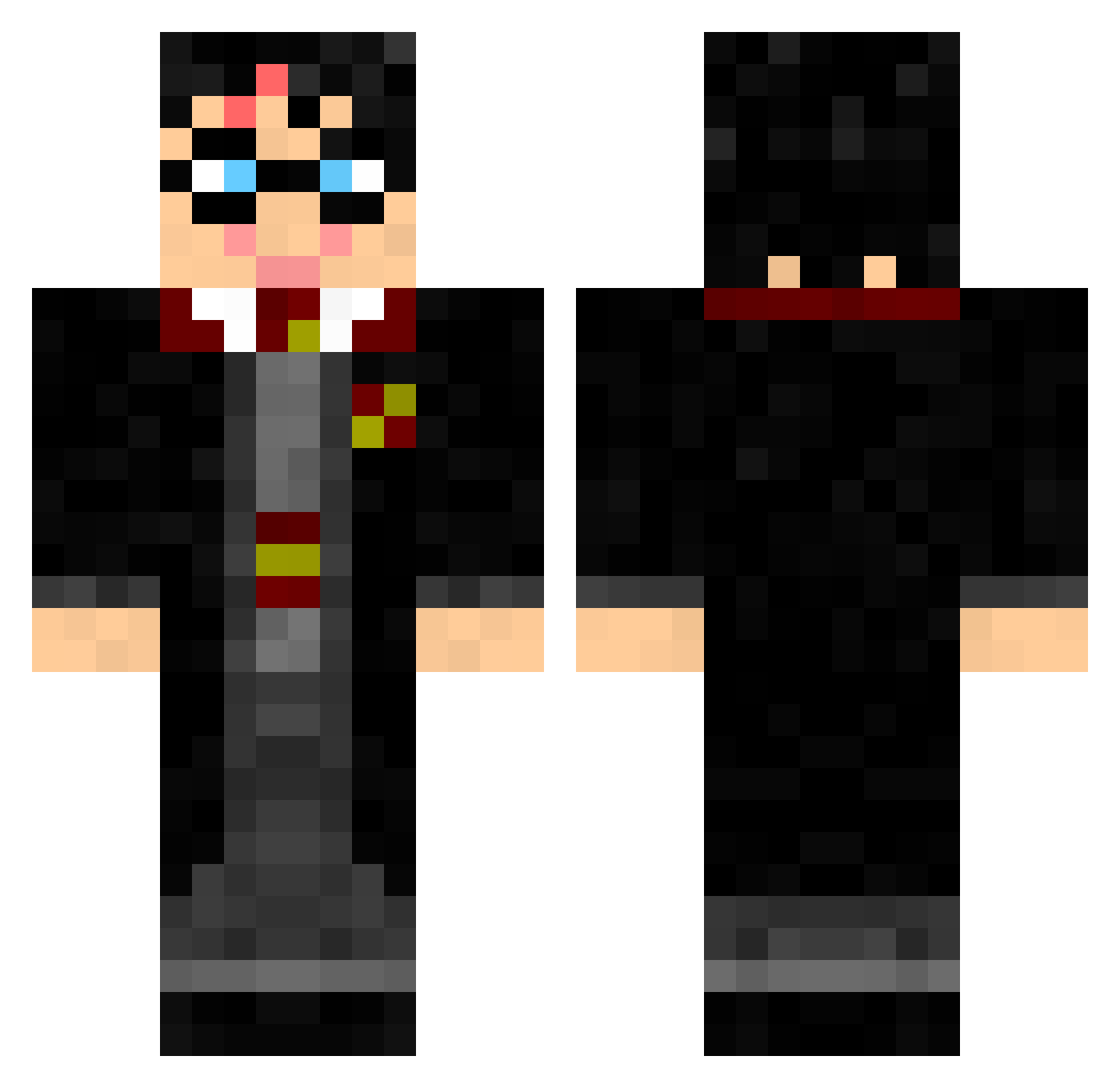
Current Minecraft skin of the player jdog424, loaded from the official Mojang API. Rotate the 3D model with your mouse or finger, then download the skin as a PNG file and use it in Minecraft: Bedrock Edition or Java Edition for free. When jdog424 changes their skin, this page updates automatically and the old skin stays in the history below.
Other players with this skin (327)
jdog424 was the 210th player we have seen with this skin, first spotted on 06.10.2026. The same skin was seen on these players. Open a nickname to see their current skin and skin history.
 seanslastname ShuMazing wille_mafia bluekraken28 TheOnlyFlist mcsweeto sara18110 PerronAssault SnoopDggg trondegil jaycecraft CTL12321 dantetldk Heyx92 camillahoe 333constantin StringerBoys jamesssx tibble49 Ep1cpoo CommanderEwan03 saberscull lucagiacomo EscapeHatch IronHammersFC HurricaneEmmy jak1054 SecretClit Exotic_Jamz CHUBLY42 AJW6923 finalnemesis Retrosplenial Digitalchaos117 cstewart07 sagcat flamasteve ryry6101 legofreak911 adamguo09 badboyben18 Bolmgren rachmaster7 tornado_kid06 DimK_48 Spursneer f3vang mattkianpour noamennekens J_de_Oliveira Savagelife21 CQCOtacon Tominagi Kid_Darkness496 vannahxxj EBT1 Willhm boga01 alwys41974 LB1022
More Harry Potter Minecraft skins
See all 248 Harry Potter skins
How to install the jdog424 skin
- Press the Download button above to save the skin as a PNG file.
- Minecraft: Bedrock Edition (PE): open the Dressing Room from the main menu (or tap your character → Edit Character), go to Classic Skins → Owned, press the + (new skin) button, choose the downloaded PNG and pick the Classic (Steve) model. Works on PC and mobile; consoles cannot import custom skins.
- Minecraft: Java Edition: open the Minecraft Launcher, go to the Skins tab, click New Skin, load the PNG, pick the Classic (Steve) model and press Save & Use. You can also upload it at minecraft.net → Profile → Change Skin.
The skin does not show up after import - what should I do?
Restart Minecraft and open the Dressing Room again - imported skins sometimes appear only after a restart. Also make sure you selected the imported skin and picked the Classic (Steve) model.
Which model should I choose, Classic or Slim?
This skin is designed for the Classic (Steve) model. If you pick the wrong model, the arms of the skin will look stretched or squeezed.
Is the skin of jdog424 free to download?
Yes. Press Download, save the PNG file and use it in Minecraft: Bedrock Edition or Java Edition - no payment or registration needed. The skin also works on multiplayer servers and Realms.
More skins
Looking for more? Go back to all Minecraft skins and check the top skins of the week, month and all time, or find any player's skin by nickname.