
 SmallFryy DoffenMcLuring Lachievary max410king YoungTurd theadz Mr_Lancini Whitedocta TheApacheKing Megi_Mi carlovirzi99 kyersteven Jonas1a1 jever180 WaaxB xHaotin potterminator HasanPotter King2599 gracimae1 Potter_08 LukieG13 DynamicGG TheProdigyEagle LordLeezy joe81299 Conrado1988 Evelyn______ Pro_Soccer24 Wagner_Moscow jojo007JK HesNotSoHarry chocapic950 Harry_Snotter pottedpotter Nik_Ryan OSIExtreme samkaplan236 Toby0265 DebbieAndres Josh_Haslam Ogge92 BrunosGuldminer nibuz10 Matcjor kakorslund Born2pointe HedvazCz fir3a5p3ct Cronny78 Melonbiscuits mutanzombie12 arielhayon Kimberjingle ChulThom AdamJohnson69 tannebech earlgetthebuick Hockeyfan9411 Sundorf
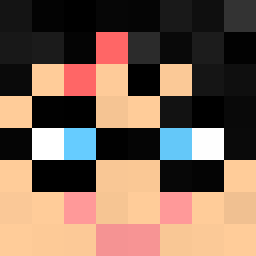
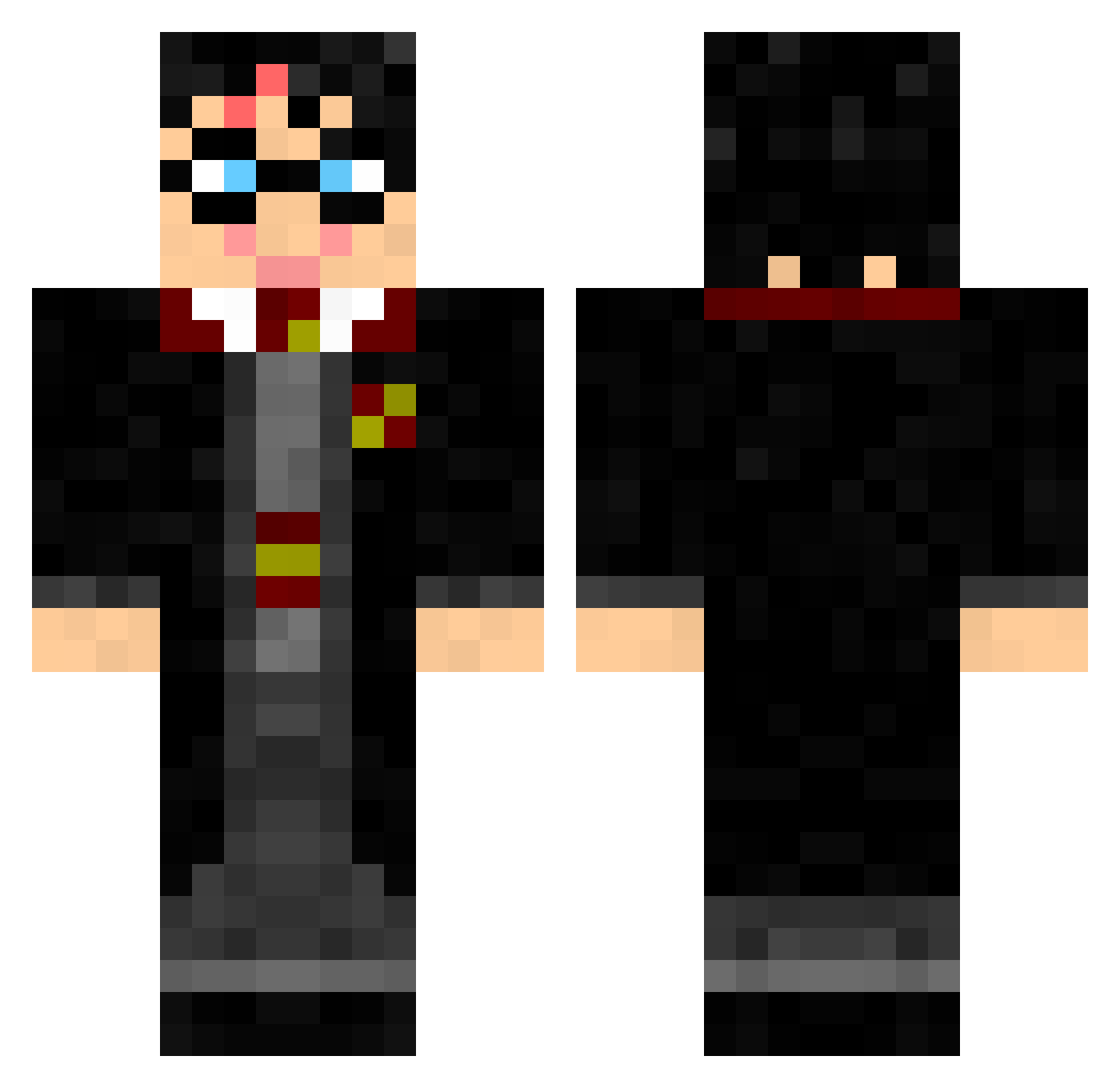
Minecraft skin of flavio21. Rotate the 3D model with your mouse or finger to view the skin from every angle, then download it as a PNG file and use it in Minecraft: Bedrock Edition or Java Edition for free. Rate the skin with stars to help other players find the best skins in our collection.
How to install the flavio21 skin
- Press the Download button above to save the skin as a PNG file.
- Minecraft: Bedrock Edition (PE): open the Dressing Room from the main menu (or tap your character → Edit Character), go to Classic Skins → Owned, press the + (new skin) button, choose the downloaded PNG and pick the Classic (Steve) model. Works on PC and mobile; consoles cannot import custom skins.
- Minecraft: Java Edition: open the Minecraft Launcher, go to the Skins tab, click New Skin, load the PNG, pick the Classic (Steve) model and press Save & Use. You can also upload it at minecraft.net → Profile → Change Skin.
The skin does not show up after import - what should I do?
Restart Minecraft and open the Dressing Room again - imported skins sometimes appear only after a restart. Also make sure you selected the imported skin and picked the Classic (Steve) model.
Which model should I choose, Classic or Slim?
This skin is designed for the Classic (Steve) model. If you pick the wrong model, the arms of the skin will look stretched or squeezed.
Is this skin free to use?
Yes. Press Download, save the PNG file and use it in Minecraft: Bedrock Edition or Java Edition - no payment or registration needed. The skin also works on multiplayer servers and Realms.
More Harry Potter Minecraft skins
See all 248 Harry Potter skins
More skins
Looking for more? Go back to all Minecraft skins and check the top skins of the week, month and all time, or find any player's skin by nickname.