
imseulgi - Minecraft Skins & Skin History
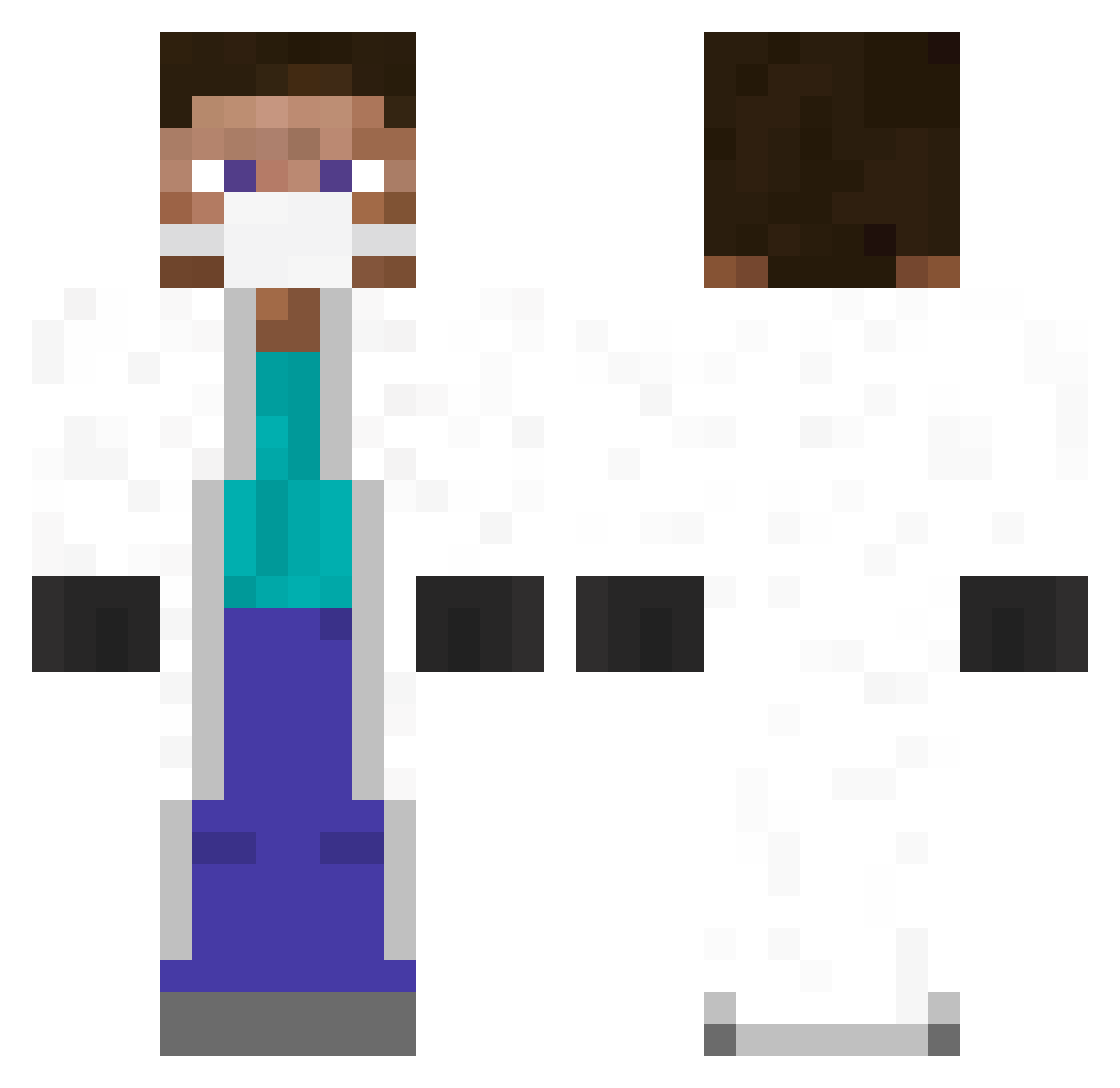
Current Minecraft skin of the player imseulgi, loaded from the official Mojang API. Rotate the 3D model with your mouse or finger, then download the skin as a PNG file and use it in Minecraft: Bedrock Edition or Java Edition for free. When imseulgi changes their skin, this page updates automatically and the old skin stays in the history below.
Other players with this skin (348)
imseulgi was the 123rd player we have seen with this skin, first spotted on 28.08.2026. The same skin was seen on these players. Open a nickname to see their current skin and skin history.
 markkk372 Marius_Original kijazzz78 Cabbage26 FloPlays_44 nicolarum3 SSoing DaveP_419 Orack_Babama2 rodann Angelo_15_ Billyihang Trahayou RcandyR DeadMemes__ bammerams zevy03 Chowlicious bLOCKaRCHITECH AnacondaThunder Harveycj jinbo1204 THEmrFREUD domizi3 jspang1 Oliphantis avictour Morque Killer_people2 UsingESP Grmlyn profozic kvN_1403 michaelnakamura Renzodaniel17 Gold_Castle893 Twnty9 Alberto_759 AySling14 DemoJ servictor2 Masafakaa Kaptein70_ CreepyUncleJo Krystian1141 yosatak Jwaymon adolfito0 ebskateqc Klaus_Lotze APB1326 ZRezler Leocarrillov2 Valentin6779 ERROR_7 WaYneZ Manticora27 MarcelRodriguez skinnycracker KaChiggax
More Medical Mask Minecraft skins
How to install the imseulgi skin
- Press the Download button above to save the skin as a PNG file.
- Minecraft: Bedrock Edition (PE): open the Dressing Room from the main menu (or tap your character → Edit Character), go to Classic Skins → Owned, press the + (new skin) button, choose the downloaded PNG and pick the Classic (Steve) model. Works on PC and mobile; consoles cannot import custom skins.
- Minecraft: Java Edition: open the Minecraft Launcher, go to the Skins tab, click New Skin, load the PNG, pick the Classic (Steve) model and press Save & Use. You can also upload it at minecraft.net → Profile → Change Skin.
The skin does not show up after import - what should I do?
Restart Minecraft and open the Dressing Room again - imported skins sometimes appear only after a restart. Also make sure you selected the imported skin and picked the Classic (Steve) model.
Which model should I choose, Classic or Slim?
This skin is designed for the Classic (Steve) model. If you pick the wrong model, the arms of the skin will look stretched or squeezed.
Is the skin of imseulgi free to download?
Yes. Press Download, save the PNG file and use it in Minecraft: Bedrock Edition or Java Edition - no payment or registration needed. The skin also works on multiplayer servers and Realms.
More skins
Looking for more? Go back to all Minecraft skins and check the top skins of the week, month and all time, or find any player's skin by nickname.