
hudsonman - Minecraft Skins & Skin History
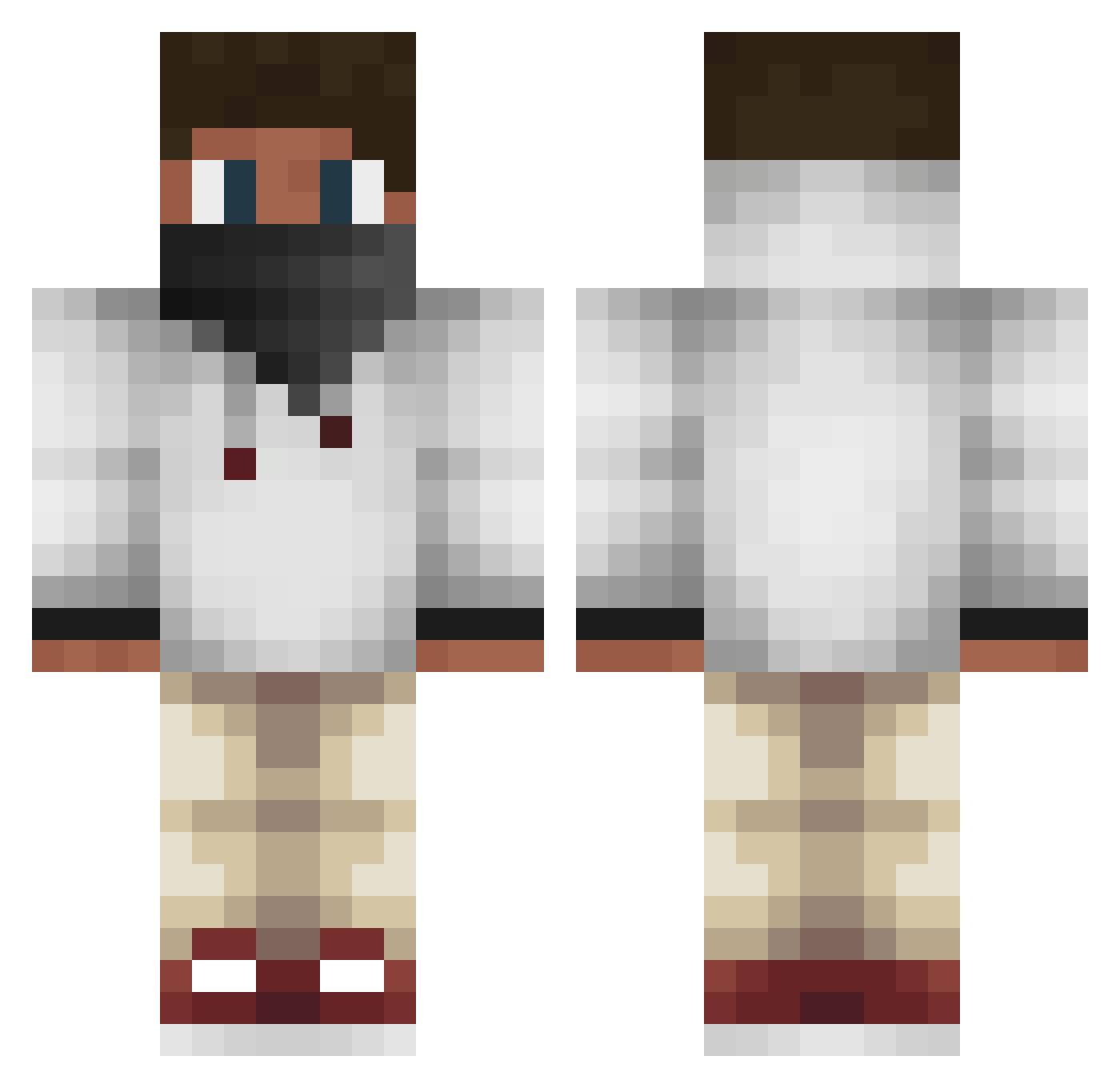
Current Minecraft skin of the player hudsonman, loaded from the official Mojang API. Rotate the 3D model with your mouse or finger, then download the skin as a PNG file and use it in Minecraft: Bedrock Edition or Java Edition for free. When hudsonman changes their skin, this page updates automatically and the old skin stays in the history below.
Other players with this skin (438)
hudsonman was the 149th player we have seen with this skin, first spotted on 24.08.2026. The same skin was seen on these players. Open a nickname to see their current skin and skin history.
 jacerman_tnt arcticpolar007 AV_Fox Michaeloooo Since2000 Nico_Zockt_ KladdigaMiner hollywood_walton Enderskilz23 RudiGamesHD Speicki98 thebomb97 Roxaszgx Army_MC MajesticXD downie043 jinnypinny xNordy Re_y xxDarkSharkx DanielGus98 MrCupCakes VideoGames_XP emoo_20 SippinFIJI Saladoff Jackgaming345 Xminecraft_guyX mariofrankie7 Lloyd9250 MaGmer nikitawow GravtX CLINT513 JaydenWhittaker Peekaboo7777 Sway_Homie LukeSkyMine TheRuffle Anin_brown SilverCraftHD LarsonBMX wutzizockt christoph294 NINJA20008 dvzdaweed jacoby70077 EliazTheBlade Brickbreakers200 Lilipaly05 AndreasXL initru Pro_Ana freemanUltra Torkw DepressedChild Andretemwani litswag jimmystovo xJmoonx
More Face Mask Minecraft skins
How to install the hudsonman skin
- Press the Download button above to save the skin as a PNG file.
- Minecraft: Bedrock Edition (PE): open the Dressing Room from the main menu (or tap your character → Edit Character), go to Classic Skins → Owned, press the + (new skin) button, choose the downloaded PNG and pick the Classic (Steve) model. Works on PC and mobile; consoles cannot import custom skins.
- Minecraft: Java Edition: open the Minecraft Launcher, go to the Skins tab, click New Skin, load the PNG, pick the Classic (Steve) model and press Save & Use. You can also upload it at minecraft.net → Profile → Change Skin.
The skin does not show up after import - what should I do?
Restart Minecraft and open the Dressing Room again - imported skins sometimes appear only after a restart. Also make sure you selected the imported skin and picked the Classic (Steve) model.
Which model should I choose, Classic or Slim?
This skin is designed for the Classic (Steve) model. If you pick the wrong model, the arms of the skin will look stretched or squeezed.
Is the skin of hudsonman free to download?
Yes. Press Download, save the PNG file and use it in Minecraft: Bedrock Edition or Java Edition - no payment or registration needed. The skin also works on multiplayer servers and Realms.
More skins
Looking for more? Go back to all Minecraft skins and check the top skins of the week, month and all time, or find any player's skin by nickname.