
hoe_3 - Minecraft Skins & Skin History
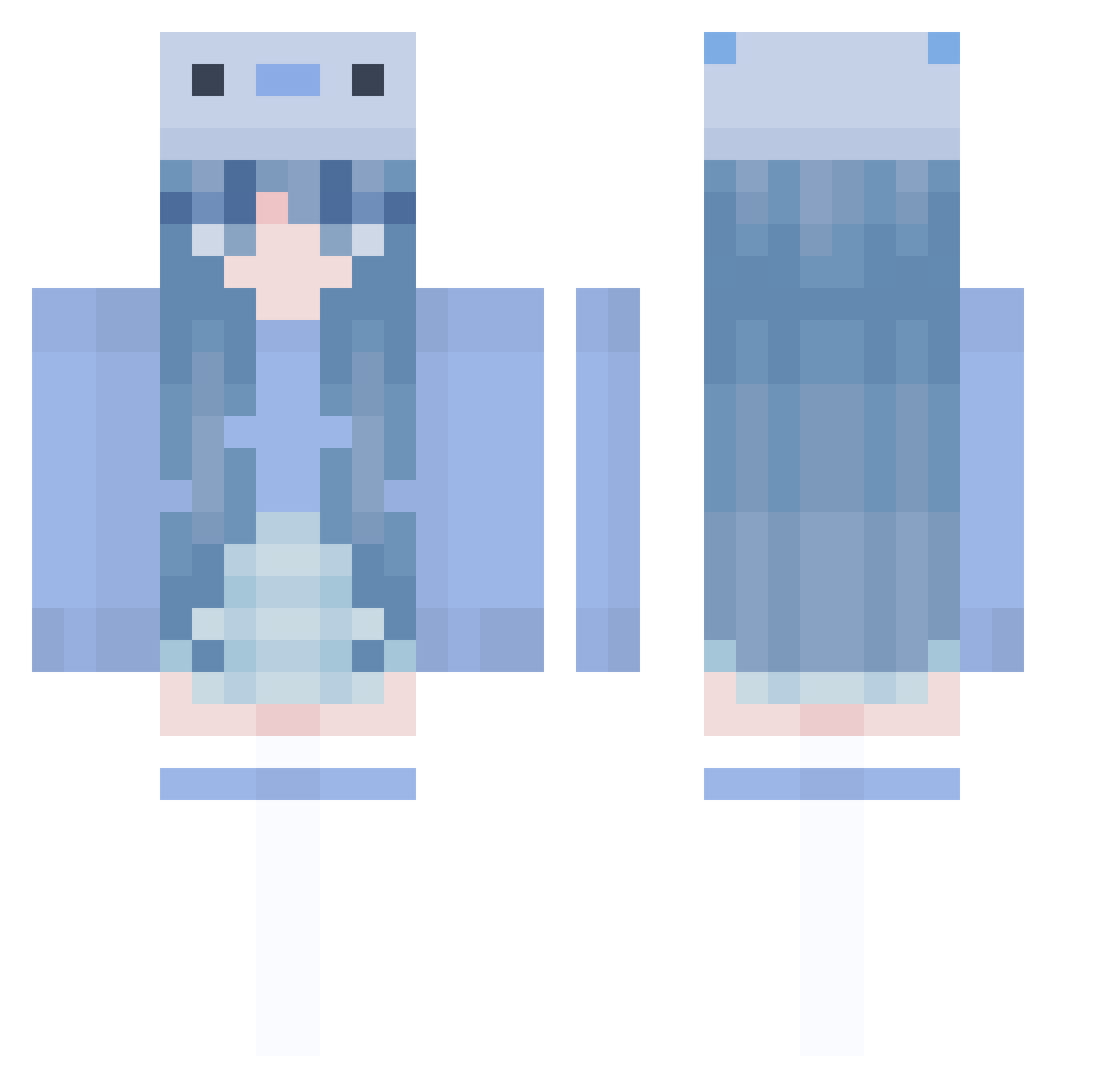
Current Minecraft skin of the player hoe_3, loaded from the official Mojang API. Rotate the 3D model with your mouse or finger, then download the skin as a PNG file and use it in Minecraft: Bedrock Edition or Java Edition for free. When hoe_3 changes their skin, this page updates automatically and the old skin stays in the history below.
Other players with this skin (1005)
hoe_3 was the 59th player we have seen with this skin, first spotted on 01.08.2026. The same skin was seen on these players. Open a nickname to see their current skin and skin history.
 cryoceIIs Thown PsJokes SHS12 XiaoA34Q Nekocho_ hiromi04ss breeze112 MaJm1HH MomoxHaha jcxqisacutey huuqv SpringtTee1 sustarr StarCast05 dthhh OwningCartMICx94 chemio9 prinzessinenya FRANNOTFOUND SEN_KanN SANSANAA RdmPrsn NJey Lorennaaa H2wToKenny JustRae_ Fish_MaM MaeWoo9696 splakie C0tt0nc4ndy1 Soowa Whatthee ProbableLeaf oTwizzy Naomyd1604 ZhuMe1Me1 stevier3437 chenxiOvO
 AppricotNine4130 Lonestar_Hardy T0KI3 passsss PowRow Ithomiidae SatelliteSawyer KAIatri mita8000 KIORYSS Trifftey 17236q BeeeeM0 syakp laylagraceee zzy0803 Le_m0nA JennaV __Humble__ Haru_Harumi maja_2008
More Axolotl Minecraft skins
How to install the hoe_3 skin
- Press the Download button above to save the skin as a PNG file.
- Minecraft: Bedrock Edition (PE): open the Dressing Room from the main menu (or tap your character → Edit Character), go to Classic Skins → Owned, press the + (new skin) button, choose the downloaded PNG and pick the Classic (Steve) model. Works on PC and mobile; consoles cannot import custom skins.
- Minecraft: Java Edition: open the Minecraft Launcher, go to the Skins tab, click New Skin, load the PNG, pick the Classic (Steve) model and press Save & Use. You can also upload it at minecraft.net → Profile → Change Skin.
The skin does not show up after import - what should I do?
Restart Minecraft and open the Dressing Room again - imported skins sometimes appear only after a restart. Also make sure you selected the imported skin and picked the Classic (Steve) model.
Which model should I choose, Classic or Slim?
This skin is designed for the Classic (Steve) model. If you pick the wrong model, the arms of the skin will look stretched or squeezed.
Is the skin of hoe_3 free to download?
Yes. Press Download, save the PNG file and use it in Minecraft: Bedrock Edition or Java Edition - no payment or registration needed. The skin also works on multiplayer servers and Realms.
More skins
Looking for more? Go back to all Minecraft skins and check the top skins of the week, month and all time, or find any player's skin by nickname.