
 KUNmaster SHIGERU_M XH2299 LinkStartROG Jason__2048 haokun11 gomac9653456 OscarYYk zhuoz108 ReViOzzz Penguino_123 TuutTuut JB432 Mrpasserby4 OuOq1023 P1MPPeej xiao_hei_zhi At0m11 kissns KahBraschi Atuyy BabyyJaded b4f5da2 Redline404 Minazuki126 kami279 eclipse_virgo mpty982 PurpleAJKush H0tY1 lkh0421 Cedara7878 Tome5 DreamFell HaaskerRr _Guo_Ke MuTousN huhuhk ni_yange yy0316 clapped_up nvqiangren WHGR27 mrtian520 FANFU33 Amay2303 LBBBBS Are_Xo GhostyAlbert DEADMUTT TIAN10024 howdie0118 orangesudaghkjas XiaoJiou MithyaLenda pokkerrr luoyu0012 sSmallcat LKai521 52451048
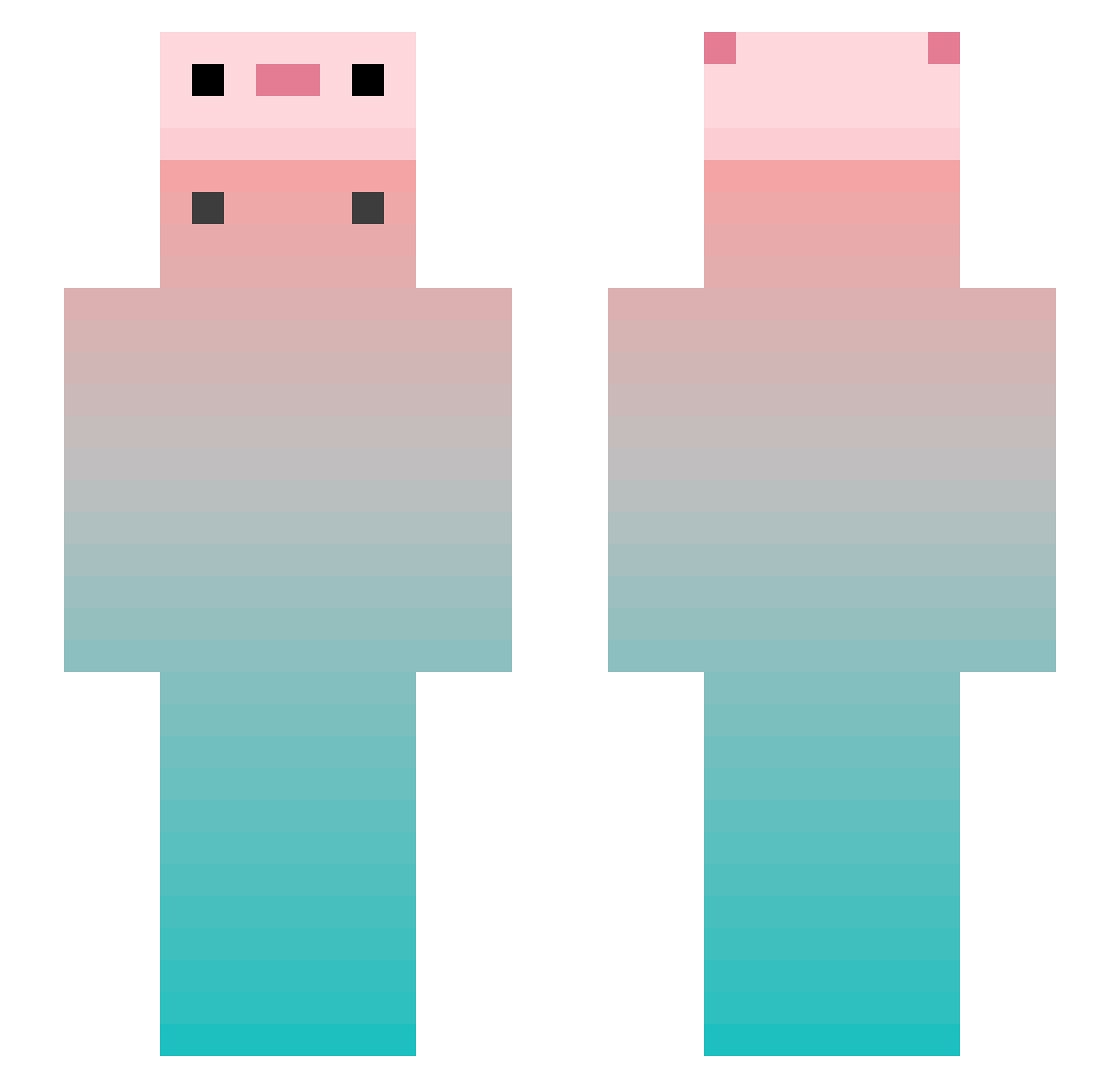
Minecraft skin of lsenry. Rotate the 3D model with your mouse or finger to view the skin from every angle, then download it as a PNG file and use it in Minecraft: Bedrock Edition or Java Edition for free. Rate the skin with stars to help other players find the best skins in our collection.
How to install the lsenry skin
- Press the Download button above to save the skin as a PNG file.
- Minecraft: Bedrock Edition (PE): open the Dressing Room from the main menu (or tap your character → Edit Character), go to Classic Skins → Owned, press the + (new skin) button, choose the downloaded PNG and pick the Slim (Alex) model. Works on PC and mobile; consoles cannot import custom skins.
- Minecraft: Java Edition: open the Minecraft Launcher, go to the Skins tab, click New Skin, load the PNG, pick the Slim (Alex) model and press Save & Use. You can also upload it at minecraft.net → Profile → Change Skin.
The skin does not show up after import - what should I do?
Restart Minecraft and open the Dressing Room again - imported skins sometimes appear only after a restart. Also make sure you selected the imported skin and picked the Slim (Alex) model.
Which model should I choose, Classic or Slim?
This skin is designed for the Slim (Alex) model. If you pick the wrong model, the arms of the skin will look stretched or squeezed.
Is this skin free to use?
Yes. Press Download, save the PNG file and use it in Minecraft: Bedrock Edition or Java Edition - no payment or registration needed. The skin also works on multiplayer servers and Realms.
More Gradient Minecraft skins
More skins
Looking for more? Go back to all Minecraft skins and check the top skins of the week, month and all time, or find any player's skin by nickname.