
 fauernig yogabbygabba AyNaM1_ Catx213 notrellievant lazylazysean StormFrontxd Leooo220 mui0q0 akumacocoa RosySkyDog022 SuperMICxPlus946 tunKE666 maga_1 selenolatry Mia2434 asanegi SRyu403 Sepiida030 LilingPetals franzi_12 ItsPauPau rinn97 SOHYUN39 gemadrla 8ballcat meeps699 turtle0927 grumpythefrog HerrMok Chiastone RonnieValdex1212 SleepingPrinc3ss Voldine333 frenchtoast_most yuya524 TaitHuang moyu824_hao Persephone9527 Floralkit pdiddlydoo ItzWolfGirl85 Korebiii Petrichor7769 tsukeei B0baTurtle fleauesse WuGugu panpanbubu 54ppe E_adamu CAIQUERA_ KazuKing0808 Xx_Miku_xX xbeccadavis avxeriaa SeaUnicorn6113 sienasabiva basicallyskyy ThunderSSausage
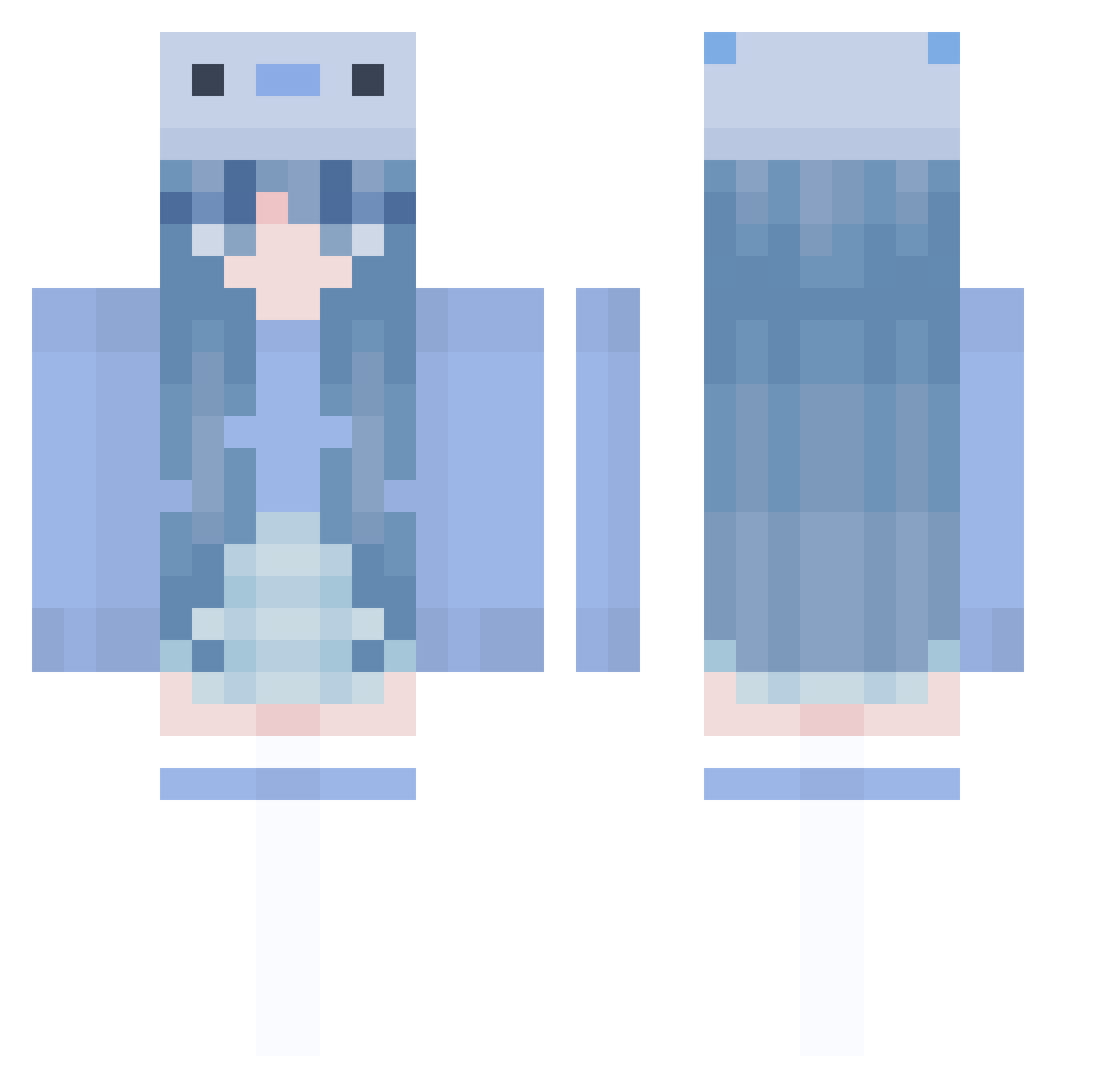
Minecraft skin of siuo1. Rotate the 3D model with your mouse or finger to view the skin from every angle, then download it as a PNG file and use it in Minecraft: Bedrock Edition or Java Edition for free. Rate the skin with stars to help other players find the best skins in our collection.
How to install the siuo1 skin
- Press the Download button above to save the skin as a PNG file.
- Minecraft: Bedrock Edition (PE): open the Dressing Room from the main menu (or tap your character → Edit Character), go to Classic Skins → Owned, press the + (new skin) button, choose the downloaded PNG and pick the Classic (Steve) model. Works on PC and mobile; consoles cannot import custom skins.
- Minecraft: Java Edition: open the Minecraft Launcher, go to the Skins tab, click New Skin, load the PNG, pick the Classic (Steve) model and press Save & Use. You can also upload it at minecraft.net → Profile → Change Skin.
The skin does not show up after import - what should I do?
Restart Minecraft and open the Dressing Room again - imported skins sometimes appear only after a restart. Also make sure you selected the imported skin and picked the Classic (Steve) model.
Which model should I choose, Classic or Slim?
This skin is designed for the Classic (Steve) model. If you pick the wrong model, the arms of the skin will look stretched or squeezed.
Is this skin free to use?
Yes. Press Download, save the PNG file and use it in Minecraft: Bedrock Edition or Java Edition - no payment or registration needed. The skin also works on multiplayer servers and Realms.
More Axolotl Minecraft skins
More skins
Looking for more? Go back to all Minecraft skins and check the top skins of the week, month and all time, or find any player's skin by nickname.