
hihello82 - Minecraft Skins & Skin History
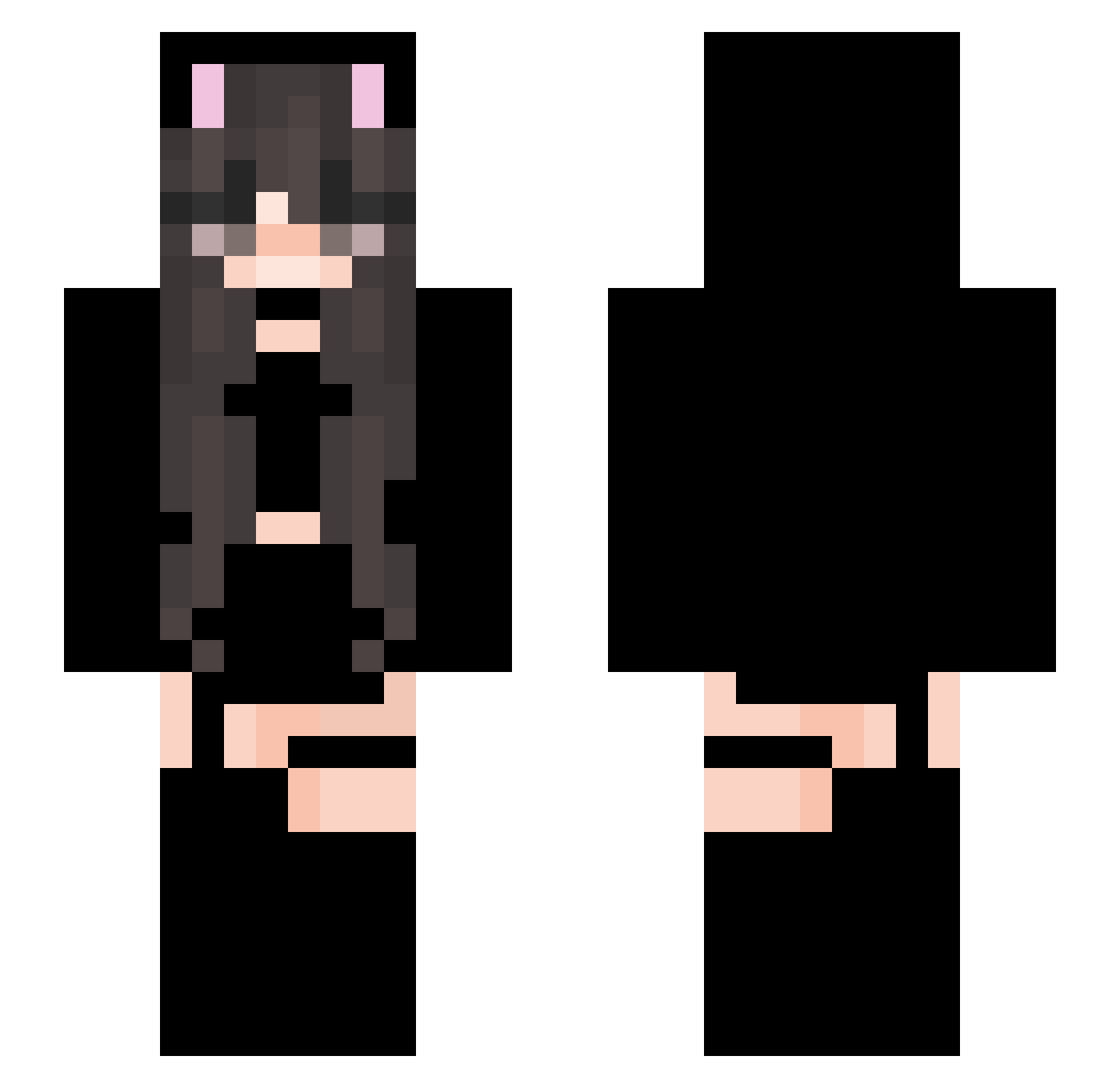
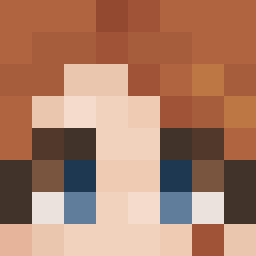
Current Minecraft skin of the player hihello82, loaded from the official Mojang API. Rotate the 3D model with your mouse or finger, then download the skin as a PNG file and use it in Minecraft: Bedrock Edition or Java Edition for free. When hihello82 changes their skin, this page updates automatically and the old skin stays in the history below.
Other players with this skin (66)
hihello82 was the 26th player we have seen with this skin, first spotted on 21.08.2026. The same skin was seen on these players. Open a nickname to see their current skin and skin history.
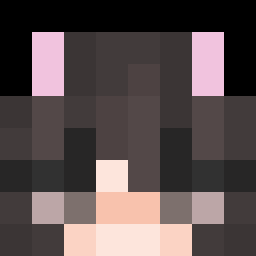 pig1314pig
 xxmika2015xx BlaueKarteikarte yourfavschnitzel lluull ayota_exe Tomaselliii Bedplate Kinoko2077 BellieKarlsson xevzy HeyYaHo
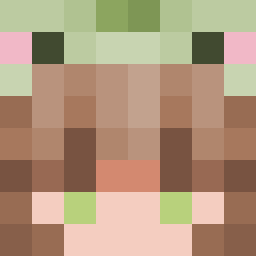 SpiritGull Lena_idk123 Nayantika_OP x13xDread notvhing Ivy0521 xDoodle Sacho44Binks
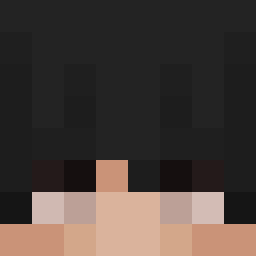 Craiga_The_Great XXXLiiii nyc0d3 __ANTOS__ Aftersensation HiganFlower_TW ZrobMi_Louda__ alinasude Werty007 Buck1817 LoginAccepted MateiDash2 Ou________uO frank_lyn PollizagTheFirst __Nymeria_ ZcZnLZ marrymilker FekSake Hoootiee
 artiom8 jana_nyke ling250 Storm7392 Worrel ray_tw_ Jonas2039 JJ_YAY Adriiely_ Maschlala LoadingO7 KatieClarke2 YourLocalFurry HHNam Chronos_ Voiis Kuliicka pinspins MogoLewis NicoCraft365
More Cat Ears Minecraft skins
How to install the hihello82 skin
- Press the Download button above to save the skin as a PNG file.
- Minecraft: Bedrock Edition (PE): open the Dressing Room from the main menu (or tap your character → Edit Character), go to Classic Skins → Owned, press the + (new skin) button, choose the downloaded PNG and pick the Slim (Alex) model. Works on PC and mobile; consoles cannot import custom skins.
- Minecraft: Java Edition: open the Minecraft Launcher, go to the Skins tab, click New Skin, load the PNG, pick the Slim (Alex) model and press Save & Use. You can also upload it at minecraft.net → Profile → Change Skin.
The skin does not show up after import - what should I do?
Restart Minecraft and open the Dressing Room again - imported skins sometimes appear only after a restart. Also make sure you selected the imported skin and picked the Slim (Alex) model.
Which model should I choose, Classic or Slim?
This skin is designed for the Slim (Alex) model. If you pick the wrong model, the arms of the skin will look stretched or squeezed.
Is the skin of hihello82 free to download?
Yes. Press Download, save the PNG file and use it in Minecraft: Bedrock Edition or Java Edition - no payment or registration needed. The skin also works on multiplayer servers and Realms.
More skins
Looking for more? Go back to all Minecraft skins and check the top skins of the week, month and all time, or find any player's skin by nickname.