
SpiritGull - Minecraft Skins & Skin History
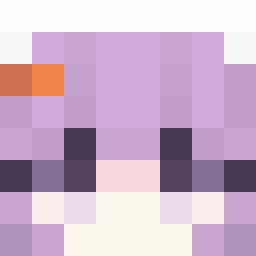
Current Minecraft skin of the player SpiritGull, loaded from the official Mojang API. Rotate the 3D model with your mouse or finger, then download the skin as a PNG file and use it in Minecraft: Bedrock Edition or Java Edition for free. When SpiritGull changes their skin, this page updates automatically and the old skin stays in the history below.
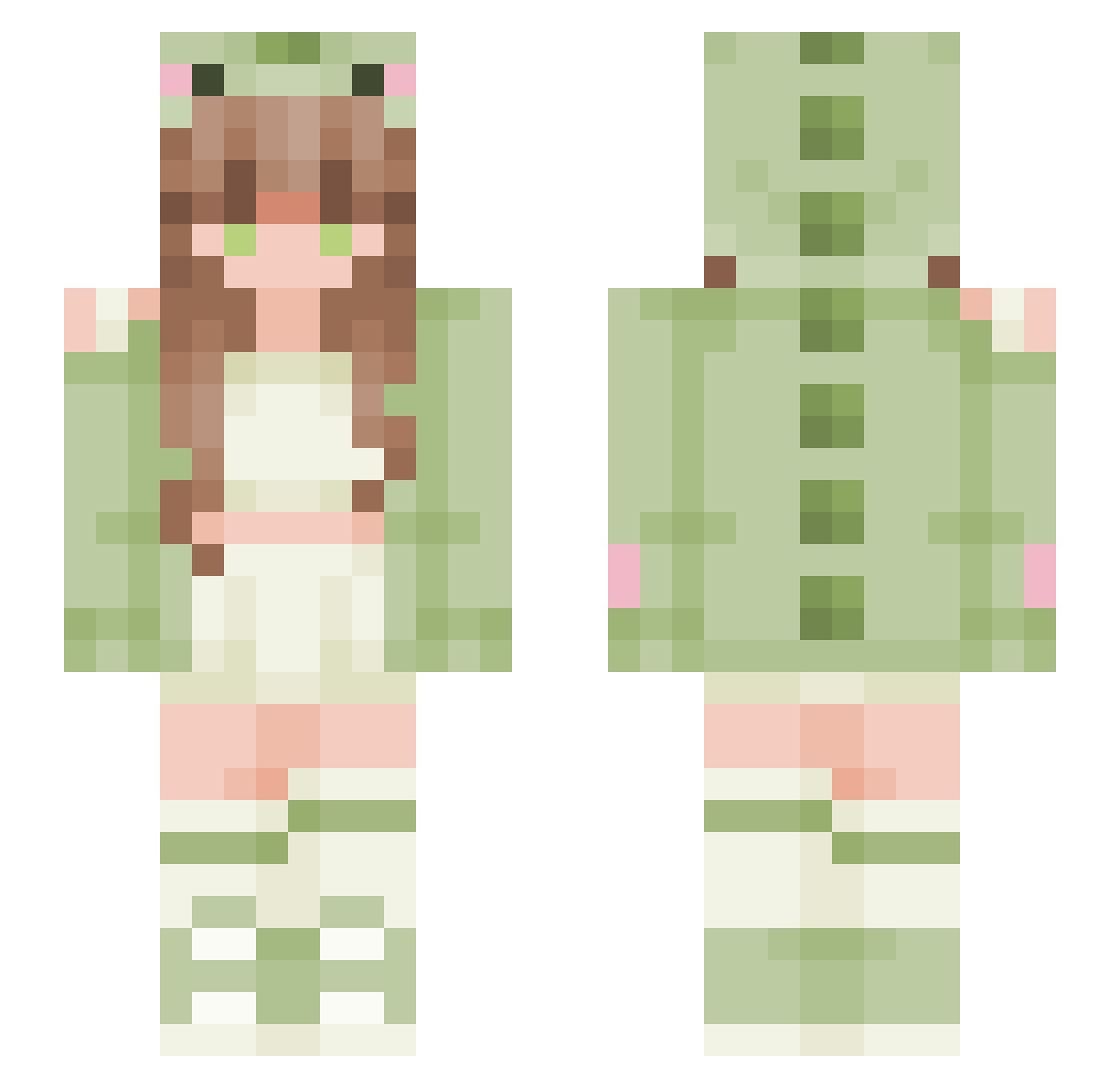
Other players with this skin (75)
SpiritGull was the 59th player we have seen with this skin, first spotted on 28.09.2026. The same skin was seen on these players. Open a nickname to see their current skin and skin history.
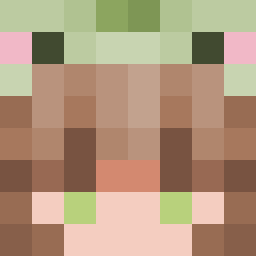 _Conniie_ nightyetzz beluUwU StenGUDEN SerraOzcelik Woxia kitkaittt Makayla2077 NinjaMaxl Leatastisch sosolindona MRous yourmother2213 igone233 Uncorking WarWohlNix Hyeon_jun _nerina Leon_Liu233 develations Bougainvillia Yiahniscool Minthood KyrexMC FlowerGirl2658 Iojic02 Sad_boy4347 ana218 andiezenemi dougnq TrueFoxLover _itsflo jihyunee10
 Smileyprohack barnem Midori1935 expstars Cas3al blejdiqwq OriiWP Serialist maffled PINS_FUKI Miuuchann Fawn_Delmee X_ScoobyNatural suan0722 Ben2PunktNull Daemon5752 king_lowwe
 Muncheoni awdi_chan
 ilenna16 NeverGardem 5uper_Kiss Louxalia
 Nyx6666 sleepyhoshi SbixNaL Frostytoot
Previous skins of SpiritGull
Skins that SpiritGull wore before, newest first. Click a skin to open its page and download it.
More Pastel Minecraft skins
How to install the SpiritGull skin
- Press the Download button above to save the skin as a PNG file.
- Minecraft: Bedrock Edition (PE): open the Dressing Room from the main menu (or tap your character → Edit Character), go to Classic Skins → Owned, press the + (new skin) button, choose the downloaded PNG and pick the Slim (Alex) model. Works on PC and mobile; consoles cannot import custom skins.
- Minecraft: Java Edition: open the Minecraft Launcher, go to the Skins tab, click New Skin, load the PNG, pick the Slim (Alex) model and press Save & Use. You can also upload it at minecraft.net → Profile → Change Skin.
The skin does not show up after import - what should I do?
Restart Minecraft and open the Dressing Room again - imported skins sometimes appear only after a restart. Also make sure you selected the imported skin and picked the Slim (Alex) model.
Which model should I choose, Classic or Slim?
This skin is designed for the Slim (Alex) model. If you pick the wrong model, the arms of the skin will look stretched or squeezed.
Is the skin of SpiritGull free to download?
Yes. Press Download, save the PNG file and use it in Minecraft: Bedrock Edition or Java Edition - no payment or registration needed. The skin also works on multiplayer servers and Realms.
More skins
Looking for more? Go back to all Minecraft skins and check the top skins of the week, month and all time, or find any player's skin by nickname.