
he5xv - Minecraft Skins & Skin History
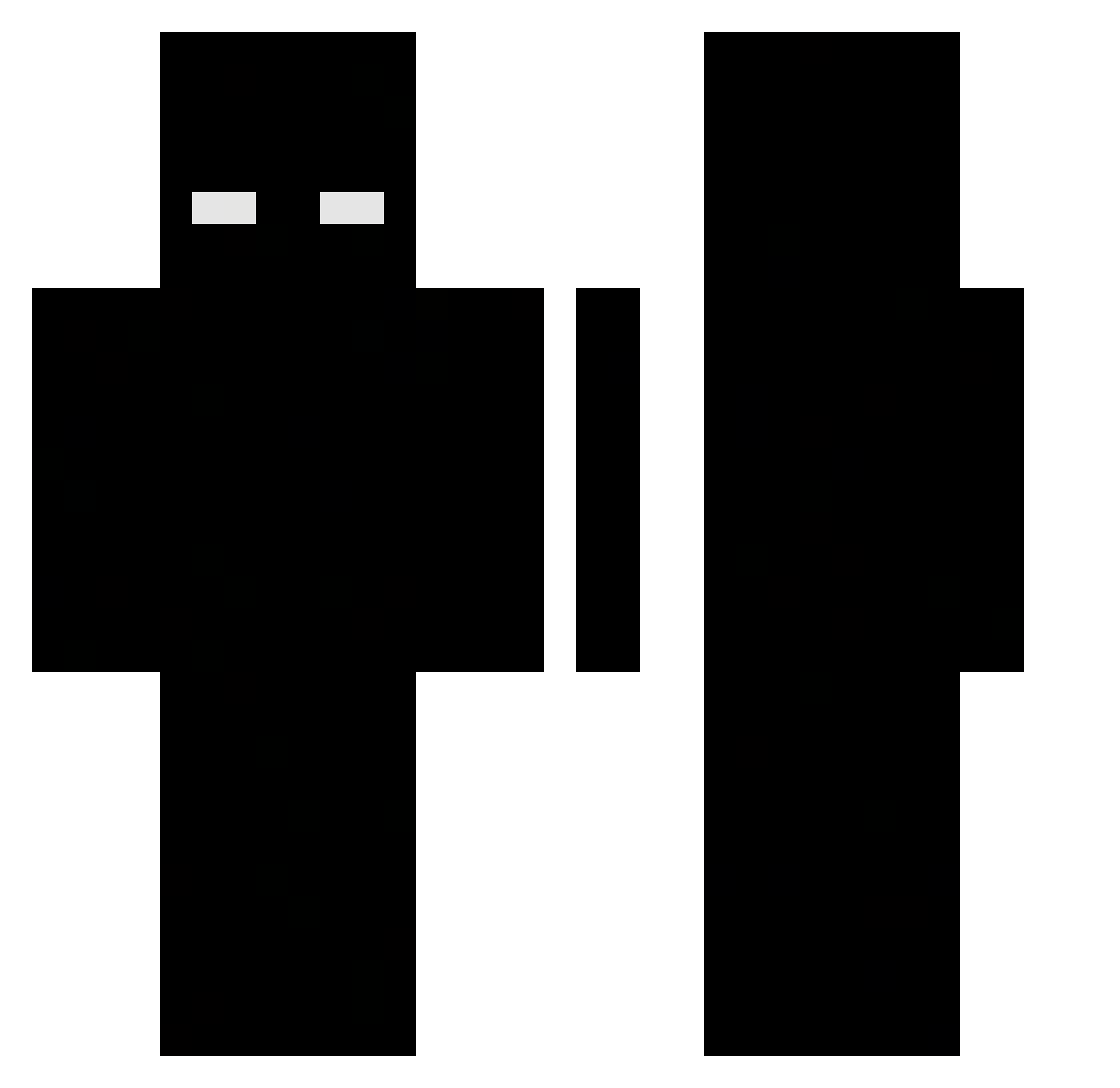
Current Minecraft skin of the player he5xv, loaded from the official Mojang API. Rotate the 3D model with your mouse or finger, then download the skin as a PNG file and use it in Minecraft: Bedrock Edition or Java Edition for free. When he5xv changes their skin, this page updates automatically and the old skin stays in the history below.
Other players with this skin (549)
he5xv was the 526th player we have seen with this skin, first spotted on 14.11.2026. The same skin was seen on these players. Open a nickname to see their current skin and skin history.
 SilviuGamer123 THEMany123 VukTimotic nizzz744 GimigW2 heclypsodemon DungeonsPlayer DawdlingMoth685 _Santys_ Atuox pedrotanz SwettyKitty213 Nemo_1337 Aldebaran666 yokazuk krulavc PanzerKnacke Pievy11 coachunc Aminos212 Wonyoung37 125az AbobaKakashi kiyotakaaaaaa SonniPlayz draxbyy Nukzada MaximeLobby Ghost_Instincts Eosouzakkjk Nettokami PituudeuS gfcAC ackuuu_ I7xi Lana2323 CherryWaves32 Ryazie DotTheBot alvin_p_oo_n Synisis Texxxla Thomasvenski Pan_InterHUB MiguelGamer145 CCCZZZ777 fettieverlasting YraDsa d0md0k copper1233 KometPL capossi Lahmacuny Dboyyy1 wgsr Karl_99 hzk_Huzz_xu1 ArrozWx kesh_xrp karolak1
More Herobrine Minecraft skins
How to install the he5xv skin
- Press the Download button above to save the skin as a PNG file.
- Minecraft: Bedrock Edition (PE): open the Dressing Room from the main menu (or tap your character → Edit Character), go to Classic Skins → Owned, press the + (new skin) button, choose the downloaded PNG and pick the Classic (Steve) model. Works on PC and mobile; consoles cannot import custom skins.
- Minecraft: Java Edition: open the Minecraft Launcher, go to the Skins tab, click New Skin, load the PNG, pick the Classic (Steve) model and press Save & Use. You can also upload it at minecraft.net → Profile → Change Skin.
The skin does not show up after import - what should I do?
Restart Minecraft and open the Dressing Room again - imported skins sometimes appear only after a restart. Also make sure you selected the imported skin and picked the Classic (Steve) model.
Which model should I choose, Classic or Slim?
This skin is designed for the Classic (Steve) model. If you pick the wrong model, the arms of the skin will look stretched or squeezed.
Is the skin of he5xv free to download?
Yes. Press Download, save the PNG file and use it in Minecraft: Bedrock Edition or Java Edition - no payment or registration needed. The skin also works on multiplayer servers and Realms.
More skins
Looking for more? Go back to all Minecraft skins and check the top skins of the week, month and all time, or find any player's skin by nickname.