
goalkeeper1301 - Minecraft Skins & Skin History
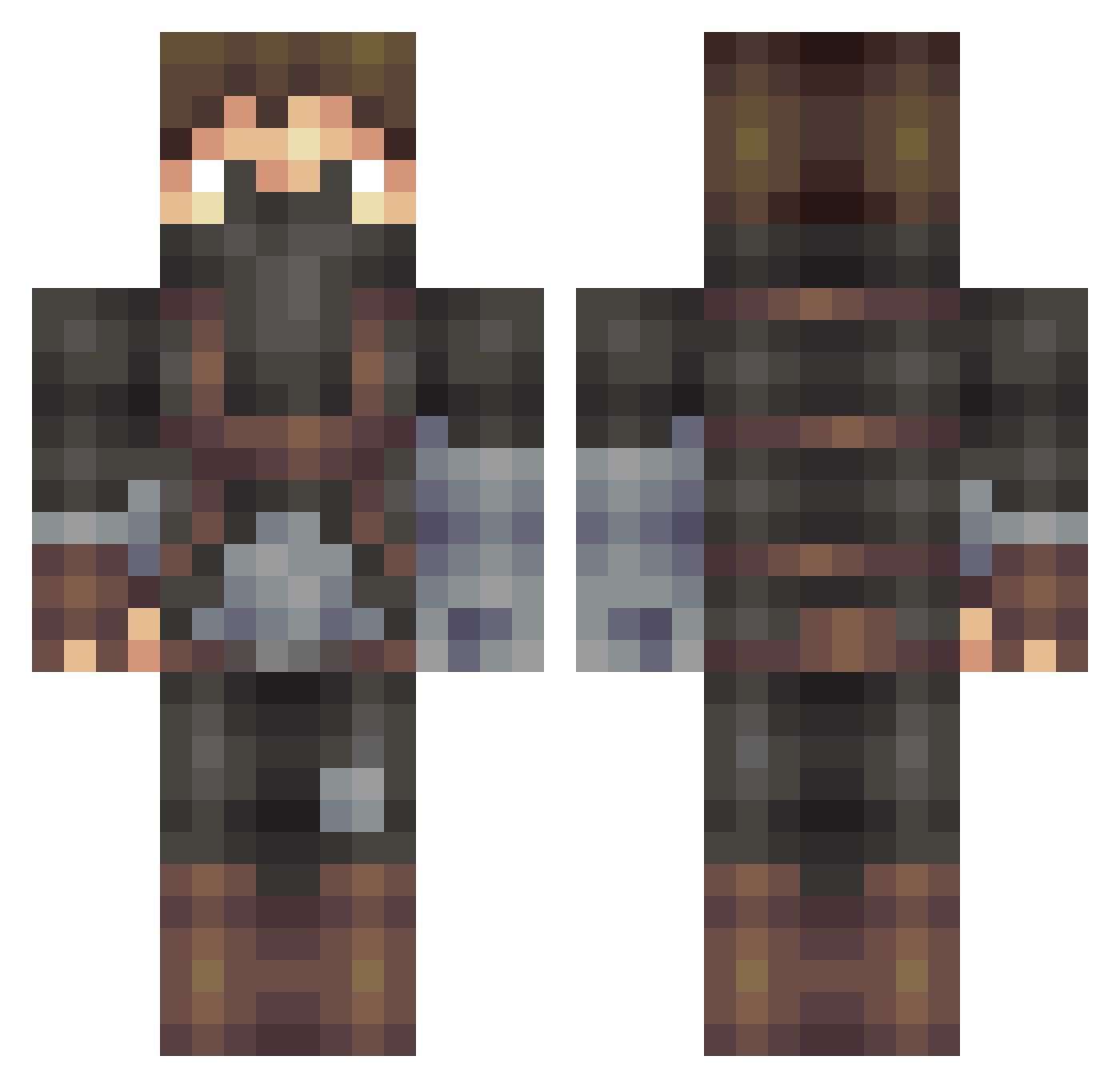
Current Minecraft skin of the player goalkeeper1301, loaded from the official Mojang API. Rotate the 3D model with your mouse or finger, then download the skin as a PNG file and use it in Minecraft: Bedrock Edition or Java Edition for free. When goalkeeper1301 changes their skin, this page updates automatically and the old skin stays in the history below.
Other players with this skin (509)
goalkeeper1301 was the 166th player we have seen with this skin, first spotted on 30.08.2026. The same skin was seen on these players. Open a nickname to see their current skin and skin history.
 admropr FrattyIce93 doodle11122 AndersAndersen BenjaminS19 PeterThomasLloyd kage1902 AwesomePauly FlamingApe EnderlinHD Black_Stream PizzaBezorger browndragons EVILGREENDRAGON Ultron_1 eksonne EmPowered masterfire25 UnworthySteam musicman999 Struuck Bleachz Tyrusthegod demitrijos LadyRay1 Redxavior DTreacy_ marlondb Nickelr94 Michael7938 Victor10545 ShiverFlame snakebit3 OlDirtyB718 Solisrah ThePhoeniX666 CarNut03 MLGproman techychris percytom360 KT2015 swalsh421 GazRB realjv3 Muhubada McLean0 GrizzlyDaddy Zrugul melonman100 xikiller20 Herr_Tom XanderStrong Livewire1171 enricokoch Honald Judas_Bric0t DanielNoldreng SEPPNOX Tanguy2500 niklaspotatis123
More Assassin Minecraft skins
How to install the goalkeeper1301 skin
- Press the Download button above to save the skin as a PNG file.
- Minecraft: Bedrock Edition (PE): open the Dressing Room from the main menu (or tap your character → Edit Character), go to Classic Skins → Owned, press the + (new skin) button, choose the downloaded PNG and pick the Classic (Steve) model. Works on PC and mobile; consoles cannot import custom skins.
- Minecraft: Java Edition: open the Minecraft Launcher, go to the Skins tab, click New Skin, load the PNG, pick the Classic (Steve) model and press Save & Use. You can also upload it at minecraft.net → Profile → Change Skin.
The skin does not show up after import - what should I do?
Restart Minecraft and open the Dressing Room again - imported skins sometimes appear only after a restart. Also make sure you selected the imported skin and picked the Classic (Steve) model.
Which model should I choose, Classic or Slim?
This skin is designed for the Classic (Steve) model. If you pick the wrong model, the arms of the skin will look stretched or squeezed.
Is the skin of goalkeeper1301 free to download?
Yes. Press Download, save the PNG file and use it in Minecraft: Bedrock Edition or Java Edition - no payment or registration needed. The skin also works on multiplayer servers and Realms.
More skins
Looking for more? Go back to all Minecraft skins and check the top skins of the week, month and all time, or find any player's skin by nickname.