
GazRB - Minecraft Skins & Skin History
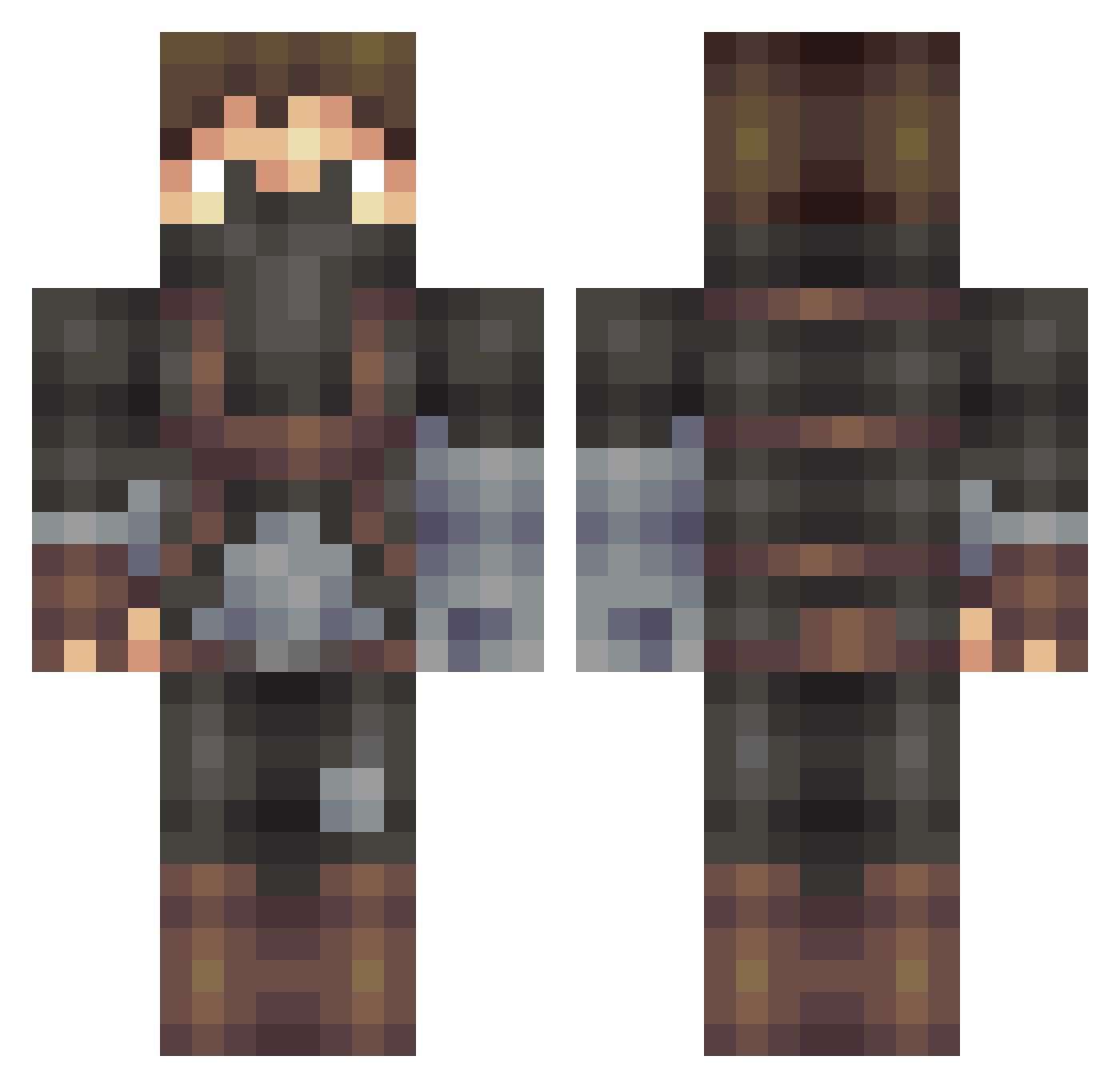
Current Minecraft skin of the player GazRB, loaded from the official Mojang API. Rotate the 3D model with your mouse or finger, then download the skin as a PNG file and use it in Minecraft: Bedrock Edition or Java Edition for free. When GazRB changes their skin, this page updates automatically and the old skin stays in the history below.
Other players with this skin (509)
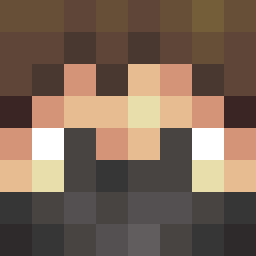
GazRB was the 188th player we have seen with this skin, first spotted on 05.09.2026. The same skin was seen on these players. Open a nickname to see their current skin and skin history.
 swalsh421 Muhubada McLean0 GrizzlyDaddy MLGproman CarNut03 xikiller20 Herr_Tom OlDirtyB718 XanderStrong snakebit3 ShiverFlame Michael7938 Nickelr94 enricokoch marlondb DanielNoldreng Redxavior LadyRay1 AllphaWolf RamenWizardx Will_Faulkner ItMeHellmann Bleachz Rapidxburrito Struuck _Oozee_ svartezackrisson UnworthySteam masterfire25 EmPowered EVILGREENDRAGON FlamingApe kage1902 BenjaminS19 KeyboardBot kruiqo FrattyIce93 ZanethemcPro robsCRS3 goalkeeper1301 admropr Vinion doodle11122 jenny_jo trKael AndersAndersen leonhaku PeterThomasLloyd AwesomePauly EnderlinHD Black_Stream PizzaBezorger browndragons Ultron_1 eksonne musicman999 Hannibal23Barkas Imagination_13 UmamaBoom
More Assassin Minecraft skins
How to install the GazRB skin
- Press the Download button above to save the skin as a PNG file.
- Minecraft: Bedrock Edition (PE): open the Dressing Room from the main menu (or tap your character → Edit Character), go to Classic Skins → Owned, press the + (new skin) button, choose the downloaded PNG and pick the Classic (Steve) model. Works on PC and mobile; consoles cannot import custom skins.
- Minecraft: Java Edition: open the Minecraft Launcher, go to the Skins tab, click New Skin, load the PNG, pick the Classic (Steve) model and press Save & Use. You can also upload it at minecraft.net → Profile → Change Skin.
The skin does not show up after import - what should I do?
Restart Minecraft and open the Dressing Room again - imported skins sometimes appear only after a restart. Also make sure you selected the imported skin and picked the Classic (Steve) model.
Which model should I choose, Classic or Slim?
This skin is designed for the Classic (Steve) model. If you pick the wrong model, the arms of the skin will look stretched or squeezed.
Is the skin of GazRB free to download?
Yes. Press Download, save the PNG file and use it in Minecraft: Bedrock Edition or Java Edition - no payment or registration needed. The skin also works on multiplayer servers and Realms.
More skins
Looking for more? Go back to all Minecraft skins and check the top skins of the week, month and all time, or find any player's skin by nickname.