
niklaspotatis123 - Minecraft Skins & Skin History
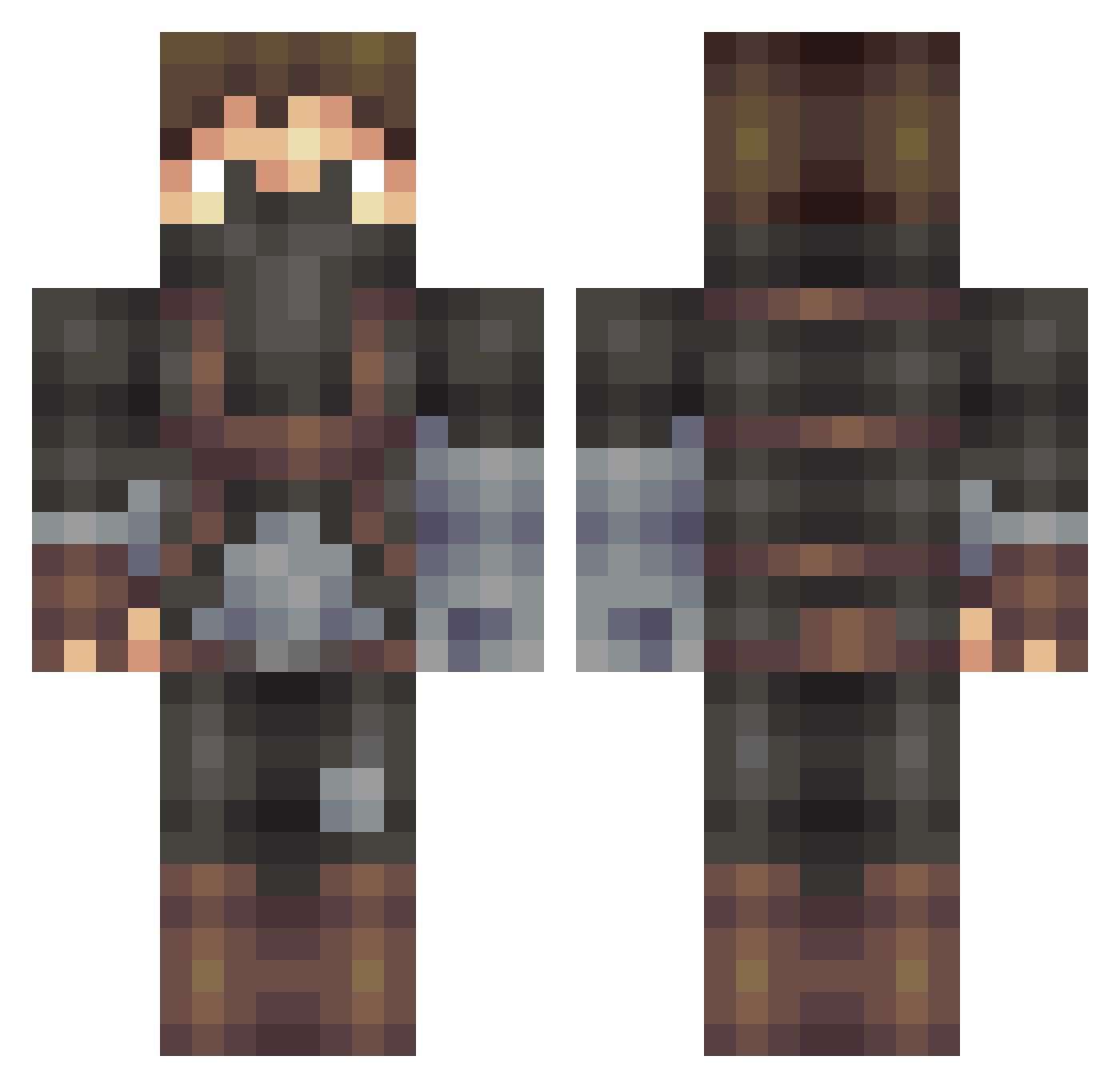
Current Minecraft skin of the player niklaspotatis123, loaded from the official Mojang API. Rotate the 3D model with your mouse or finger, then download the skin as a PNG file and use it in Minecraft: Bedrock Edition or Java Edition for free. When niklaspotatis123 changes their skin, this page updates automatically and the old skin stays in the history below.
Other players with this skin (509)
niklaspotatis123 was the 136th player we have seen with this skin, first spotted on 20.08.2026. The same skin was seen on these players. Open a nickname to see their current skin and skin history.
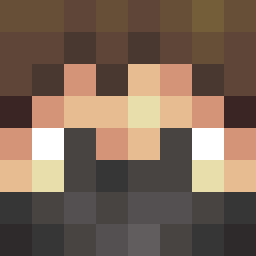 Tanguy2500 SEPPNOX Jakyrian Fuzzy_McBeardson Judas_Bric0t Honald Dagaz7 Greywulf0326 Livewire1171 Griz hardit Han_Swolo2000 melonman100 SJohnson3601960 lllSLAPNUTSlll Zrugul ihawk992 AkRocker martijn2007 3pic3lf0 SepTheZombie BeastlyBubbs realjv3 sejtinator Josh_Brenne KT2015 percytom360 camlan Matoso13 techychris ThePhoeniX666 Solisrah mexicanpride12 Vodka_Tonic Breezy_ dwimpala67 Victor10545 Gaughtman v_Mitchh_x wolflord7644 Hernan minimikkel3 The_Sticky LhcLeo DTreacy_ demitrijos Killer_plants Liam_morris14 moroni_21 sickntarkey Tyrusthegod joonaas Vasheel jimmyjohnny25 musicman999 Hyperion_CU Strawberrycake_1 Boraxo fahqlol eksonne
More Assassin Minecraft skins
How to install the niklaspotatis123 skin
- Press the Download button above to save the skin as a PNG file.
- Minecraft: Bedrock Edition (PE): open the Dressing Room from the main menu (or tap your character → Edit Character), go to Classic Skins → Owned, press the + (new skin) button, choose the downloaded PNG and pick the Classic (Steve) model. Works on PC and mobile; consoles cannot import custom skins.
- Minecraft: Java Edition: open the Minecraft Launcher, go to the Skins tab, click New Skin, load the PNG, pick the Classic (Steve) model and press Save & Use. You can also upload it at minecraft.net → Profile → Change Skin.
The skin does not show up after import - what should I do?
Restart Minecraft and open the Dressing Room again - imported skins sometimes appear only after a restart. Also make sure you selected the imported skin and picked the Classic (Steve) model.
Which model should I choose, Classic or Slim?
This skin is designed for the Classic (Steve) model. If you pick the wrong model, the arms of the skin will look stretched or squeezed.
Is the skin of niklaspotatis123 free to download?
Yes. Press Download, save the PNG file and use it in Minecraft: Bedrock Edition or Java Edition - no payment or registration needed. The skin also works on multiplayer servers and Realms.
More skins
Looking for more? Go back to all Minecraft skins and check the top skins of the week, month and all time, or find any player's skin by nickname.