
gerge__ - Minecraft Skins & Skin History
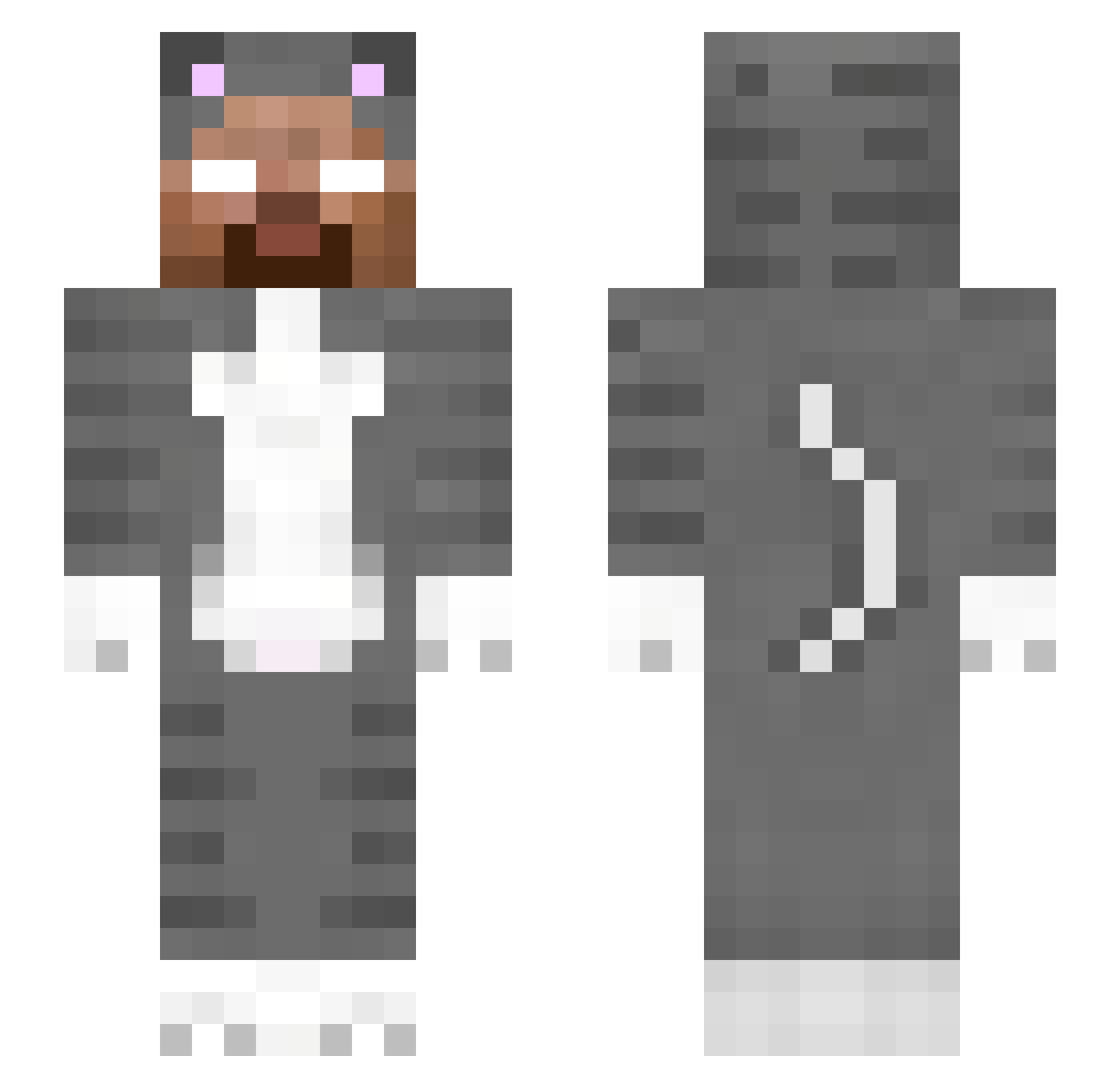
Current Minecraft skin of the player gerge__, loaded from the official Mojang API. Rotate the 3D model with your mouse or finger, then download the skin as a PNG file and use it in Minecraft: Bedrock Edition or Java Edition for free. When gerge__ changes their skin, this page updates automatically and the old skin stays in the history below.
Other players with this skin (251)
gerge__ was the 39th player we have seen with this skin, first spotted on 05.08.2026. The same skin was seen on these players. Open a nickname to see their current skin and skin history.
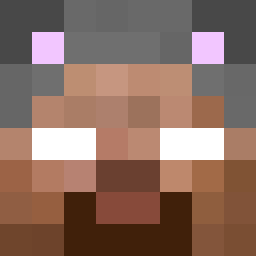 herobrine114514u Herobrine
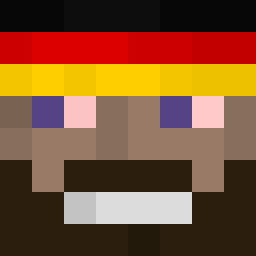 Lastief GeFord Piticko505 Eoy_ sahhzinho Tikin1249
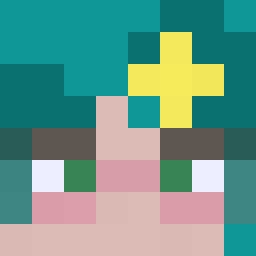 Klipcio3000 yusuf777 dunyayutucu varaa_ Bedlam27 trasherEllis123 Snawgh papa20290 EOAC Minecraft_YJs aqualucx D2k_ cringynickname JOLT08V MoisesEbrahim oski120s 387q RazerDeveloper XD__P alydiehoe ollenolle7012 Cesar_Vialpando Drop32143 Teriyaki_Bacon
 Oumpkin Chunkx123 Out0fControL Apoysus MaciejTeslaII toecam Moskyyy DenisHD_ Chs_ToGet Kolanis5 El_Ono dodoslof1702
 kingopher Nelals
 Defender1221 ElNehui sebatanxd erfeipo MSIPXnTxm phaim odsaojasdfinasio earthworm5 MANOBOLO Chometa6 KianCen xzanderite pedrocabez KokeVFX
More Herobrine Minecraft skins
How to install the gerge__ skin
- Press the Download button above to save the skin as a PNG file.
- Minecraft: Bedrock Edition (PE): open the Dressing Room from the main menu (or tap your character → Edit Character), go to Classic Skins → Owned, press the + (new skin) button, choose the downloaded PNG and pick the Slim (Alex) model. Works on PC and mobile; consoles cannot import custom skins.
- Minecraft: Java Edition: open the Minecraft Launcher, go to the Skins tab, click New Skin, load the PNG, pick the Slim (Alex) model and press Save & Use. You can also upload it at minecraft.net → Profile → Change Skin.
The skin does not show up after import - what should I do?
Restart Minecraft and open the Dressing Room again - imported skins sometimes appear only after a restart. Also make sure you selected the imported skin and picked the Slim (Alex) model.
Which model should I choose, Classic or Slim?
This skin is designed for the Slim (Alex) model. If you pick the wrong model, the arms of the skin will look stretched or squeezed.
Is the skin of gerge__ free to download?
Yes. Press Download, save the PNG file and use it in Minecraft: Bedrock Edition or Java Edition - no payment or registration needed. The skin also works on multiplayer servers and Realms.
More skins
Looking for more? Go back to all Minecraft skins and check the top skins of the week, month and all time, or find any player's skin by nickname.