
footimpressions - Minecraft Skins & Skin History
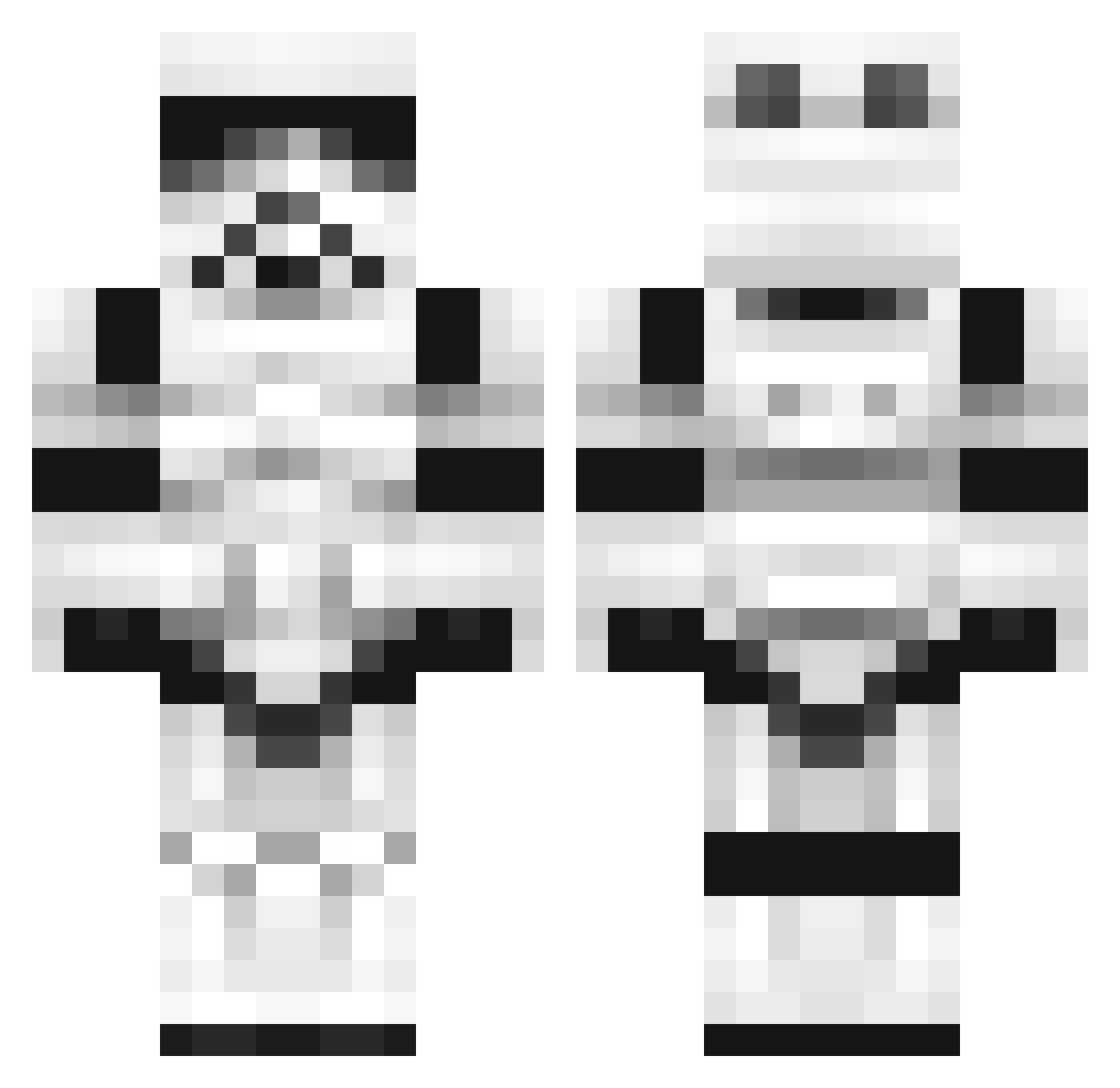
Current Minecraft skin of the player footimpressions, loaded from the official Mojang API. Rotate the 3D model with your mouse or finger, then download the skin as a PNG file and use it in Minecraft: Bedrock Edition or Java Edition for free. When footimpressions changes their skin, this page updates automatically and the old skin stays in the history below.
Other players with this skin (1104)
footimpressions was the 747th player we have seen with this skin, first spotted on 04.10.2026. The same skin was seen on these players. Open a nickname to see their current skin and skin history.
 SnorlaxAssassin AlexKost1319 lauritskaaber FourrageBantha Dyrken97 AlyssaJacob1 JiffyDommer Cherebi N0H8M8 Slickslyke The_Other_1 Chirac_ LoosedGem HyperGory mckenzieman123 Beogore 15ZX10R videogamecolin DBcooper23 Lars76 Patt89 DUNKIND99 chroslii Luzziloser benseek24 dxDragonxd Jannickvb Jucee18 TheJooC ant3486 TheSTORMTROOPER5 njsurfer975 Rolyrodz secondhandclown1 theofficialcman TylerReaRea Scheepers69 PlasticDwarf AfricanSpeed dackroyd JudgeSansDredd crazycraft02 RuFFiYi MasterNotimus makishhh Legocloneguy22 MHYLDGAARD lesuisse69 MonkeyZoom Recon1507 Energyturtle89 Sweg_Syndrome 01mackan01 Ocktavian Farmer_Joe Boroosh Superme MCTorchMan IrishRifl3 WhoLock21
More Trooper Minecraft skins
How to install the footimpressions skin
- Press the Download button above to save the skin as a PNG file.
- Minecraft: Bedrock Edition (PE): open the Dressing Room from the main menu (or tap your character → Edit Character), go to Classic Skins → Owned, press the + (new skin) button, choose the downloaded PNG and pick the Classic (Steve) model. Works on PC and mobile; consoles cannot import custom skins.
- Minecraft: Java Edition: open the Minecraft Launcher, go to the Skins tab, click New Skin, load the PNG, pick the Classic (Steve) model and press Save & Use. You can also upload it at minecraft.net → Profile → Change Skin.
The skin does not show up after import - what should I do?
Restart Minecraft and open the Dressing Room again - imported skins sometimes appear only after a restart. Also make sure you selected the imported skin and picked the Classic (Steve) model.
Which model should I choose, Classic or Slim?
This skin is designed for the Classic (Steve) model. If you pick the wrong model, the arms of the skin will look stretched or squeezed.
Is the skin of footimpressions free to download?
Yes. Press Download, save the PNG file and use it in Minecraft: Bedrock Edition or Java Edition - no payment or registration needed. The skin also works on multiplayer servers and Realms.
More skins
Looking for more? Go back to all Minecraft skins and check the top skins of the week, month and all time, or find any player's skin by nickname.