
fandroid9876 - Minecraft Skins & Skin History
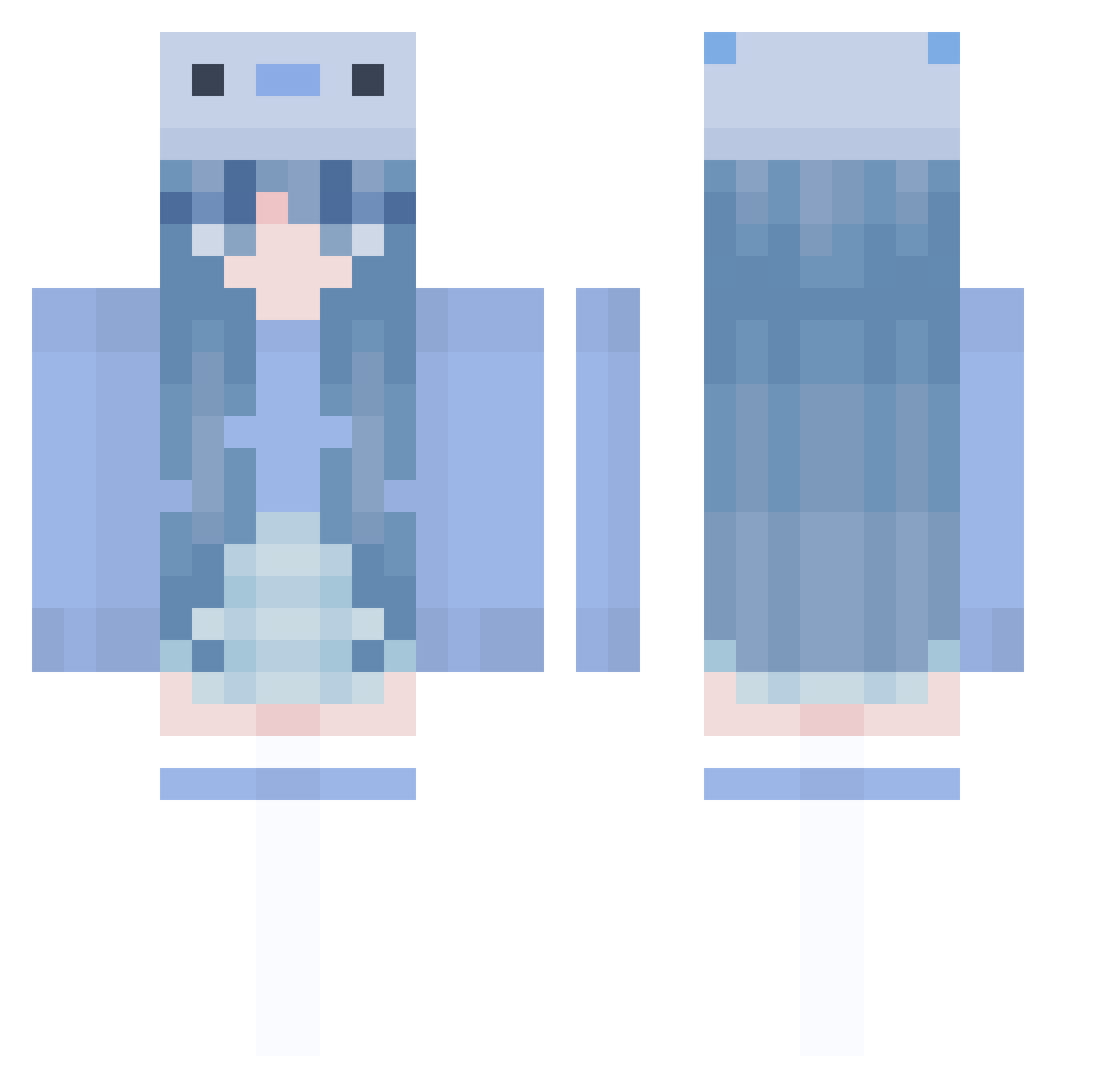
Current Minecraft skin of the player fandroid9876, loaded from the official Mojang API. Rotate the 3D model with your mouse or finger, then download the skin as a PNG file and use it in Minecraft: Bedrock Edition or Java Edition for free. When fandroid9876 changes their skin, this page updates automatically and the old skin stays in the history below.
Other players with this skin (1005)
fandroid9876 was the 757th player we have seen with this skin, first spotted on 16.10.2026. The same skin was seen on these players. Open a nickname to see their current skin and skin history.
 ChUnDra3 Yuanshen_aCej377 icceey JiFaNNN yes_u TW__OAO Lizzy114 Gena_Lesov Sky8266 HeeedwigTheReal Tricolou ltsDuarteh lostdodoko aspxct90 Flammien ufo361fan shunming rimi3 duckin_great NormalBass43538 cherrion_top gabsyume YL_Z8 bowoLitten 777error666 HeroFilip Juvie_ ALY22A winna775 BluebooLive Kimmy0538 DaffodilArt4274 KaitDaGreat gigi_lolol BigHitter37 defnotdiana _sasa__ AndyS1127 sHashirama Saidelin BriLA3276 nightcrawlr69 Creeper5820 Noel_Bc dohwa96 YoYo_TheBest ArtPr1ncess 13__zero Sus_228 ImMICx Guavapaws Arrhizal clqudae Hyllou _Taiga_ LaNterN_AloNe Penny498 Zoezebra6 0Nashtik0 cchheerryy
More Axolotl Minecraft skins
How to install the fandroid9876 skin
- Press the Download button above to save the skin as a PNG file.
- Minecraft: Bedrock Edition (PE): open the Dressing Room from the main menu (or tap your character → Edit Character), go to Classic Skins → Owned, press the + (new skin) button, choose the downloaded PNG and pick the Classic (Steve) model. Works on PC and mobile; consoles cannot import custom skins.
- Minecraft: Java Edition: open the Minecraft Launcher, go to the Skins tab, click New Skin, load the PNG, pick the Classic (Steve) model and press Save & Use. You can also upload it at minecraft.net → Profile → Change Skin.
The skin does not show up after import - what should I do?
Restart Minecraft and open the Dressing Room again - imported skins sometimes appear only after a restart. Also make sure you selected the imported skin and picked the Classic (Steve) model.
Which model should I choose, Classic or Slim?
This skin is designed for the Classic (Steve) model. If you pick the wrong model, the arms of the skin will look stretched or squeezed.
Is the skin of fandroid9876 free to download?
Yes. Press Download, save the PNG file and use it in Minecraft: Bedrock Edition or Java Edition - no payment or registration needed. The skin also works on multiplayer servers and Realms.
More skins
Looking for more? Go back to all Minecraft skins and check the top skins of the week, month and all time, or find any player's skin by nickname.