
ettcen - Minecraft Skins & Skin History
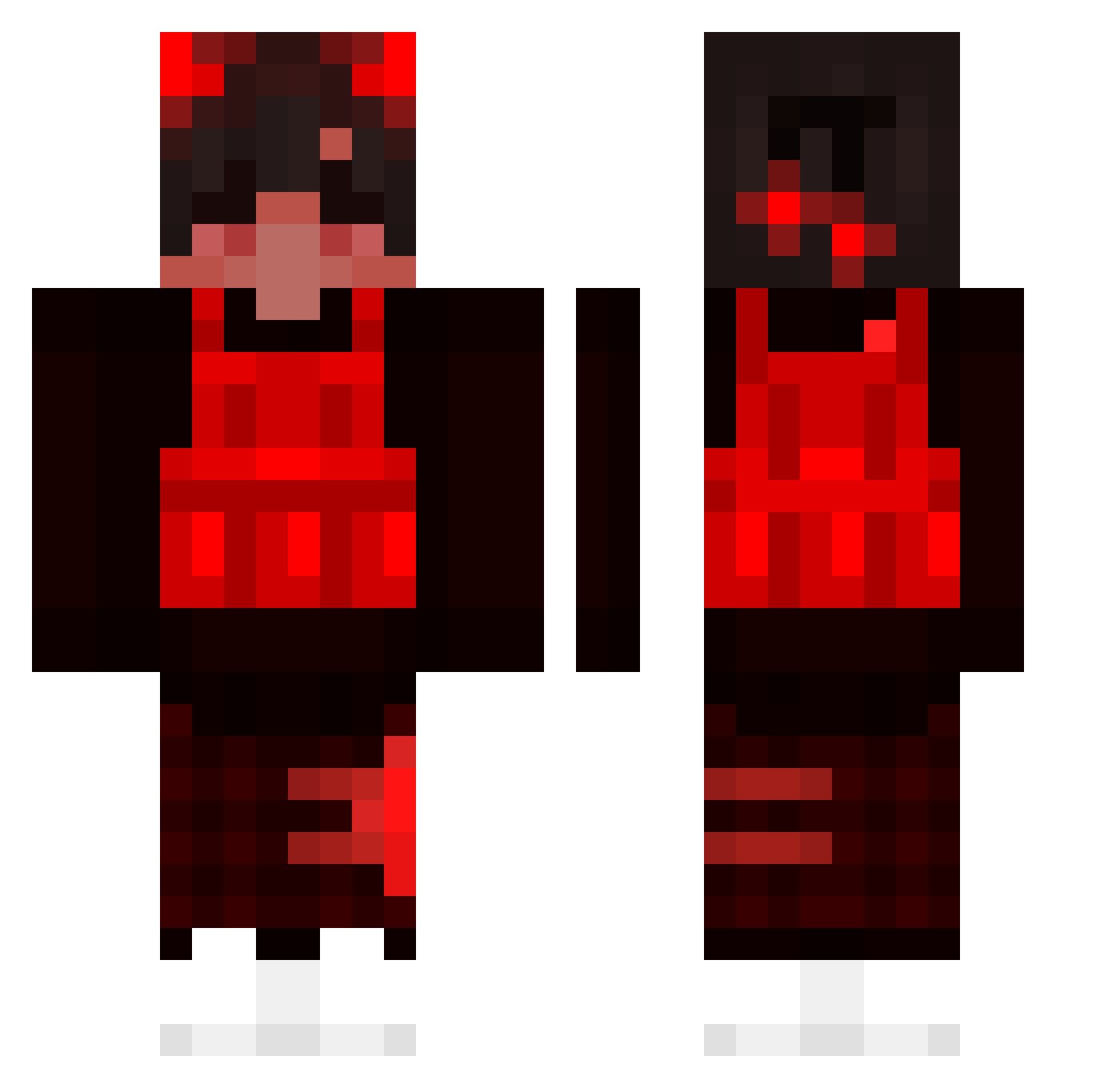
Current Minecraft skin of the player ettcen, loaded from the official Mojang API. Rotate the 3D model with your mouse or finger, then download the skin as a PNG file and use it in Minecraft: Bedrock Edition or Java Edition for free. When ettcen changes their skin, this page updates automatically and the old skin stays in the history below.
Other players with this skin (194)
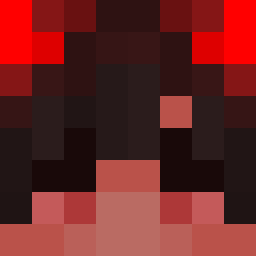
ettcen was the 83rd player we have seen with this skin, first spotted on 13.09.2026. The same skin was seen on these players. Open a nickname to see their current skin and skin history.
 UhoUho1202 Tezio04 W1ZZARD_X skuze_ KoksAlan WingedDemon jinnnnxyz_ Scalanged sazdark ShivMC _Inop_ GusStationTruck GrrAidan COIN_GATE gijs_vg Blvcksun Geeko66 noqn GM_Pauli LazaroPeneira fqbii_ Pytroonik bastianjohansen GerardQueiroz Secondher0 thesniperking vuus Lao_er_hao_ying secvens0r PjoterKozaczek Morpheus_Choo HenryJSproats Bobster6 lerisure ChefPlutx TheSpaceJesus timmyboy06 S2_Kitty_S2 ksk0515 florent12701 Arcaney No_con fhzn _DUNENIGHT_ Yeezoo THCPals Mizeak superdedaj MercilessgodTV HeatWxve Cebolaa Lemartes UrBuiltDifferent taboool Fnaticbaby Legendary_MAKRON ICHDKEUCHRAUS _baga__ eray63 Kyojin1997
How to install the ettcen skin
- Press the Download button above to save the skin as a PNG file.
- Minecraft: Bedrock Edition (PE): open the Dressing Room from the main menu (or tap your character → Edit Character), go to Classic Skins → Owned, press the + (new skin) button, choose the downloaded PNG and pick the Classic (Steve) model. Works on PC and mobile; consoles cannot import custom skins.
- Minecraft: Java Edition: open the Minecraft Launcher, go to the Skins tab, click New Skin, load the PNG, pick the Classic (Steve) model and press Save & Use. You can also upload it at minecraft.net → Profile → Change Skin.
The skin does not show up after import - what should I do?
Restart Minecraft and open the Dressing Room again - imported skins sometimes appear only after a restart. Also make sure you selected the imported skin and picked the Classic (Steve) model.
Which model should I choose, Classic or Slim?
This skin is designed for the Classic (Steve) model. If you pick the wrong model, the arms of the skin will look stretched or squeezed.
Is the skin of ettcen free to download?
Yes. Press Download, save the PNG file and use it in Minecraft: Bedrock Edition or Java Edition - no payment or registration needed. The skin also works on multiplayer servers and Realms.
More skins
Looking for more? Go back to all Minecraft skins and check the top skins of the week, month and all time, or find any player's skin by nickname.