
 SametXS FelixTheWarper YGTGamingPro Stalkyjaybird Mauricaa_ Dekuku qashyksafe kompresor12345 FantaZtyczny_ AnorakGames Puntrixx Filip_0303 Clumsyns DarKsylr3 iEmirLoL Sekake Lotto1 _Louny_ ZombieJones2009 lilyinapot Tytou206 qJody Chaloban Tommieboy04 Twitch_Jayzdemon Protector9119 Snaffey Sawu1001 miguel2727 Inerlijk ottertyp DatDudeAJ Opaul12 HighlySuspected SuperhighX 3LOY_LIF zElixir Sailor_Artemis Snuppie99 LawandL xTha_ Spideyu Dinoramler beikwell ajs2 SCHEMABOY__ Ezizh_ Gelation bashoges l1ghtqss Chikitin_15 Tezio04 Ossg Lao_er_hao_ying WingedDemon prasca14 ChefPlutx XanterrX iTempestx rothchild
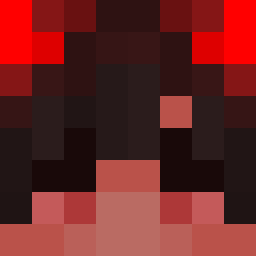
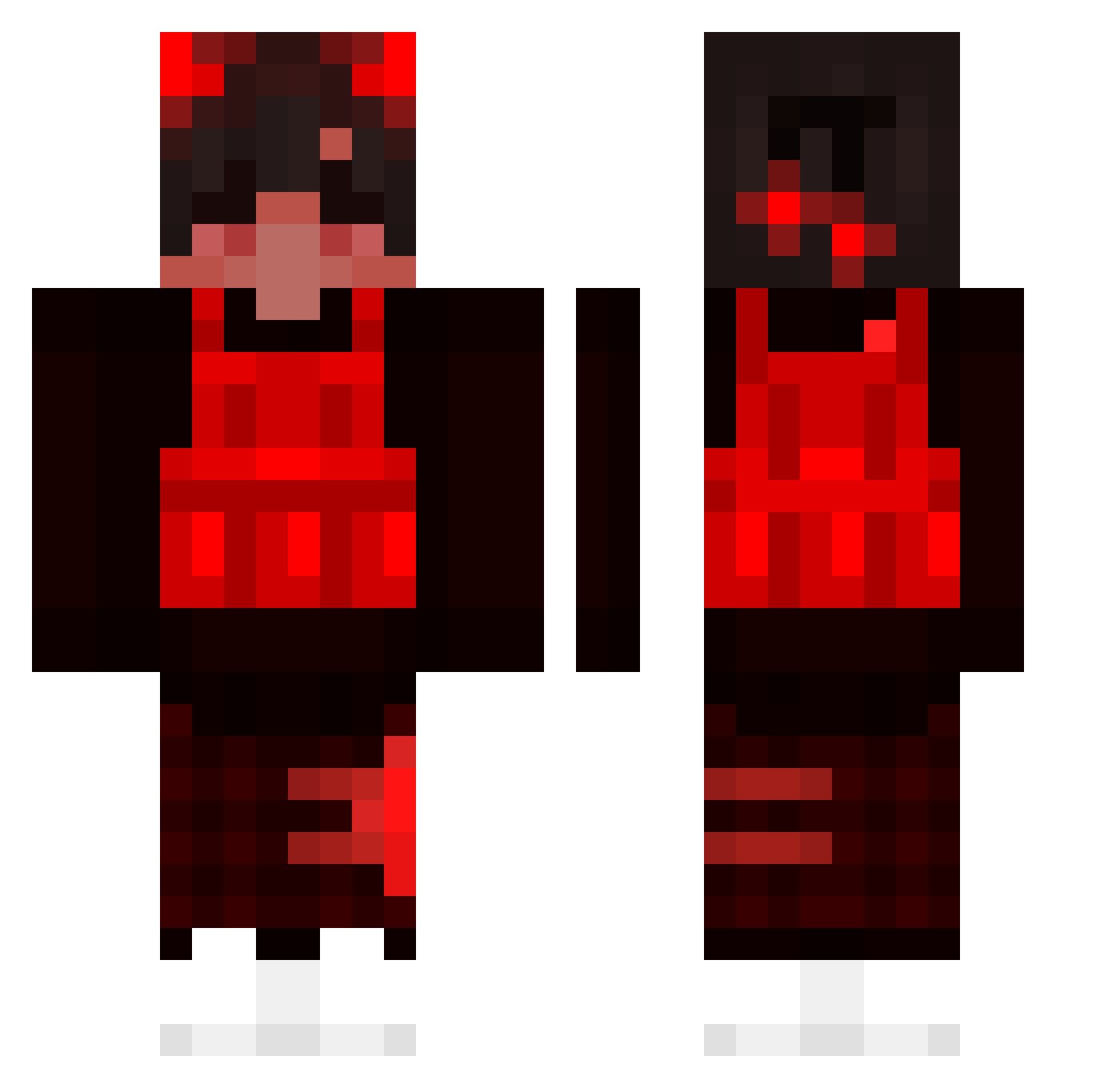
Minecraft skin of Fred_Kroket. Rotate the 3D model with your mouse or finger to view the skin from every angle, then download it as a PNG file and use it in Minecraft: Bedrock Edition or Java Edition for free. Rate the skin with stars to help other players find the best skins in our collection.
How to install the Fred_Kroket skin
- Press the Download button above to save the skin as a PNG file.
- Minecraft: Bedrock Edition (PE): open the Dressing Room from the main menu (or tap your character → Edit Character), go to Classic Skins → Owned, press the + (new skin) button, choose the downloaded PNG and pick the Classic (Steve) model. Works on PC and mobile; consoles cannot import custom skins.
- Minecraft: Java Edition: open the Minecraft Launcher, go to the Skins tab, click New Skin, load the PNG, pick the Classic (Steve) model and press Save & Use. You can also upload it at minecraft.net → Profile → Change Skin.
The skin does not show up after import - what should I do?
Restart Minecraft and open the Dressing Room again - imported skins sometimes appear only after a restart. Also make sure you selected the imported skin and picked the Classic (Steve) model.
Which model should I choose, Classic or Slim?
This skin is designed for the Classic (Steve) model. If you pick the wrong model, the arms of the skin will look stretched or squeezed.
Is this skin free to use?
Yes. Press Download, save the PNG file and use it in Minecraft: Bedrock Edition or Java Edition - no payment or registration needed. The skin also works on multiplayer servers and Realms.
More skins
Looking for more? Go back to all Minecraft skins and check the top skins of the week, month and all time, or find any player's skin by nickname.